Search
-
Re: my demo reel
 An Overlay is a layer blending mode found in programs like Photoshop, Illustrator (9 or later), Paintshop Pro or Painter. There are other blending modes you can use to get nice effects too. To make a metal overlay you get a picture that has the texture of metal which is usually rusty , dirty with a lot of texture to it and…
 -
Re: Color paintover layer setup
 Haven't seen the thread, but I've done similar stuff before. Just set the lighting layer to Overlay or Multiply, and underneath it paint your colorizing layer (with a base of gray or whatever you like)
 -
dDo Legacy custom layer question
 I just want to ask why dDo legacy have max limit for 6 custom layer textures per material group? Is there any way to use more than 6? I would like to move on to this software which is cool, but this limit is annoying for me. @edit Come on ... anyone?
 -
Photoshop Mouse-Over Layer Identification?
 That sounded way more fancy then I wanted it to, but I've been searching if there was a way to identify what layer your mouse was over with a push of a button? I've attached an example of what I was thinking. If anyone has any information on this or something like it, that'd be super duper.
 -
Photoshop dsitribute and wrap layer to path
Hi, I've worked on a script for Photoshop that takes a layer and distribute it and wrap it to a path. So I decided to ask here if anyone is interested in it, if so I will continue tweek it. Here is a preview on what the script is doing now: [ame] https://www.youtube.com/watch?v=KZj_tTH2MRk[/ame] -
Solved: Layer editing mode not working
 So in NDO when I convert a selection to a normal, the layer editing window doesn't appear to let me change size, depth etc. I'm having a similar problem in DDO as well where after I've created a project, the window doesn't appear that has the albedo, gloss tabs etc.
 -
Blaser R93 - Real-time

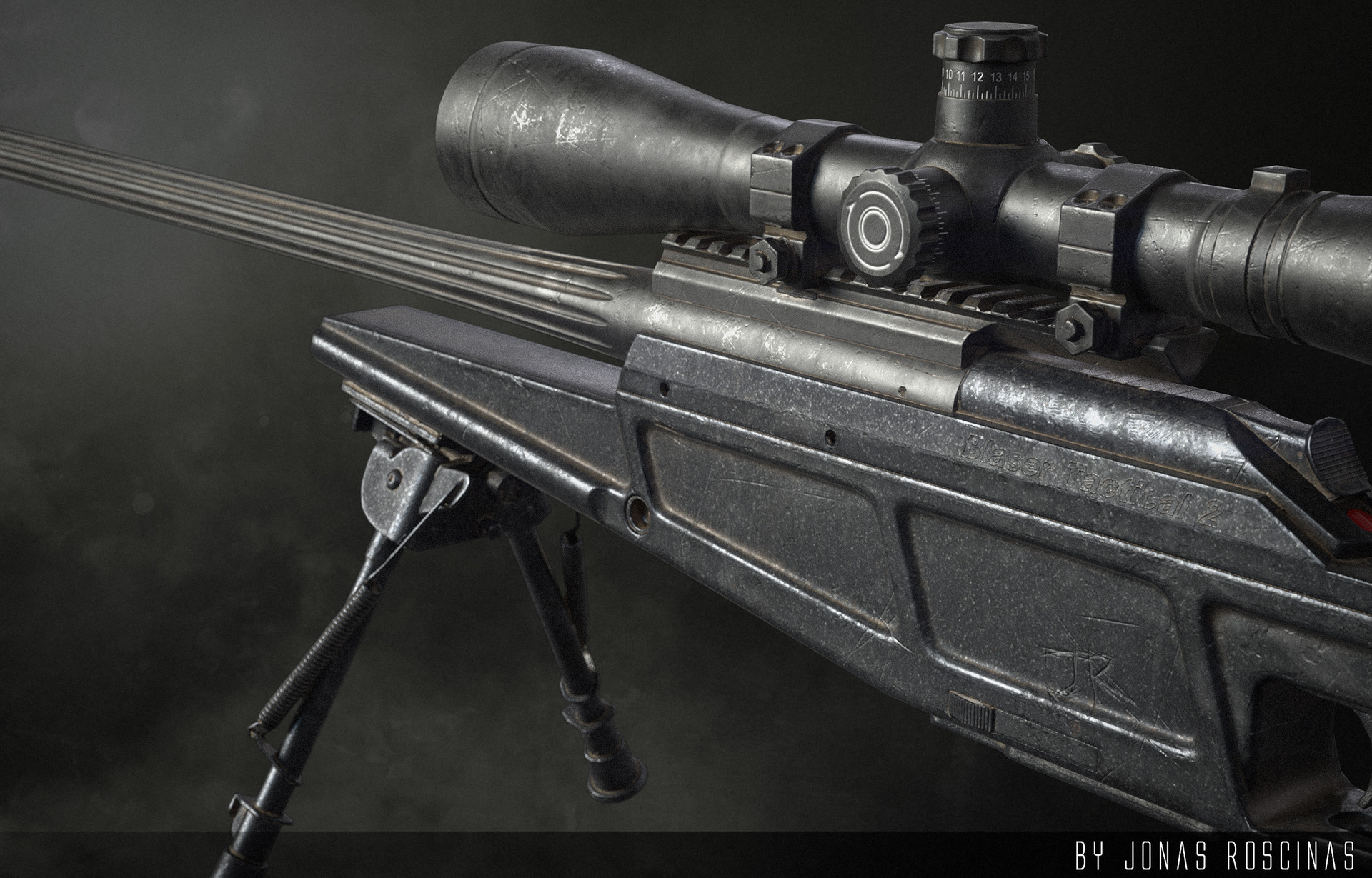 Artstation: https://www.artstation.com/artwork/qrynz Hi guys this is my little personal project. I created the Blaser R93 as a little exercise for the AAA game asset creation and trying out a new workflow using Houdini. Created using zbrush and 3ds max, texturing was done in Substance Painter. Some of the details were done…
 -
Subtools and Layers menus in custom palettes
http://www.zbrushcentral.com/showthread.php?t=47495 Hi, I have the same problem as with this guy slosh, I have been trying to customize subtool layers within my custom palette. I am working with zbrush 4, if this known issue has been resolved in zbrush 4 LET ME KNOW!:) -
grain layer above textures.. <what is it called> ?
 Hello I found this technique used in Bayonneta it puts a grain layer over the blury texture < more obvious when the camera is near a wall> what is this technology called? because I want to use it in unity.
 -
Render Layers Blocking Objects Question
I am currently trying to set up my scene so that I can render the groom and my character out on separate render layers. However when I have the two separated out the back of the hair that should be blocked by the head renders out as well. Is there a way to make sure that portion is blocked when rendering?
>27695 results