Search
-
Re: Roadkill, 3DSMax 2009 - 2010 script updated
 @renderhjs: Just took a quick look and it looks like the export object and edge list paths aren't right. OBJFilePath = GetDir #export + "roadkillOBJ.obj" evaluates to "C: \Documents and Settings\User\My Documents\3dsMax\exportroadkillOBJ.obj" it should be OBJFilePath = GetDir #export + "\\roadkillOBJ.obj" which evaluates…
 -
Re: CryEngine is Finally Back ! :D
Also here are my Maya export settings. I don't see any options about exporting or not exporting custom normals like there are in Max, so I can't say if there's something I'm missing or not. Also for the FBX export settings, I have Smoothing Groups checked, Smooth Mesh checked, and Triangulate checked, and all other mesh… -
Re: Decimation
 Tried this out today. One huge annoyance is that when I used it on a subtool it changed the scale/position of that subtool on export. I'm working on a model with a mixture of mechanical and organic parts. I exported all the parts into ZBrush, but only needed to export the ZBrushed organic stuff back out into Max. But the…
 -
Re: SoftImage not saving 2nd UV for lightmap in obj?
 Softimage supports FBX. You can even use the latest version of Crosswalk (2014?) even if you're still using an older version of Softimage itself (like 2011). Multiple UV channels should also work fine with FBX, assuming you're not on a significantly older version of Crosswalk. Years ago there was an issue with second UV…
 -
Re: Need help! [--FINISHED--] Manica
 You're definitely on the right track, and there are undoubtedly more experienced people here who could help you more than me but I'm just going to throw in my 2 cents. When I'm working on a character that is going to have an expression or a series of blendshapes, I create my high poly in a neutral expression. I then retopo…
 -
Re: Answered: Best way to create this as a texture?
 Smart Materials in DDO cannot be exported for use in other programs. DDO's base materials can be exported, but you need to create a blank project and export each material one-by-one. There is no batch export. So, unfortunately, I cannot assist you with this part of your query. We don't provide support for using our…
 -
Issue importing apex cloth sim
 I have an Apex cloth sim setup and working well in Maya. I followed along with the Nvidia tutorials: APEX Clothing Tutorial with Maya using a Trench Coat: [ame=" https://www.youtube.com/watch?v=2tJSUOYHOSA"]APEX Clothing Tutorial with Maya using a Trench Coat - YouTube[/ame] APEX Clothing Tutorial with Maya: Exporting to…
 -
Can't import multiple materials from Maya, please help!
 I have what seems to be an unsolvable problem and it's driving me nuts. I'm building an environment in Maya 2012. For some reason, i can't import a mesh with multiple materials to give me multiple material slots in UDK static mesh editor. It has always worked on another computer at school, but for some reason it never…
 -
Re: Anime hair/connected hair geometry

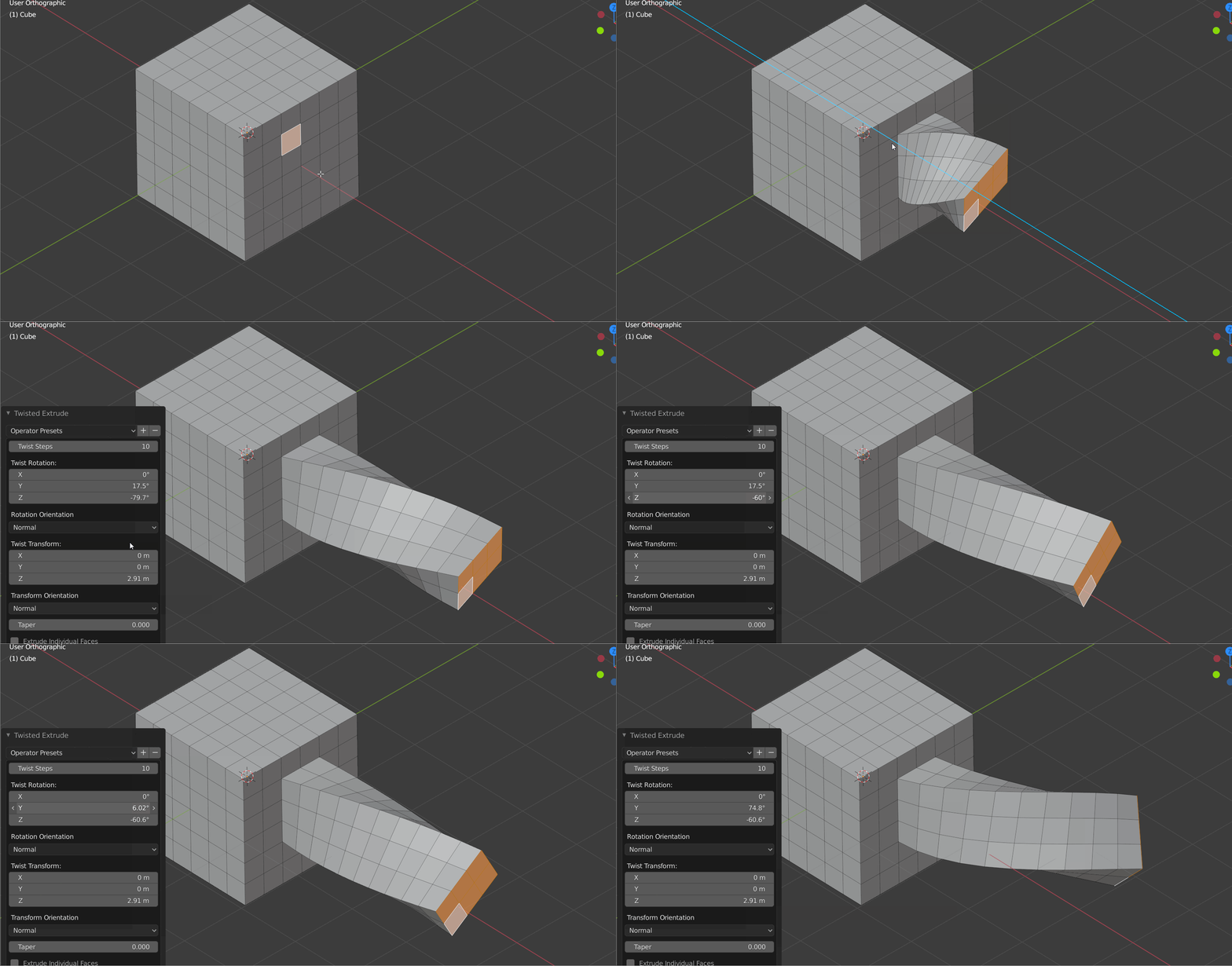 Another trick here is to realize these models were created mostly in quads, with edge-loop modeling tools. Then converted into triangles before export to the game, and edited further to improve the new triangle edges. One of a gazillion "blender extrude" search results:
 -
3ds max/zbrush uvm breaks each polygon
 Hi, the more you work with the programs, the more errors you run in. While my mesh is perfectly fine in zbrush as you can see at the bottom, it isnt anymore after i export it to 3ds max. In 3ds Max it breaks apart all islands. In Zbrush i tried to export with the MRG(merge) button and without. Unfortunately it did not…
>17852 results