Search
-
[Zbrush] Complex character posing ?
 Hey guys, I’m about to start this long and painful(?) process called “posing a character in Zbrush with a lot of subtools” (with my pirate model). It’s the very first time I’ll do this on a highpoly model and I’d be interested to know which technique works for you the best. After picking informations here and there on the…
 -
Neon Challenge, a real-time environment contest has launched! $30K in prizes!

 Hi! Nathan from Unity here. We're excited to announce the launch of the Neon Challenge, a real-time environment contest. We’re offering a prize pool of over $30,000 for finalists and a grand prize of $20,000! We're looking for talented environment artists to create a scene using custom models and the Asset Store to create…
 -
Re: Get vert index from TVert index, 3dsmax
 Kryzon, answer is correct, but I believe that part of the help file was written before the getSelectedGeomVerts() function was added. It's easier now that you don't have to compare UV and Geo Verts from faces. ( --GET SELECTED GEO VERTS FROM SELECTED UV VERTS uvMod = modPanel.getCurrentObject() selVerts =…
 -
Re: Chuggnuts UV Tools - Where to find?
 From what I recall its limited to stitch and move only 2 shell elements together - any greater number results into what you described. There was also something related to non stitch able edges or selection types which caused a ignore of the stitch command. Thats why I changed the stitch tool in TexTools to that extend that…
 -
Re: Affinity Photo - decent replacement for photoshop?
 Many thanks gnoop :) So the answer is still no. Still no easy selection cage. But maybe we misunderstand each other here. What you describe is a quick mask, followed by a move tool, followed by an edit <- is this the part where you can finally adjust the size of the selection rectangle? As told that's what keeps me with…
 -
MEL Materials/Textures
 Hey everyone, this is my first time posting in the tech talk section. I've been messing around with MEL Script for some time now and one of my buddies suggested showing some of my code to a larger audience to receive better feedback. I don't necessarily want to learn MEL thoroughly, but it's nice to know enough to be able…
 -
Re: Generative AI to make tire skids decals?

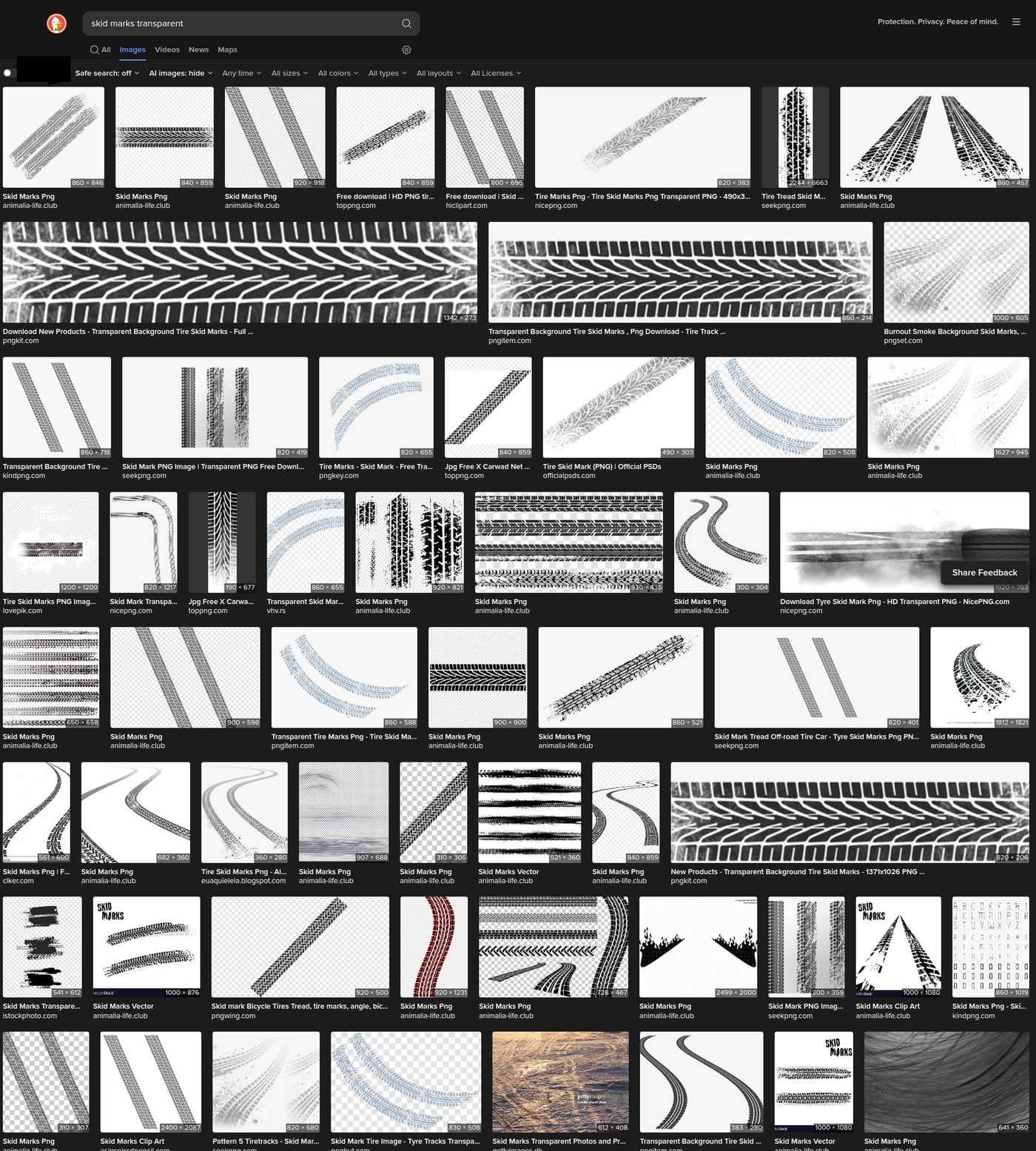 Maybe simply type: 'skidmarks transparent' into a "tool" available for several years now ? An internet search engine and select the option 'images' :
 -
[UE5] Mesh Decal Overlapping Wrong Order. Help?
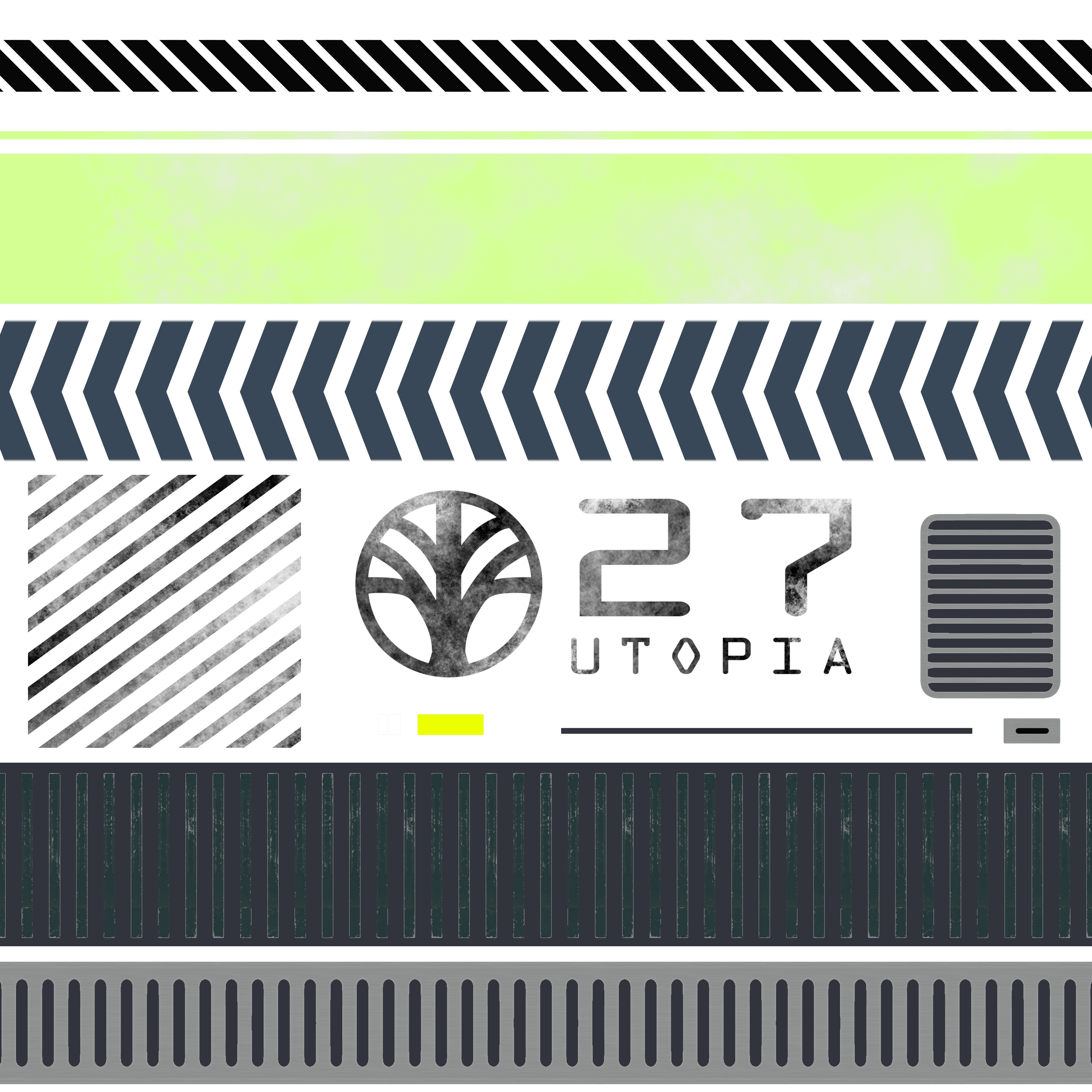 Hello, I am trying to use mesh decal for my models in Unreal, I have made a decal atlas like this: And my model like this (everything is combined into one mesh to import into Unreal): As you can see, the smaller decal face that I am selecting is supposed to be on the top of every other mesh decal. I have also purposely…
 -
Re: Learning Maya's Animation System
 Let's see here. Off the top of my head: [ QUOTE ] First there is orientation alignment of bones. When you have for example three bones in the forearm (one for the elbow, two for the twist) you want them to be perfectly aligned. In max you could simply select a clild of the elbow and align it to the parent's orientation.…
 -
Re: Repeat command at mouse position
If one position of a point is here; Mouse position : 947 540 0. Then it must be possible to take that point and select, like symmetrical do the same thing on another point except opposite world coordinates by storing it into a empty array, selecting another point and applying the same world coordinates to the other point…
>15387 results