Best Of
Re: What Are You Working On? (3D) 2026
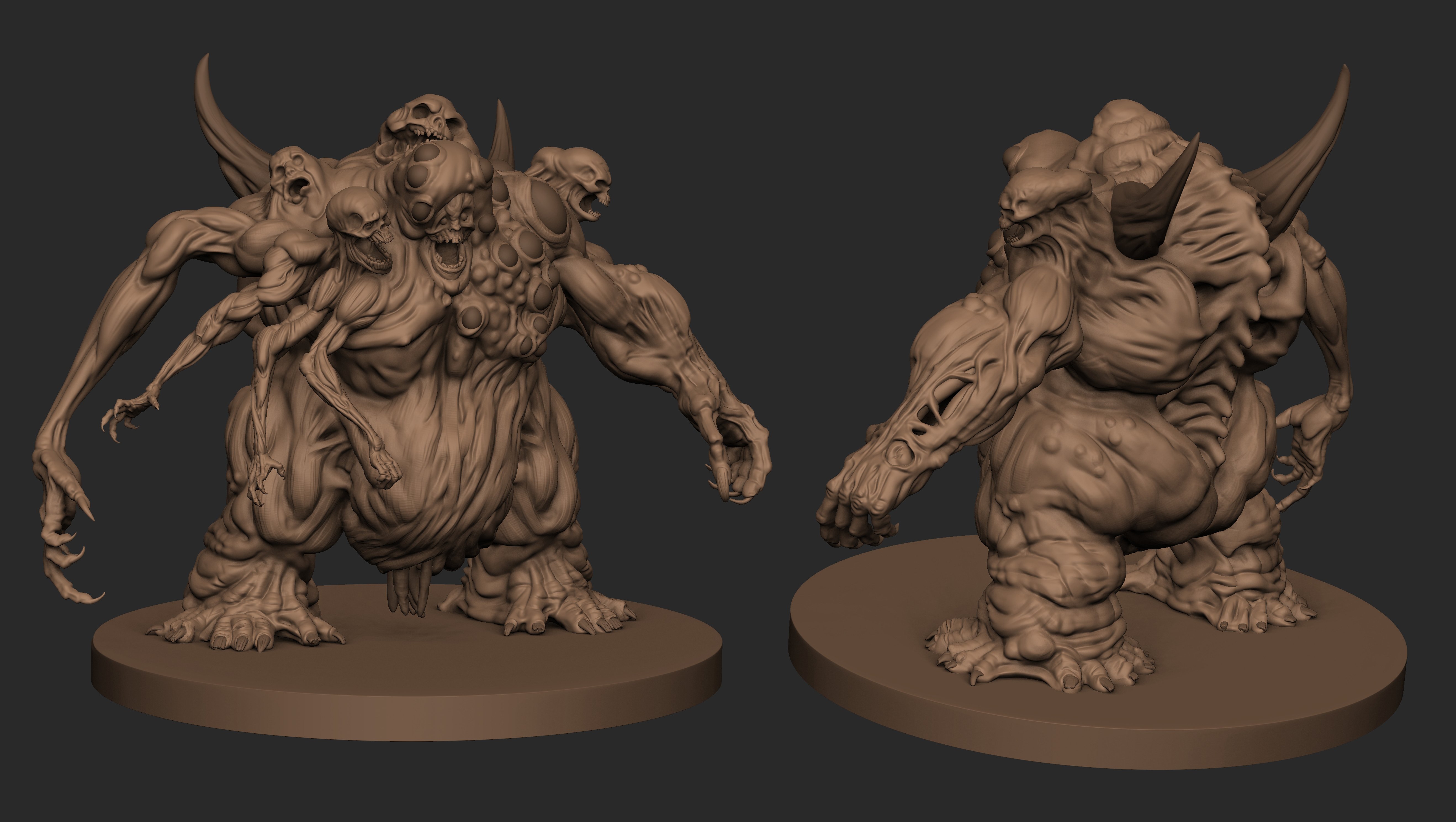
Did a new render of this old monster I made awhile ago, I'm trying to get better at Rendering / Lighting concept by Bobby Rebholz
https://www.artstation.com/artwork/nJg6N6
Also available soon for new projects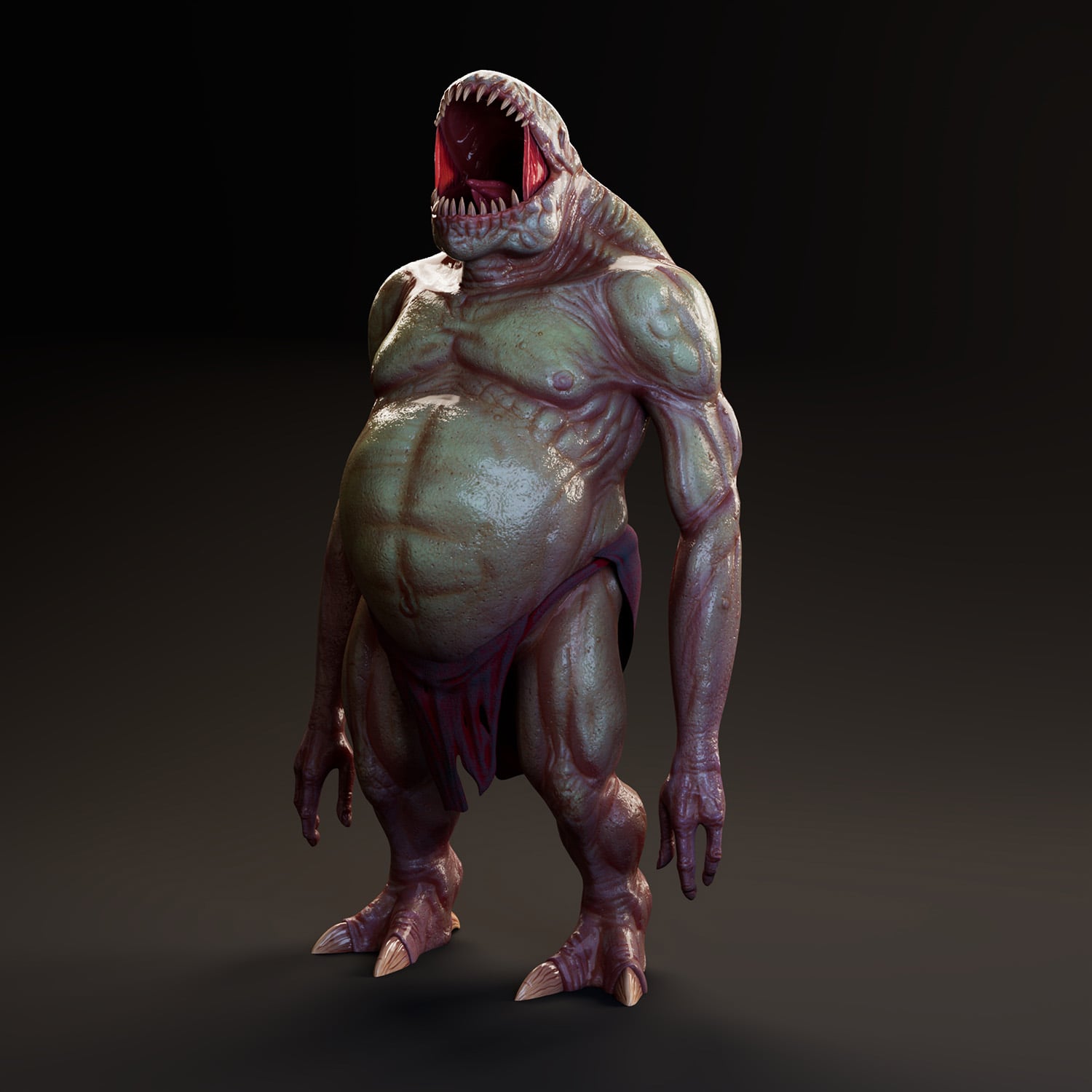
https://www.artstation.com/artwork/nJg6N6
Also available soon for new projects
 bejibo
4 ·
Re: The Bi-Monthly Environment Art Challenge | March - April (101)
Life got in the way a little bit but I have some more progress. Filled out the scene with some megaplants trees. Hope to continue moving on with this for the next week and a bit.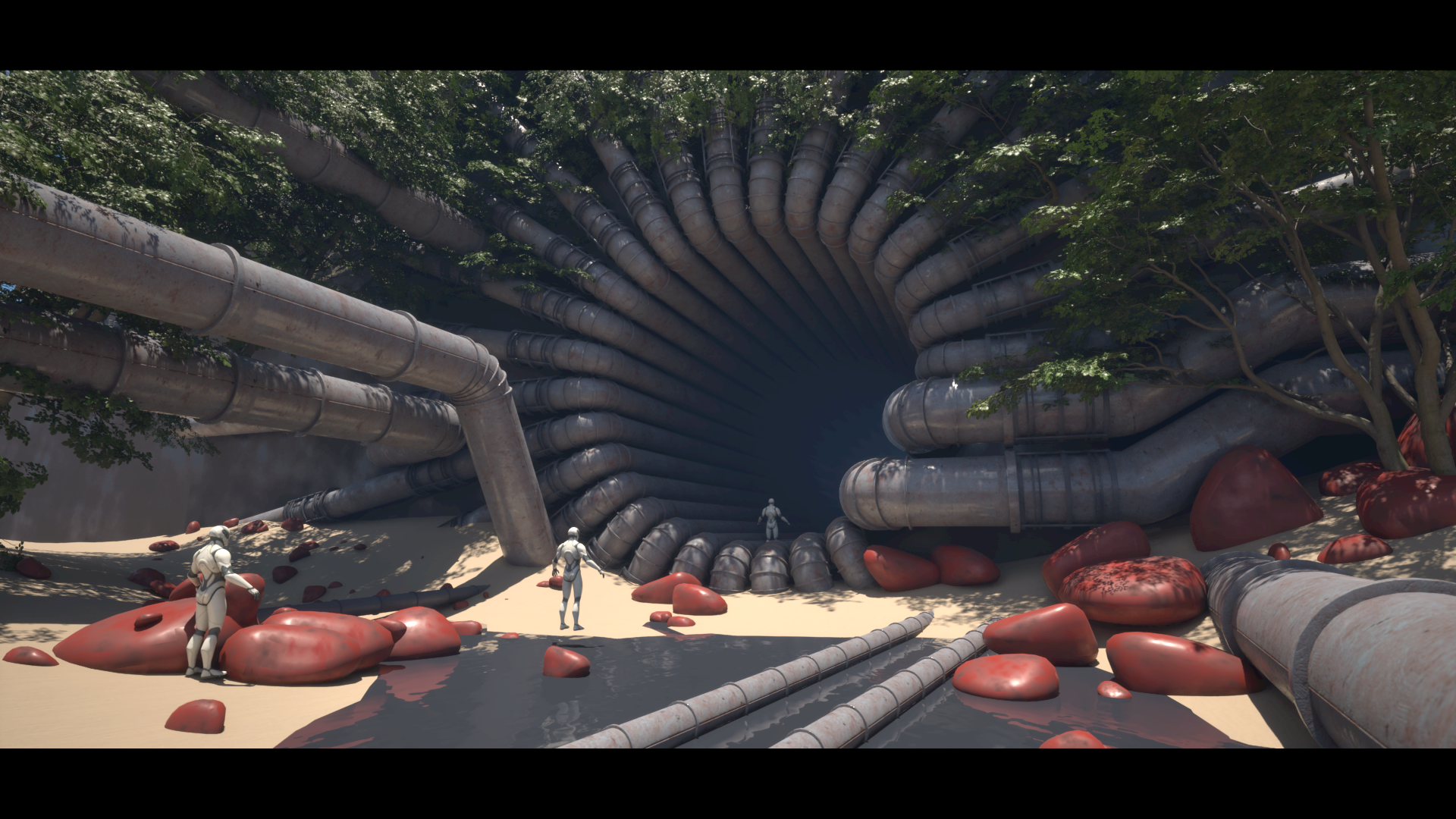
 Azlios
3 ·

Re: The Bi-Monthly Environment Art Challenge | March - April (101)
I made my first Blockout in Unreal Engine 5.7, I am very familiar with Blender, almolst 8 years of rendering, but this is my first time producing a shot in unreal, i tried to make a simple blockout, to export to blender and start the modeling and texturing, i will update u guys asap about my adventure in Unreal!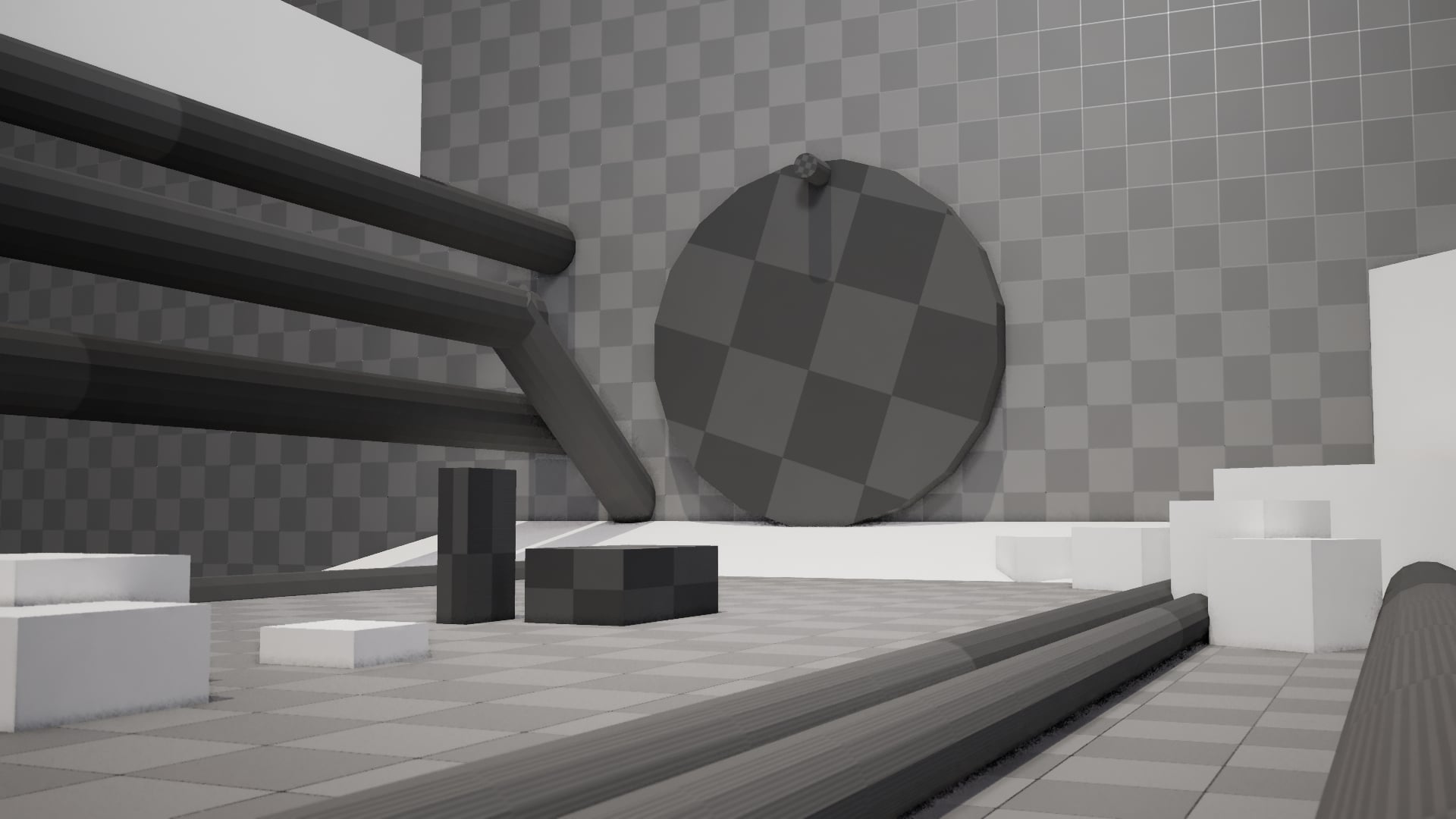
Feijonnes
3 ·
Re: The Bi-Monthly Environment Art Challenge | March - April (101)
Starting to get somewhere with the Sewer environment. I sculpted the fan and made a stone wall tileable in Zbrush and set up world aligned textures to avoid weird seams. Also sculpted/textured some mud piles for the ground, but I think I'll edit these since they look very low poly when i actually put them in lol. I can't decide whether to create a kit of unique pipe pieces or just make a couple of battered materials and add unique elements with normal decals. I'm going to use decals for all of the grunge/panel seams on the walls. 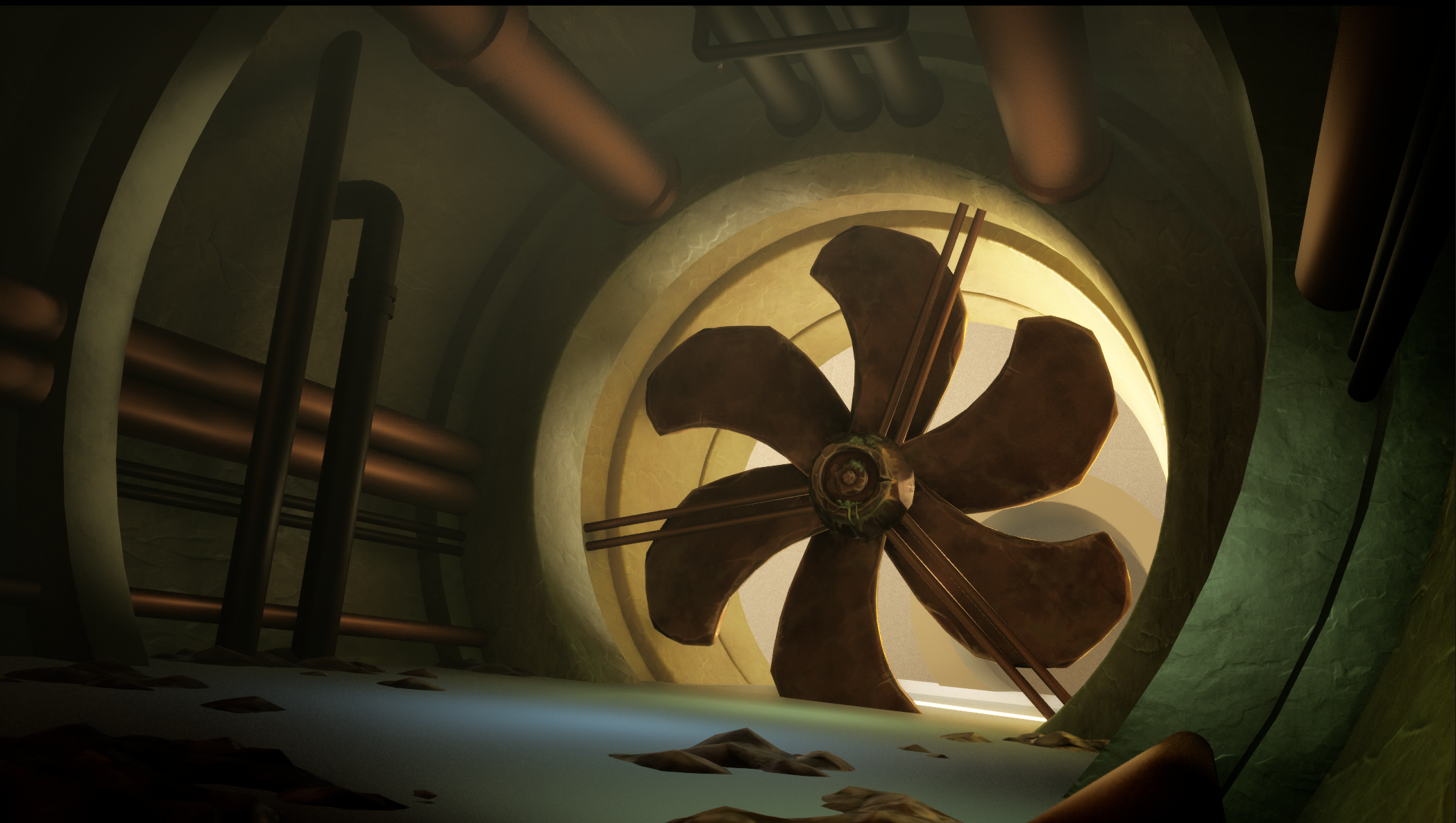
kit3clarke
3 ·
Re: What Are You Working On? (3D) 2026
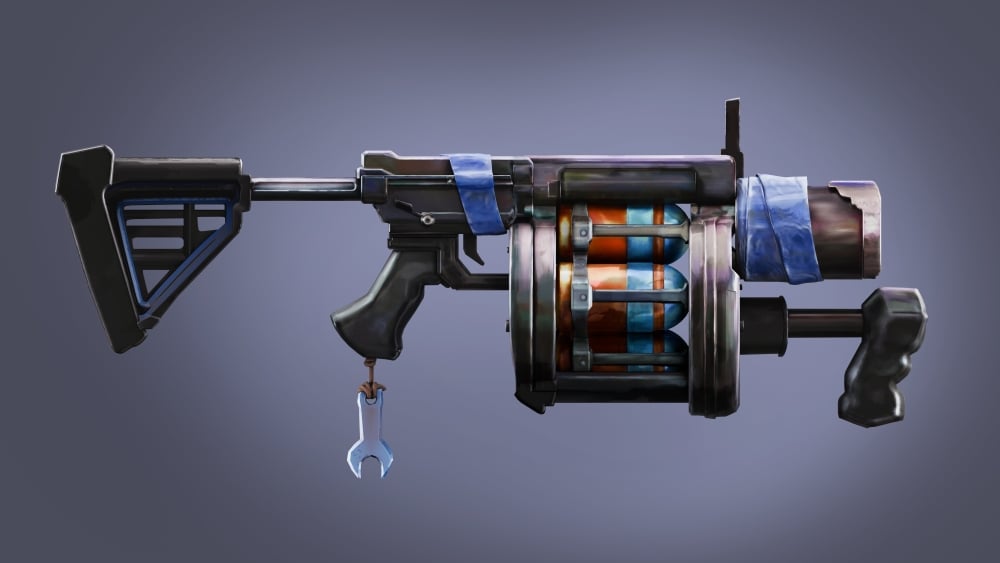
Just finishing these up, but decided to challenge myself with a stylized concept piece that I got the okay to do from an awesome concept artist named Garret Post, he made a grenade launcher called the Quickfix, here's my faithful recreation of it: - The aim was accuracy and speed, this was about 70ish hours total time give or take a few hours (just rapping up any fine details that could be missing / paint touch ups as it was all hand painted)
 mpuLse
3 ·
Re: WIP Stylised Fantasy Character
Some more renders for Artstation.
Did some work on the face and hair since the last post, and some other little bits and bobs. Also made a pedestal for some turntables. Ended up not doing the embedded marmoset deal
Comments/feedback still welcome of course
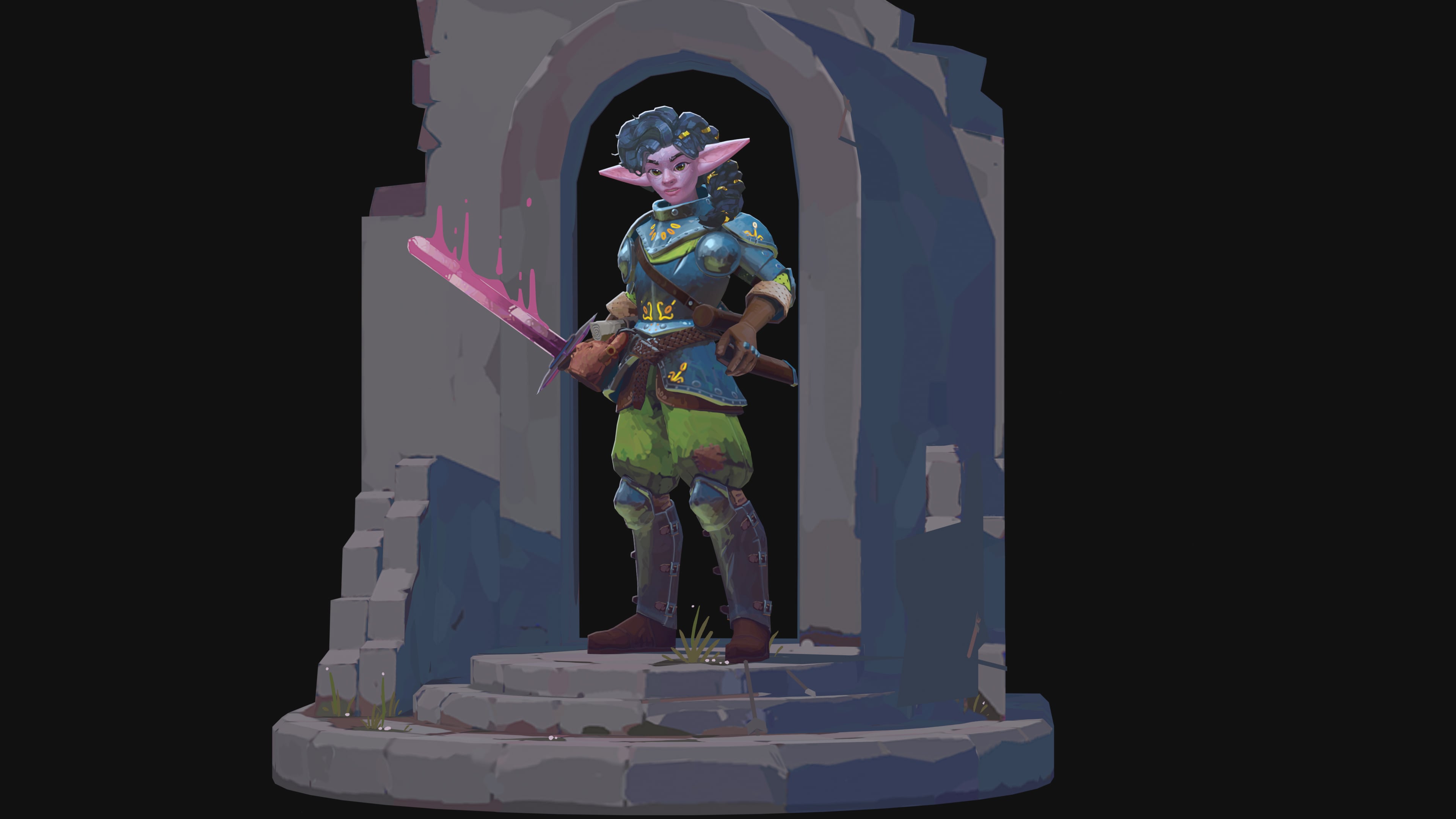
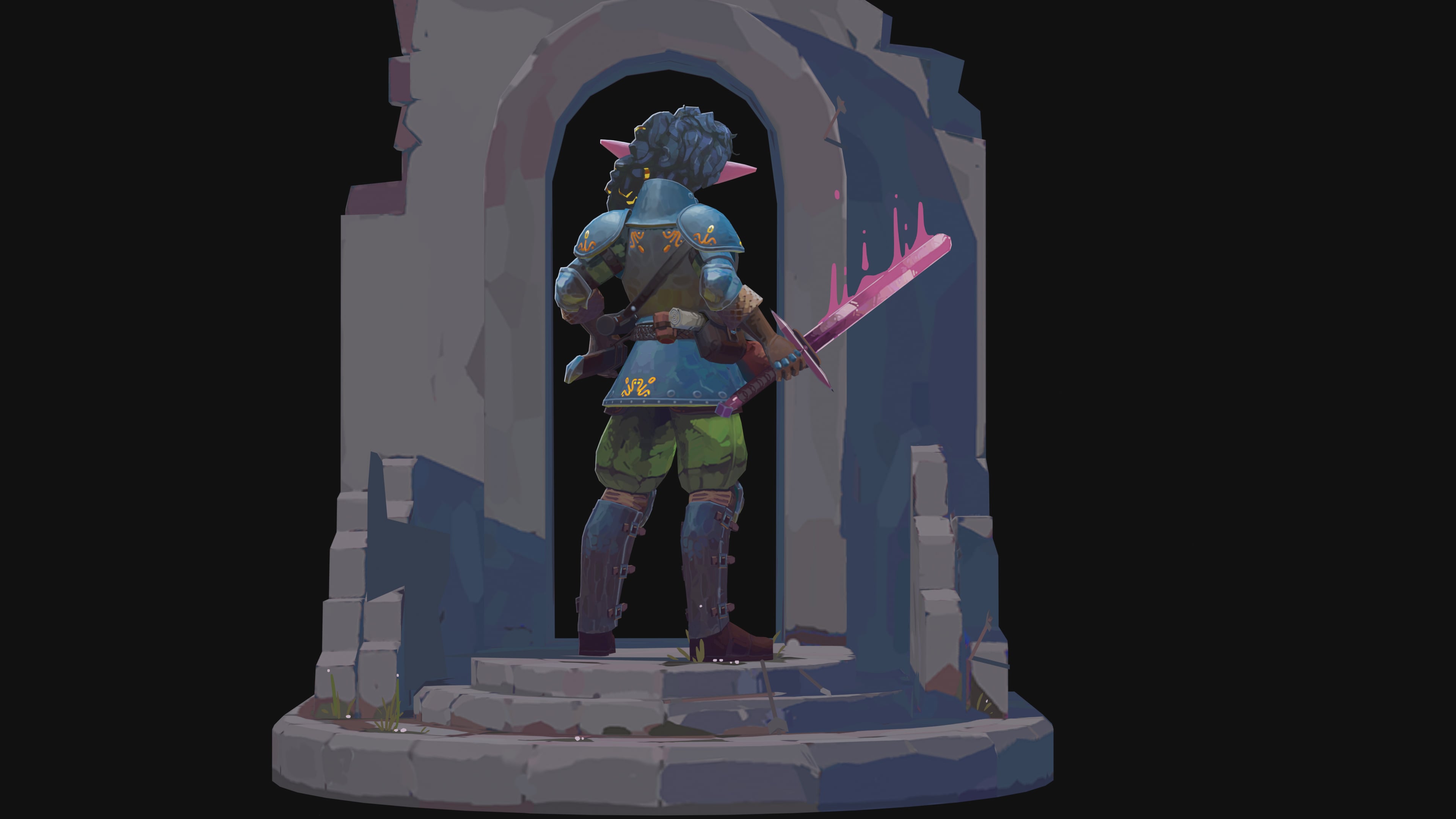
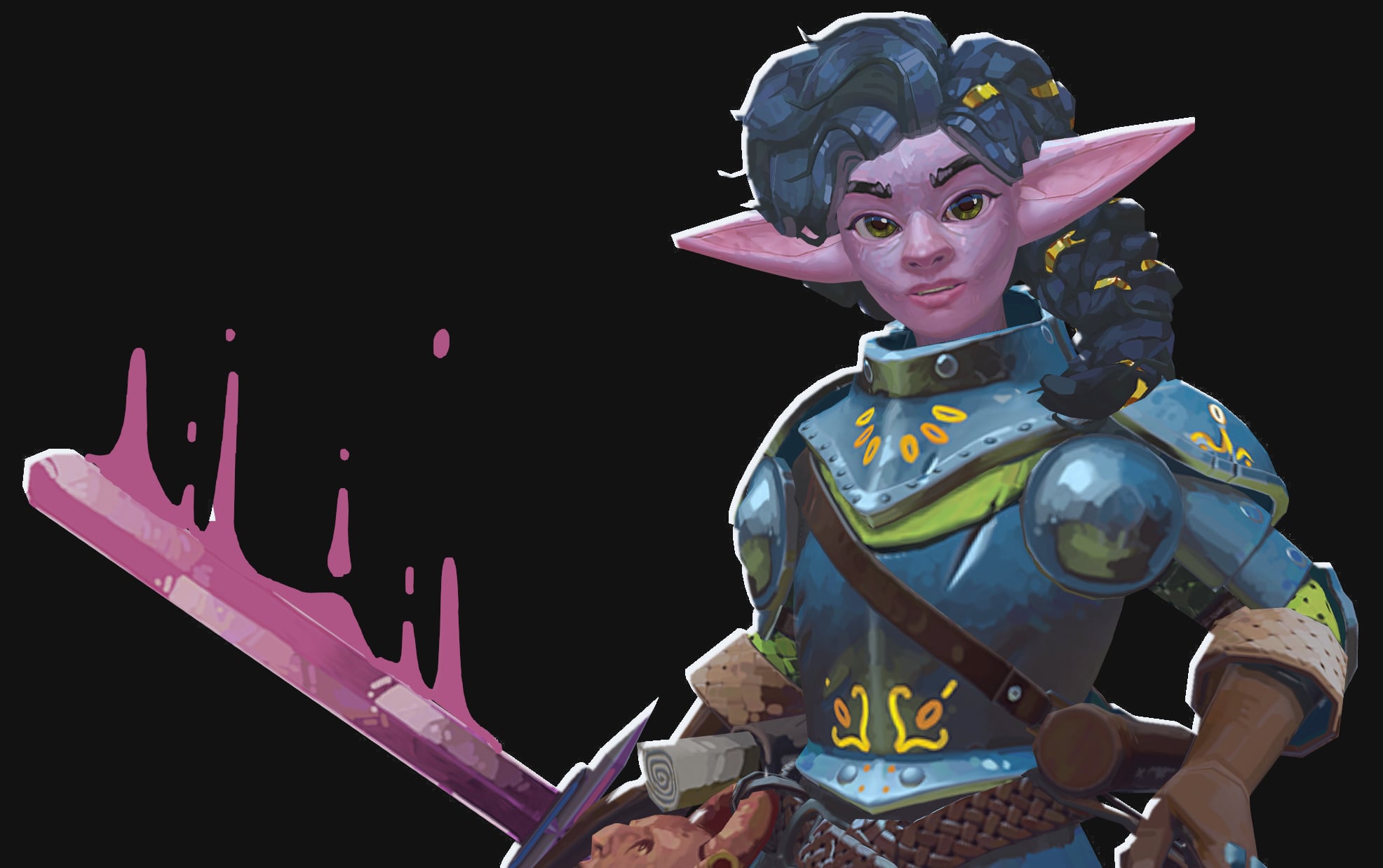
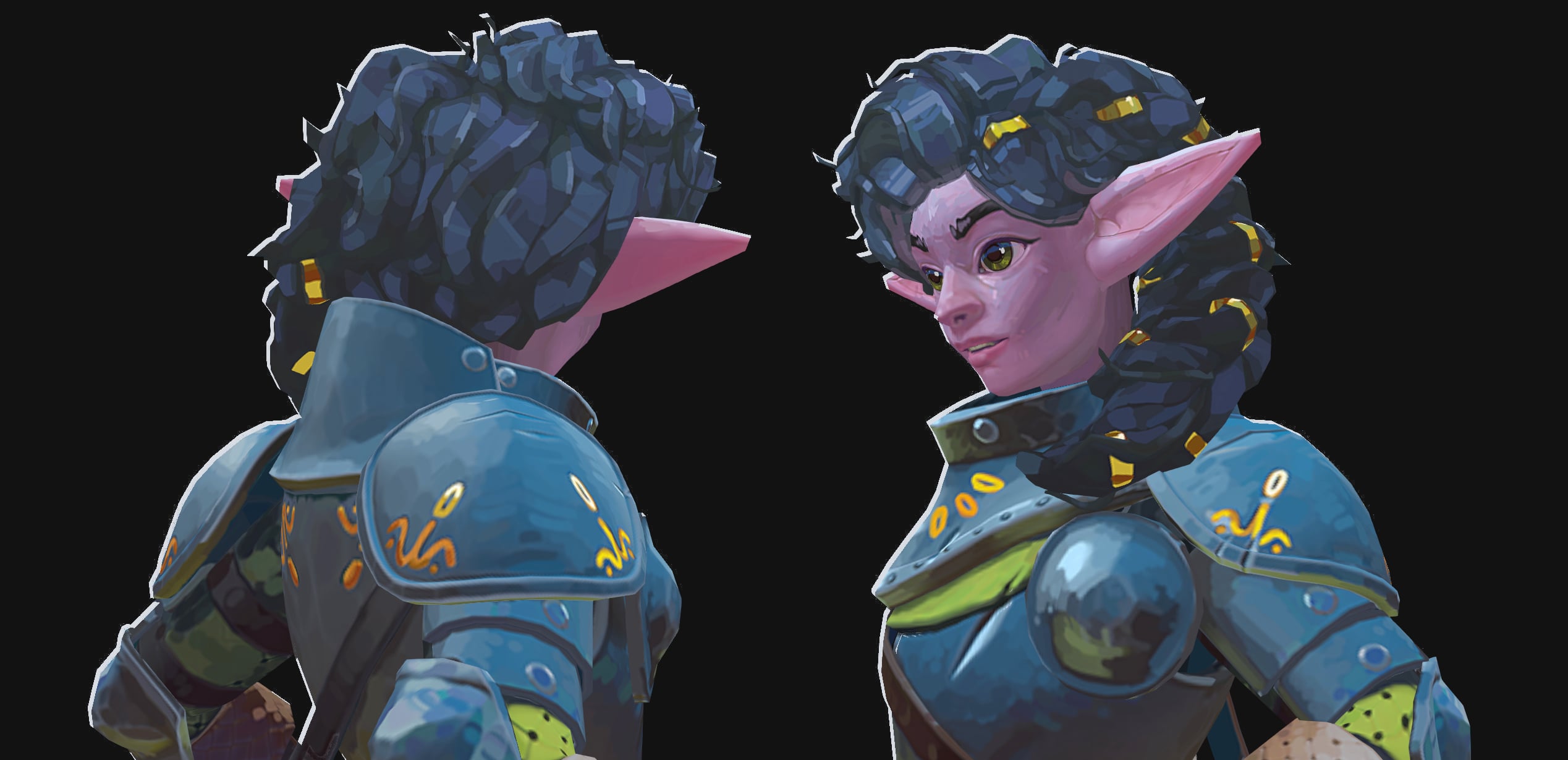
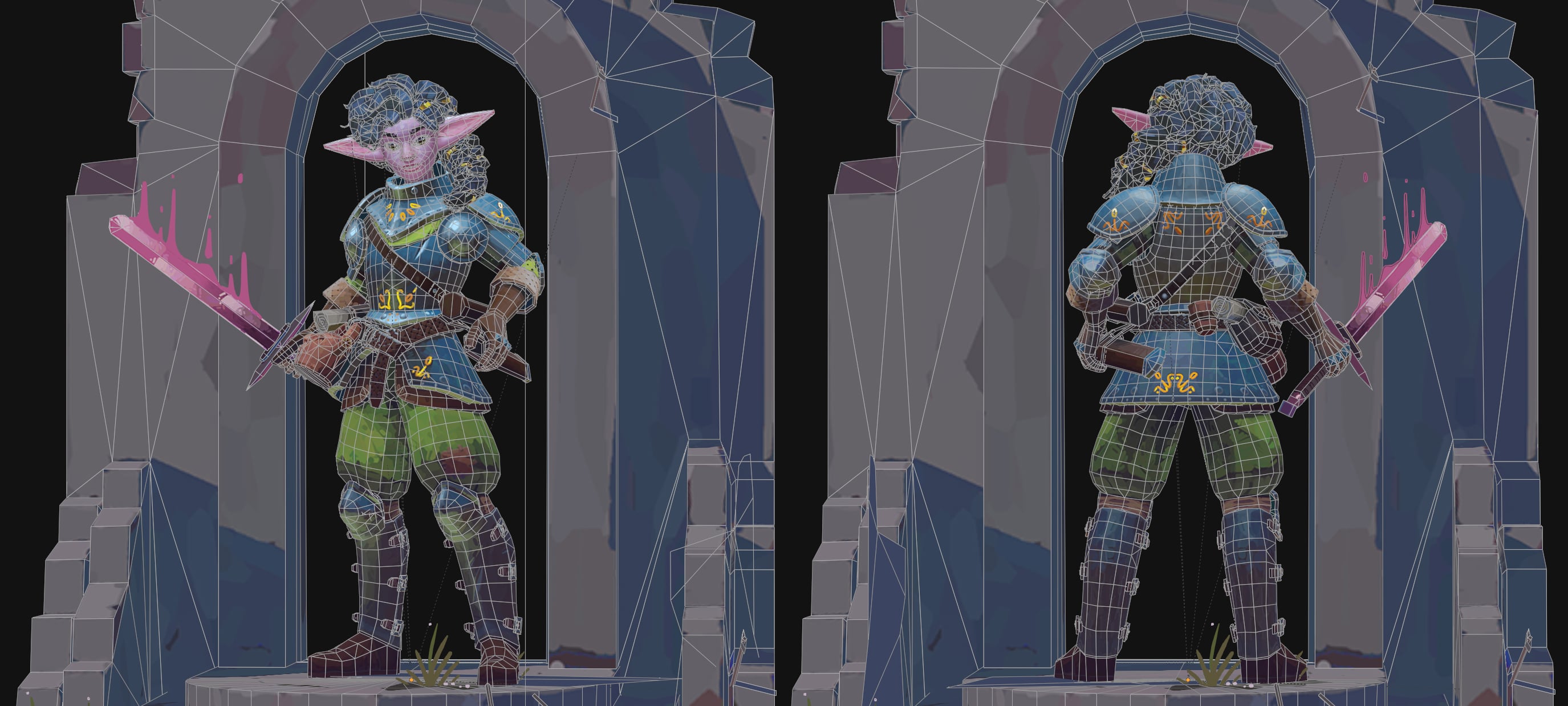
Did some work on the face and hair since the last post, and some other little bits and bobs. Also made a pedestal for some turntables. Ended up not doing the embedded marmoset deal
Comments/feedback still welcome of course
 aniceto
3 ·
Re: Hand Held Lantern Game Asset
Very nice. Definitely better than any student work I ever produced 
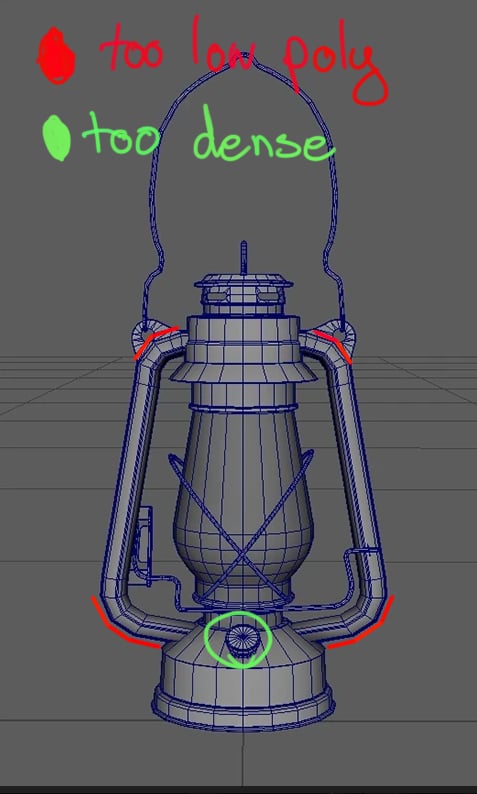
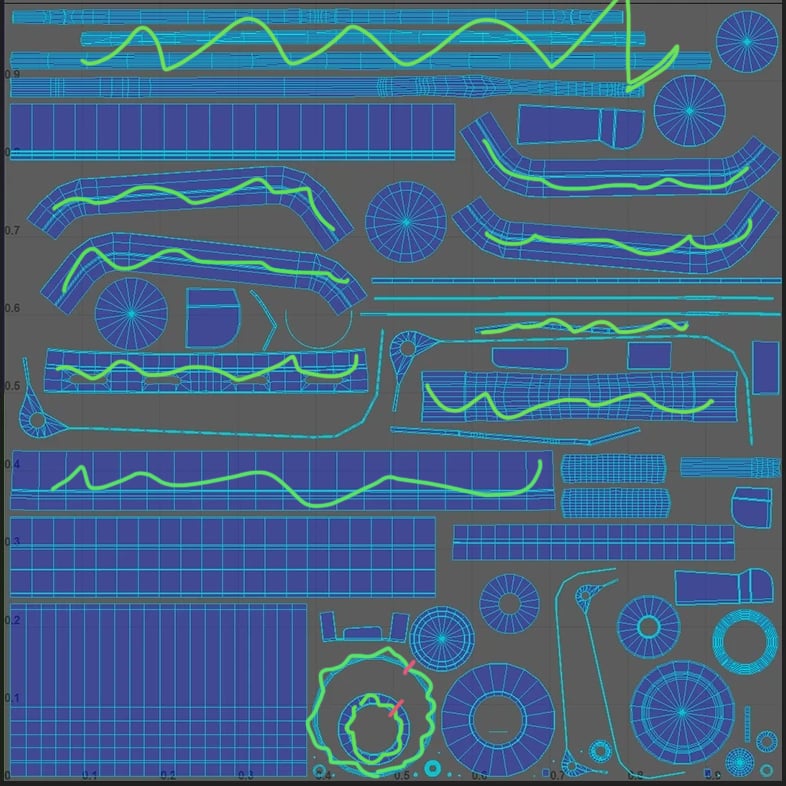
Just some ideas for the next project
Agreed with illumisanic. Something I notice in grad work is that its common to spend a lot of triangles in small fine detail areas while neglecting the larger silhouette. If you take some of the triangles out of the high density areas and spend them in shaping the silhouette you'll find your asset can look higher poly than it is, especially since you're using normal maps. Any areas in the silhouette that look low poly will immediately betray your model.
Another thing re: UVs - you'll find it way easier to pack your UVs efficiently if you straighten out your ribbons. You could even take some of your rings and add a seam to convert them into ribbons for even easier packing.
Just some ideas for the next project
aniceto
4 ·
Re: Do you think polycount a dying platform?
A forum for training artists? Finally, the democratization of art is in our hands
 zetheros
3 ·