Best Of
Re: Sketchbook: Tim Smith
It's been sometime since the last progress update. The retopping took me a while, but after some experimenting and cleanup, everything's done. There's a couple of panels that weren't, but the original meshes from ZBrush are low poly anyway. This is how it's all looking:


During my time retopping, I also had a couple of ideas. As stated earlier, Robotnik/Eggman's crafts seem to be freshly made to tackle Sonic. So there won't be much in the way of damage on the Death Egg Mech. However, I could create two separate texture sets for the body where everything is perfectly clean and damage free, and another that has a massive dent in the centre where Sonic has hit it. I'll have to look around online for some dent alphas to use.
Also, whilst asking about Poles here, the thread deviated towards exporting high poly meshes from Fusion 360. From what I've discovered, the original high poly meshes aren't exactly clean as everything is triangulated. And adding Smoothing of any kind, or subdivisions in ZBrush, introduces pinching and weird shading issues. And on some meshes, everything can look faceted.


Trying to ZRemesh in ZBrush can be hit and miss for cleaning everything up. In that discussion though, I was informed about Plasticity, which is a more artistic-friendly version of Fusion 360. Thankfully, apart from a free trial run, there's only a one-time payment. There doesn't appear to be as many tools to use as in Fusion, but what it does have, is a far better tool for converting and tessellating a mesh. You can choose to do it with either tris or quads and there are various settings you can adjust to help keep a lot of the shapes and details. Even with quads, it can still triangulate things in places, but after some testing, the results are far more cleaner!


No smoothing need be applied as everything should look fine once
imported into Max/Maya etc. And you can fine tune the density of the
mesh before exporting. If smoothing is added, the same pinching and
shading problems can appear. But thanks to Plasticity, I now have a
better method for exporting and using the original high poly meshes,
whereas this time around, I've had to manually retop over the original
meshes, so I can create a cleaner high poly by sub-dividing them. I've added creases with ZModeler to keep the hard
and sharp edges. Some parts are cleaner from subdividing the new meshes, though others aren't. Particularly rounder objects. So those parts can be replaced with the originals, either using Plasticity or regular tessellation from Fusion. The rounder objects seem to come out the cleanest.
I was also pointed to another thread where someone exported from Fusion into Mol3D, along with using RizomUV, but I've still yet to try these methods.
The next stage is unwrapping. I plan on using a texture sheet per part - one for the head, torso, arms, legs, jetpacks, and interior.
 DustyShinigami
Re: Information About Polycount & New Member Introductions
 eam1215
Re: Game Industry Layoffs - WTF?

Isn't this supposed to be a thread about layoffs? As in, the shit that's happening right now, and not some hypothetical future layoffs from a game that hasn't even come out yet because some chuds think it looks too woke?
Looks less like a contribution to the discussion, and more just trying to sneak your usual shit in through the backdoor. I'm going to try to go back to shutting the fuck up on this topic unless I find something about the actual industry layoffs to say; you should do the same, NikhilR.
Rima
Re: Game Industry Layoffs - WTF?
And of course Nikhil goes right back to his schtick.
 Joopson
Re: [WIP] Triumph Rocket 3R Bike (SubD Model)
 kanga
kanga
Re: Support Edges+SubD vs Bevel for baking
 Neox
Neox
Re: Sketchbook: Zetheros
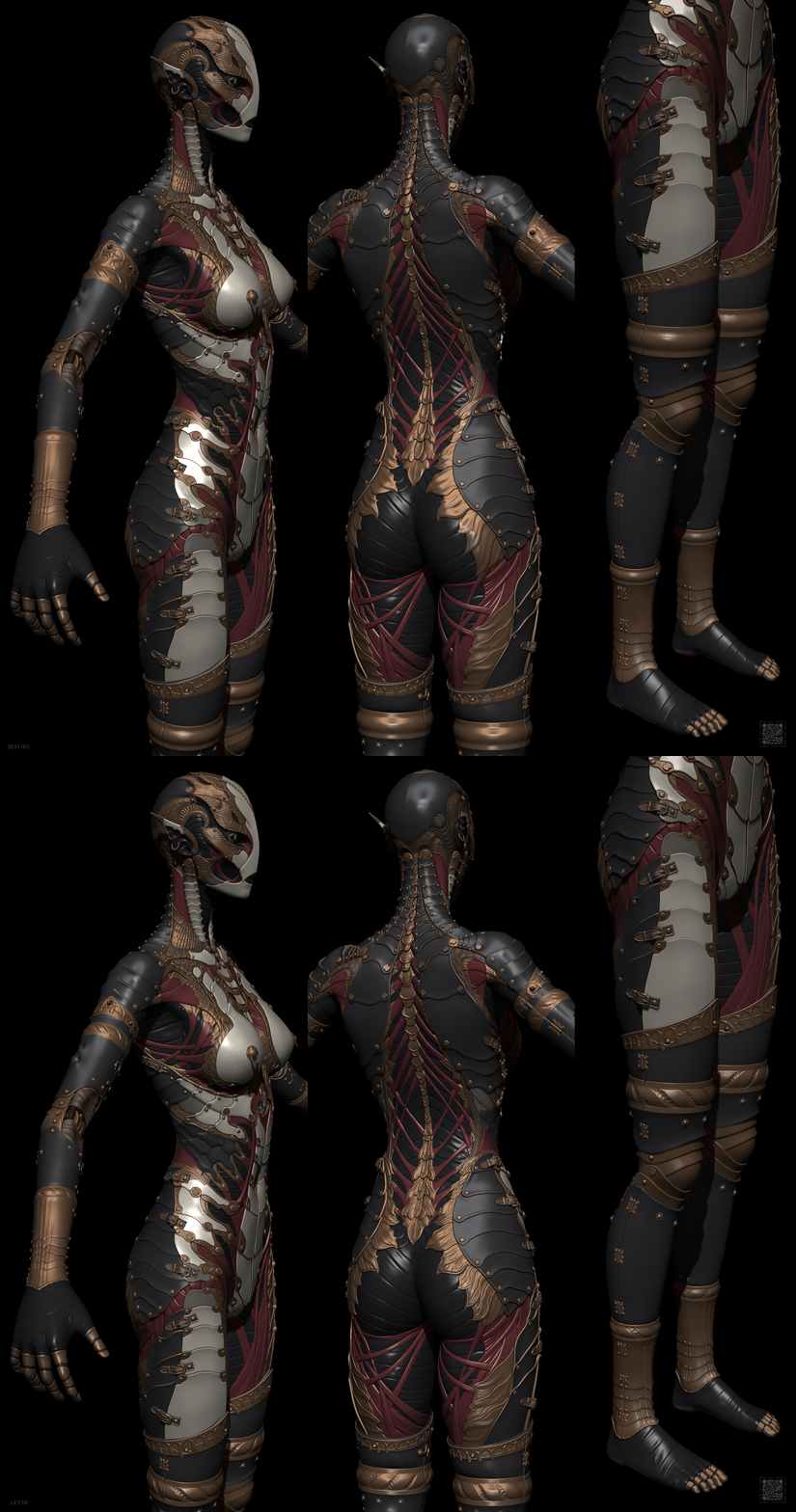
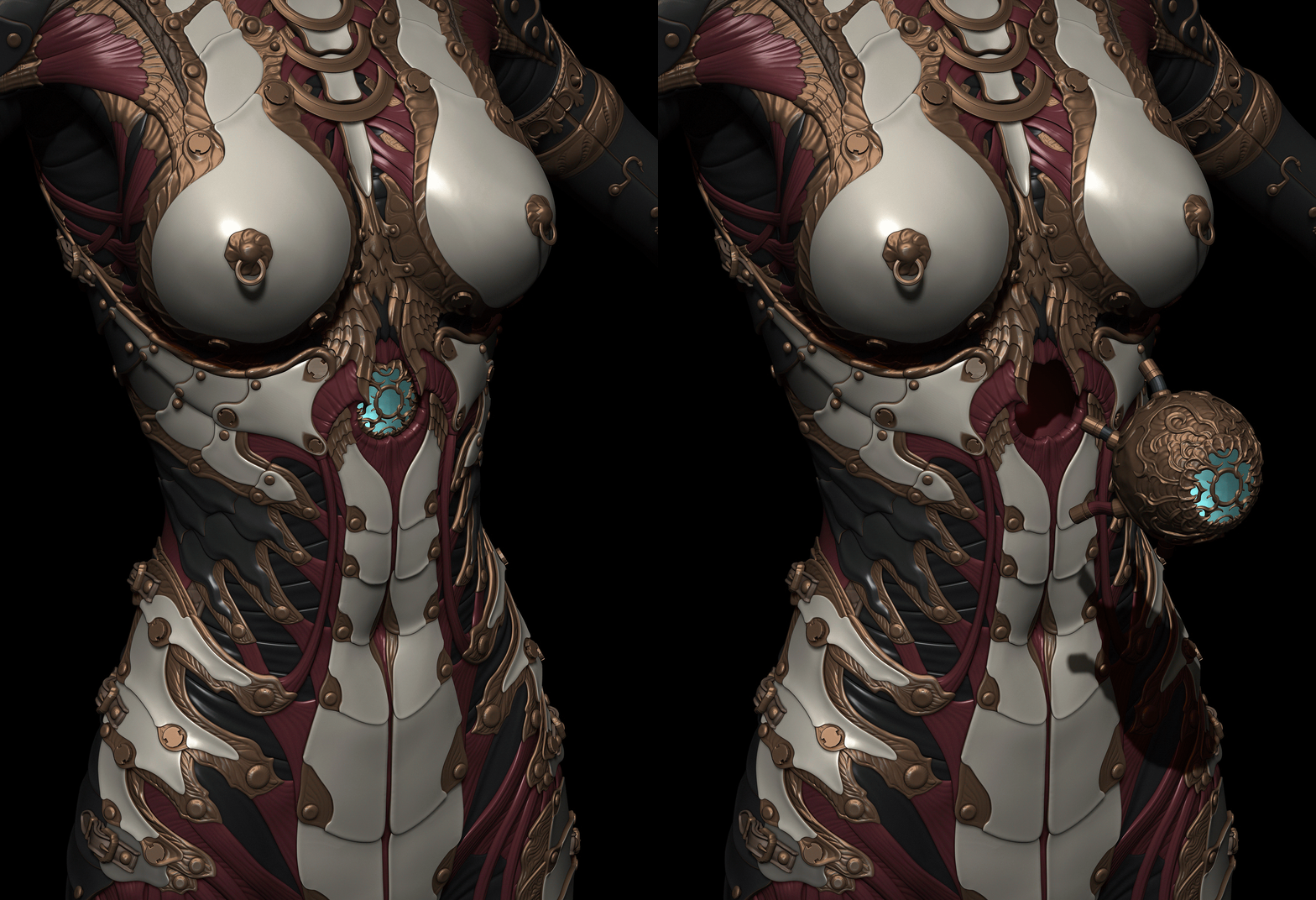
 zetheros
Re: Brutal Knights - Game Project/Learning Experience
 daphz
daphz