Search
-
Maya Bevel problem

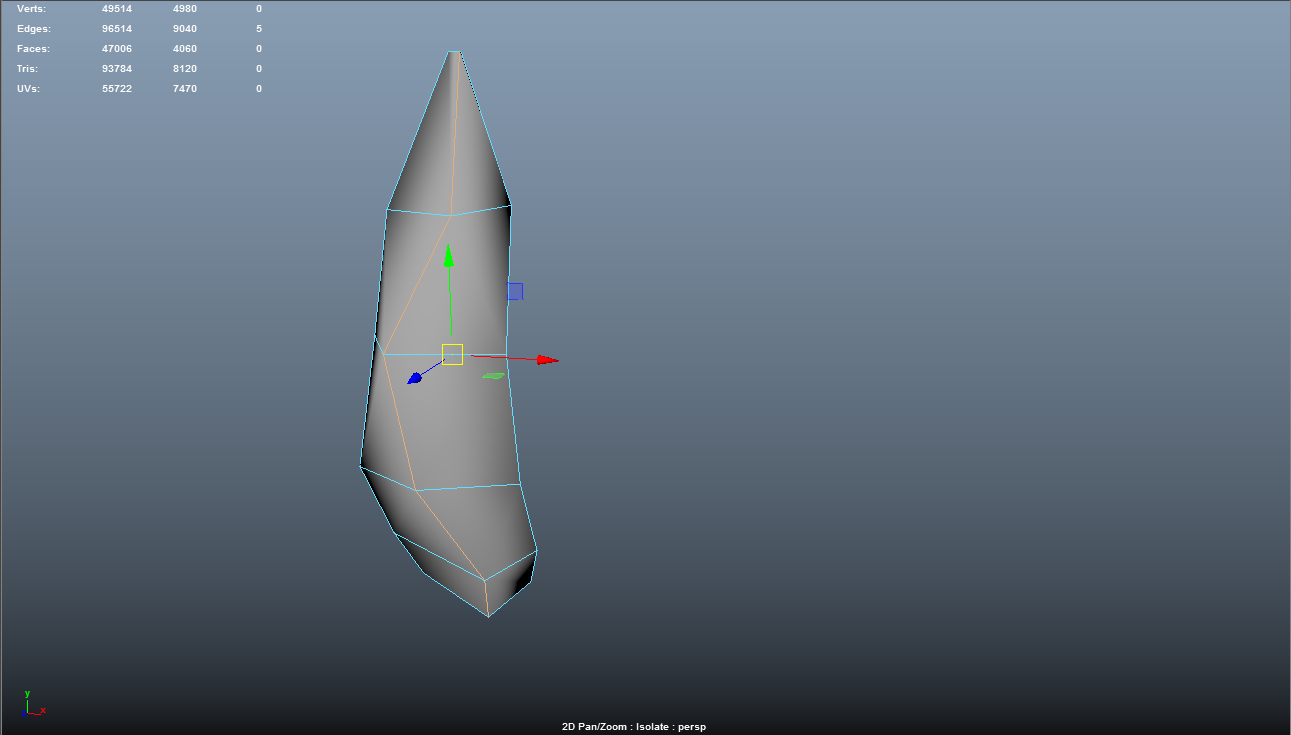 Hey when I try to bevel an edge it's selecting and showing edges what it shouldn't do anyone know why? I'm afraid that I'm going to ruin my mesh if i ignore it now. The second picture shows what happens immediately after I hit bevel.
 -
Problem when baking Normal map

 I always fix this problem, but this time I just can't remember what to do. I get this weird pitting on the edges of my normal map. Should I play with Frontal and Rear Distance? Thank you in advance. UVs are separated on hard edges though
 -
3dsmax script multiple use for "c"
i do get mad! i cant find the script anymore where there is shortkey for connect cut bridge etc on shortcut "c" content aware depending on edit mode and or selection of 1 edge or two edges or to vertecies etc.. can someon provide the script or the link or the source!? -
Crossing Textures, is there any good way to...
 Hey Guys, Ones again i have a question about textures, is there anyway to clear the seam / edge between two textures ? Like in my sample, between the bricks and the sand is the seam / edge, is there any way to make it look more realistic like real sand infront a a brick wall ?
 -
Stone tiles - feedback?
 Just practicing with creating stone. Curious if this is working or not. I use dynamic trim to create edges, then detail them using clay buildup and malletfast. Once the edges look ok I use orb cracks along with the clay/mallet brushes along with flatten. I've yet to add general 'noise'.
 -
Gerber Remix Tactical Knife

 I created this highpoly Gerber Remix Tactical Knife. Going creating a lowpoly and texture it in substance painter. I think some of edges on the blade might be too sharp and may not read well in the normal map. Will go back and soften some of those edges. All Comments and Critiques welcomed. Ref
 -
Re: Horizon Forbidden West "Average Skin-Tone" Extraction & LUT Workflow
No idea how they do it, but in photoshop and similar, you can pick the average skin tone of your original map, invert that, and apply it with linear light at 50% opacity. Then apply your skin tones with linear light and 50% opacity as well (maybe some additional tweaks for really dark skin). If you do it yourself with… -
Re: Stylized Tree Bark, could use some idea!
 Are you jumping right into colour? I think you should be creating the normal/height first, then roughness second, then colour last. For the filter for the edge pieces, have you tried using edge detect?
 -
Re: New to Micromesh, have a problem setting it up
There are two buttons for this called Spin Edge and Align Edge. Second one should get all the micromeshes pointing in the same way and the first one spins the micromesh so it points in the way you want. -
Re: Critique & Help Needed
 No problem! Happy to help! I don't know much about C4D, but to get rid of that tri you just need to delete the edge and then add an edge loop like you did last time.
>27985 results