Search
-
Re: How do people use "Trim Sheets?"
 So...based on the things I read in the wiki and from your post, the way trim sheets work is that you make the details first, cramming them all into one UV square, 2048 x 2048 or whatever resolution it is. Then you use that as a sort of "backdrop" while you're editing your UVs in 3DS Max, and you position the polygons…
 -
Easy Trim Tool for Maya

 I made a tool to speed up the process of creating trim detail in Maya. I uploaded it to Gumroad a while back and figured I would tell people here about it. If you happen to try it I'd be happy to hear what you think, if it's helpful to you or not. This was originally made for some old co-workers who were wanting an easier…
 -
Two UVs workflow using Trim Sheets?
 Found this from Alex Senechal, amazing work ArtStation - Premium Tech Industrial SCIFI Trims and Floor Set - GUMROAD but curious he mentions a two UVs workflow with Trim Sheets. Does anybody know how this works? Or if there's another post in here that speaks about it - couldn't find anything myself.
 -
Have anyone tried Sampler V6 text to Material feature ? Any opinion?
For some uncertain reason I can't find it at all in my Sampler now. But as of earlier version my opinion was quite negative . Just a bit better normal maps maybe than totally useless image to material . Wonder if v6 got any better really? ps. Actually they seems killed the feature entirely . No more Generative AI in… -
Tiling Trim Technique Question
I've been looking for some better ways to create modular assets while saving texture calls. I'd like to see if anyone can clear up a bit of confusion if they can, though. Lets say I have a texture that tiles in all directions. Super. Excluding things like vertex painting or lerping there isn't going to be any variation to… -
Trim with Symmetry Zbrush
Hello there, Is there a way to use the Trim tools, like the Trim Curve while keeping the symmetry on zbrush? Even with symmetry on, everytime I use them, it will only trim to one side :/ -
How to achieve this "trim sheet" edge normal texture?

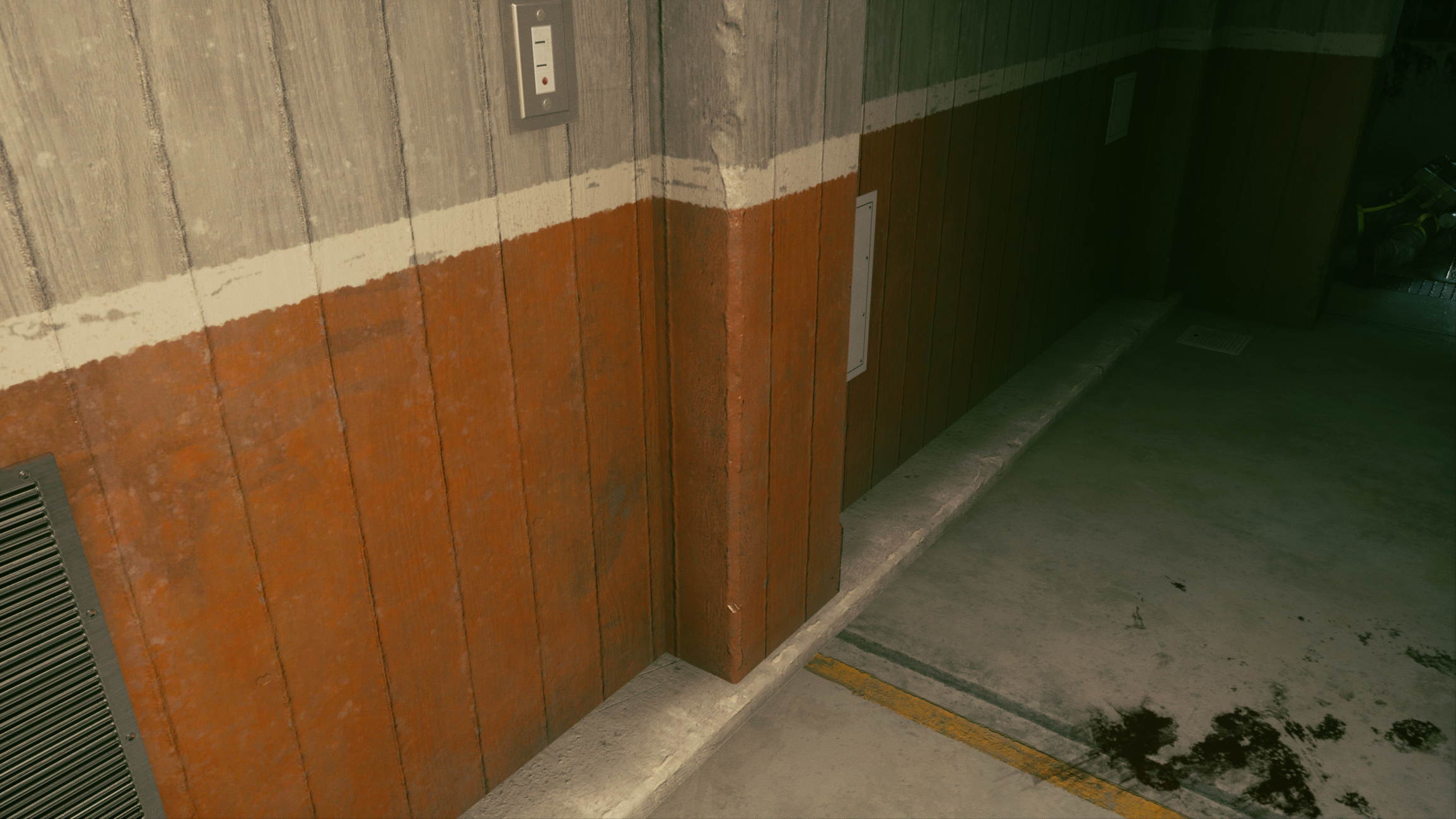 Hey all, I've noticed in Control there are many concrete surfaces that all have different base albedo and normals, but around arches and corners they've used what I can only guess is some type or trim sheet. The trim normals repeat, but the underlying tiling materials are all unique and have an effect on the trim. Is this…
 -
Re: The "ultimate trim" technique from Sunset Overdrive

 pior After update 2024 it has trim sheet tools. You can specify how to pack your mesh to a trim, and via color ID you can make pading that needed to make sure there no pesky seams showing. https://youtu.be/s_eXFbAuuuA
 -
Re: Noob at Trim Sheets, seams, and unclear best way to setup uv's [Blender/Unreal]

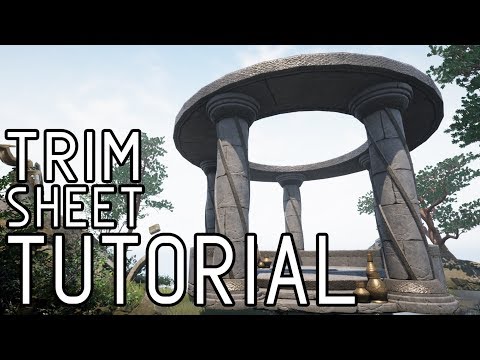 See that little bit of a polygon hanging out in the gray area for your brick texture? That's what the seam is. It's wrapping around to the other side in the middle of a polygon. Your texture isn't perfectly tileable. If it were, there would be no seam there as the edges of the texture would match up. I never used Quixel so…
 -
Building Trim Sheet Project
 Followed the awesome Flipped Normals trim sheet tutorial to learn more about environmental workflows with trim sheets in Substance Designer. One 2048x2048 Trim Sheet used for the entire model. Hope you all like it :D More renders at my Artstation: https://www.artstation.com/artwork/OovX1g
>40457 results