Search
-
Re: Max Default Lighting (Trick?)
 Right click > upper right most quad menu > Viewport Lighting and Shadows > Viewport Shading > Change it from off to good or best (and watch your system melt). You can also disable and enable lights and their real time shadow casting abilities in the viewport using the same menu. Hope that helps =)
 -
Lighting/Normal/Building issue - Drowned normals?
 Hey fellow Polycounters, I've been having an issue in UDK. I'm working on a scene that has sexy normal maps but and it looks great in the previewer til I actually build the lighting then most of my normal detail just disappears. I'm trying to figure out why. I've tried a lot of things already. My scene has a +Dominant…
 -
UE5 Lighting issue - Source Radius & Scattering

 I've setup just a head mesh with some solid color diffuse, normal and roughness. But I've getting some unwanted results while setting up my lighting. I'm trying to get rid of some sharp shadows, but by changing the source length by as little as 0.001 it gives me some ugly scattering. I seems like the skin scattering in UE5…
 -
Re: Arm and Wrist Pain - how did you dealt with them?
 gripping stuff or holding buttons is basically the root of most problems so you're probably on the right track @Tits - mapping mouse buttons to keys really helped me . it can take a long, long time for your bits to recover though so you kinda just have to stick it out for a while and see whether it works. i'd maybe suggest…
 -
Re: WIP - Deep dark wood - (Block out Phase)

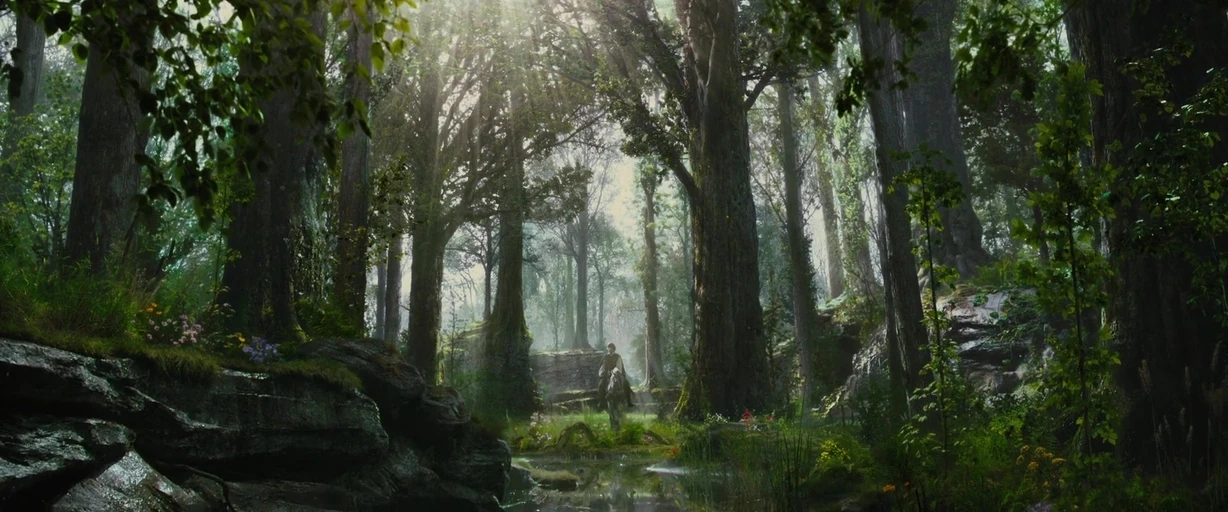 Okay, this is looking really cool. I can't believe there aren't more comments. Please go, go, go! I love the finish and the style you're applying to the props. I think what I'm a little bit confused about right now is the lighting direction. Because some of your tests are kind of more light and airy, and some are more dark…
 -
lighting and texture help
 okay, so I am still a little new to the whole 3D game and i was hoping you guys could help me in assessing what i am doing wrong with this ... I have attached an image - on the left is what i want it to look like, nice and vibrant text and on the right is what i've got, the light is all washed out and the colours look…
 -
Re: Does having five edges meet here work for this product? What’s a better alternative?
Thank you for your guidance. I think I’ve got the general idea. When poles appear at corners, the corresponding arcs will be larger. Conversely, adding supporting geometry shifts the poles to other positions to achieve tighter arcs. The exact location of the poles is not critical. What matters most is whether the light and… -
Help working with low rez light maps
 Right now I'm getting very lame shadows around corners and edgers, not all of them are like this, but is there anyway to get around this? Right now I'm using mental ray for generating lightmaps, is there better (free) programs for creating light maps? And sometimes my autogenerated UV's are kinda crappy, any advice for…
 -
MID LEVEL LIGHTING ARTIST - BRISTOL BASED
 Currently axisVFX are expanding their lighting team and are seeking experienced MID LEVEL LIGHTING ARTISTS to join them, to work on a variety of TV projects including acclaimed drama series’ and specialist factual as well as feature film projects. This role requires a personable, pro-active, self-starter with a broad…
 -
Re: Lighting in UDK help
 ok so i have come across a problem i cannot get my head around at all and no tutorials can point me in the right direction. I had thought i had it figured out but i was horribly wrong, i have looked through some lightmass tutorials and how to UDK light stuff but a lot of them just say place lights and click build and the…
>90454 results