Search
-
Bend a mesh inward with rotation?

 Hello, :) I would like to know: how can I apply any kind of modifiers or whatever, that can bend a mesh inward following a circle spline please ? I already tested Bend and twist but nothing solved my problems. Thanks for your help. I'm making a tire actually. i'm adding a photo for you to understand.
 -
Re: Blender 2.5 Crash Course (Not For Retards)
 Nice! I will watch this thoroughly when I get home. Also Sir. Ralusek, if you are starting your own series of tutorials on the blender 2.5 Alpha (which I have been thinking of downloading soon) I have a retarded question for you. Blender is far the finest 3d modeling engine and game engine all togather and the use of it is…
 -
Blender particle rotation issue?

 I watched this tree tutorial, set up my leaves with the correct orientation and I noticed the phase parameters moves the leaves in the wrong axis compared to the one in the video. Was this changed in newer versions of Blender or a bug: https://www.youtube.com/watch?v=8GKes2FYy0E The part at around 9:15. Thanks.
 -
Re: Sketchbook: Rima
 lol welcome to the crowd! My recollection is that ZBrush started out as a totally different software, and built by one guy. He had this idea of pixels all having depth info, so the early artwork was all these colored-displacement-looking things. Then he added the ability to load meshes, rotate/scale them, and stamp them…
 -
Re: 3ds max reaction manager - rotation problem
 I tried freezing all the transforms and it's still doing the same thing. I had to fix it in edit mode by rotating the bone in the first state back to its correct position. WTF!
 -
Normals and rotation
 Never seemed to have this issue before or maybe I just never noticed it. I have a simple 8 sided hose that I want to slap normal map on so I get a little more interest out of it. It looks fine when the hose is running vertically but when it bends horizontally the normal map becomes so slight and it just looks like crap.…
 -
ZBrush: can i draw with focal shift the marked area, without rotate the camera?
-
[zBrush] Is there any good method for centering my transform tool on the eye to rotate it?

 I usually just eyeball it (Heh) but it just bugs me that it's moving ever so slightly. Just wondering if anyone has any tips :)
 -
Building the Ornatrix operator stack in Maya and keeping a fully-built groom fast in the viewport

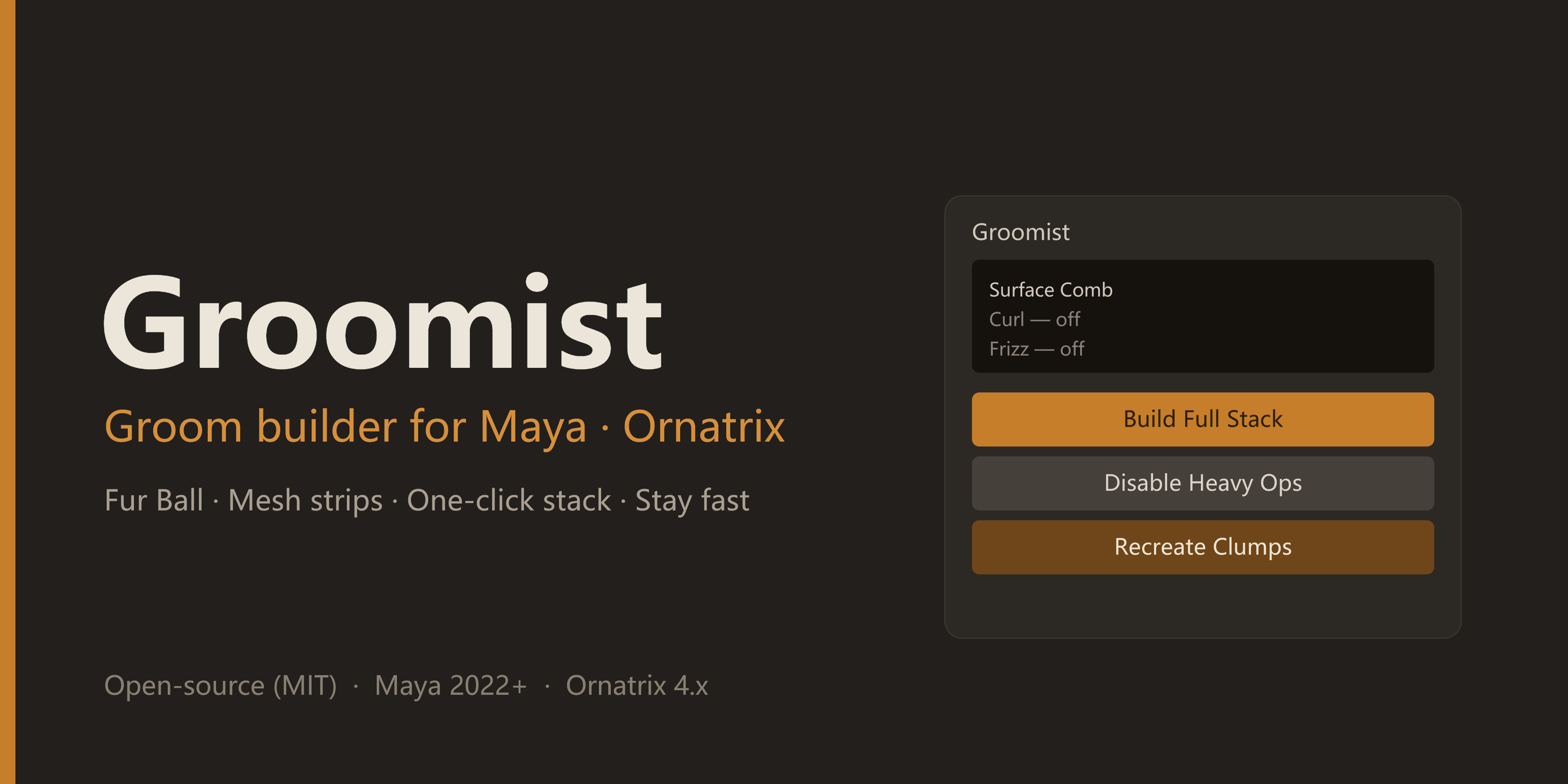 On Ornatrix grooms I kept hitting two things: I rebuild the same operator stack on every character, and a fully-built stack tanks the viewport while I'm still iterating. How I've been handling it: * Build the stack in a fixed order (Surface Comb → Rotate → Clump → Curl → Frizz → Detail → Noise → Gravity → Change Width) so…
 -
Re: How to maintain rotation when extruding along spline (3DS Max)?
 Other ways to do it are: path deform and enabling the spline as geo. Both have rotation settings built in. Extrude along path is the most limited method for your purpose.


>8347 results