Search
-
Re: Game Props Project
 Hello Everyone! Sorry for the late update. The project has now ended and here is some images and videos from the finished models. Movie capture from the motorcycle UDK scene Mirror 1: http://www.lorentzen.se/annat/anders/polycount/udk_scene_mc_audrey_rev1.mp4 Mirror 2:…
 -
Re: Portfolio-Lina
 sgtNasty i read your link - thank your for that. It might a little bit offtopic, sorry for that AriesGal1629 , but iam just wondering - if you show pictures on your side what might be the better way for savings and presentation. to : 1. show your images with a nice slider (but saving is sometimes difficulty) 2. to link on…
 -
Re: Channel shuffle - Shuffle color channels
 kodde had also figured out that the images were actually not black. The problem came from that the application defaults missing channels to black. He had used jpg images and left the alpha channel unshuffled (it defaults to the alpha channel of the top image), and so when he exported it his image preview software used the…
 -
Re: Preview tga files in Windows 10?

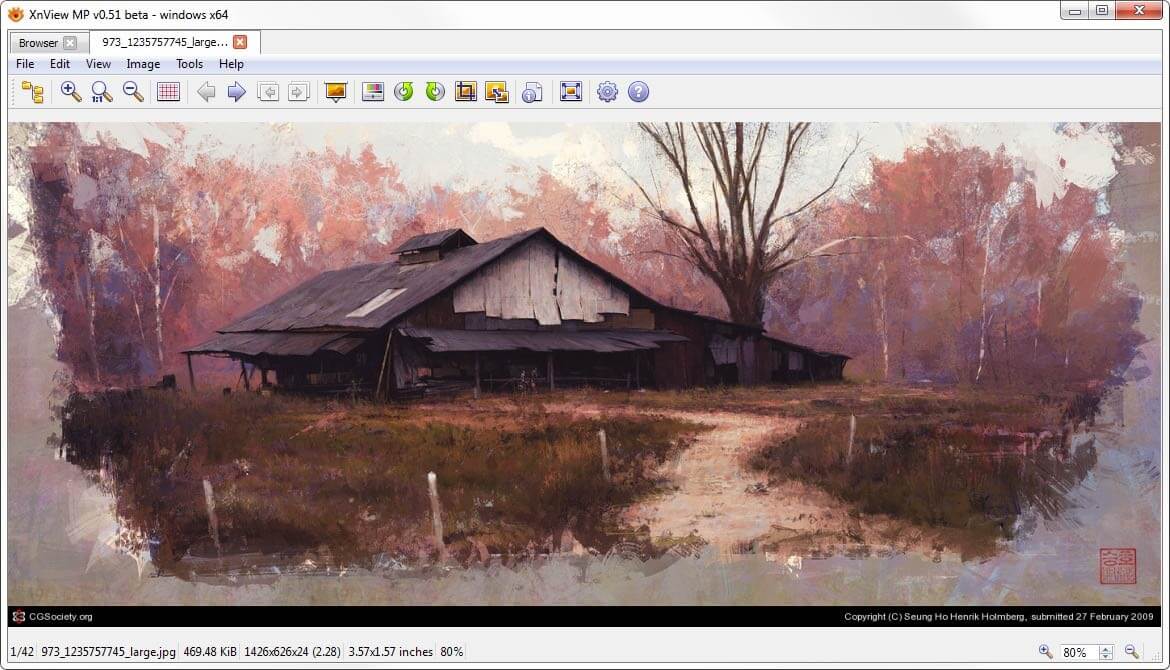 I have been using XnView for many years https://www.xnview.com/en/xnviewmp/ Its an image viewer that switches between image or thumbnail mode by pressing the 'Enter' key. You can use mouse wheel to scroll to the next and previous image and it supports 500 image formats and and can convert from and to many special formats.…
 -
Re: Is there a quick way to make a color palette texture?
 solved - easy way in affinity photo is to open the swatches panel, then in the options you can import a palette from an image, and you can set up to a 256 color palette. So you can composite a few images together that have the colors you desire. Then just set the display size of the palette to large and screenshot the…
 -
Odd Render to Texture Issue in Max...
 Last night I was doing some test renders for Normal Map and AO Map for an asset to be used in a UT3 map and Max's render to texture kept rendering them out with the images not going fully out to the border. When you open them up in Photoshop they'd have an even border around the image of transparency and no rendered image.…
 -
Maya: Transfering maps to multiple tiles Woes
 I am trying to transfer a texture from one UV set to another the second one have multiple tiles. I can't seem to be able to do that maya doesn't seem to recognize that I have multiple uv tiles. I tried to transfer maps it transfers the maps correctly but ignores multiple tiles. I tried wrap image it gave me a faceted…
 -
Re: feedback war torn environment
 I have been working on a different scene that needed relighting and texturing to add more contrast, I have a job after Christmas and was told that I need to concentrate more on lighting here are two images before and after please feel free to make any comments. :) This is the old one arena.html[/IMG] This is the new one
 -
Re: WIP: NOD light Infantry, Thrice revamped
 im bad at paintovers [this is actually my first eva!], but i thought i'd try one out: ur edges are too white, and there is still too much damage. Lessen the whites, give subtle highlights. I'm no pro at handpainted diffuse-only models, but.... just my thoughts. Compare my img with ur image.
 -
Re: Looking for feedbacks on my portfolio
 At first I thought there were only 4 models. After clicking on the images I found way more. Perhaps, you can alude to the fact that those images lead to pages with multiple different assets. Maybe some text under the images like "Weapon Models" or "Vehicle Models". I know at the top it says "Press Images to see more" but…
>44213 results