Search
-
Setting up props with animation the easy way.
 Hey guys. Lately I've been getting into animating my props and such (It's awesome!) and I was thinking of writing up some stuff from my latest "play around with stuff and do cool shit at home"-sessions. Maybe some stuff on how to do some easy animations and how to set it up in max and get it into UDK the easy fast way…
 -
Stylized Goblin Diorama for a friend

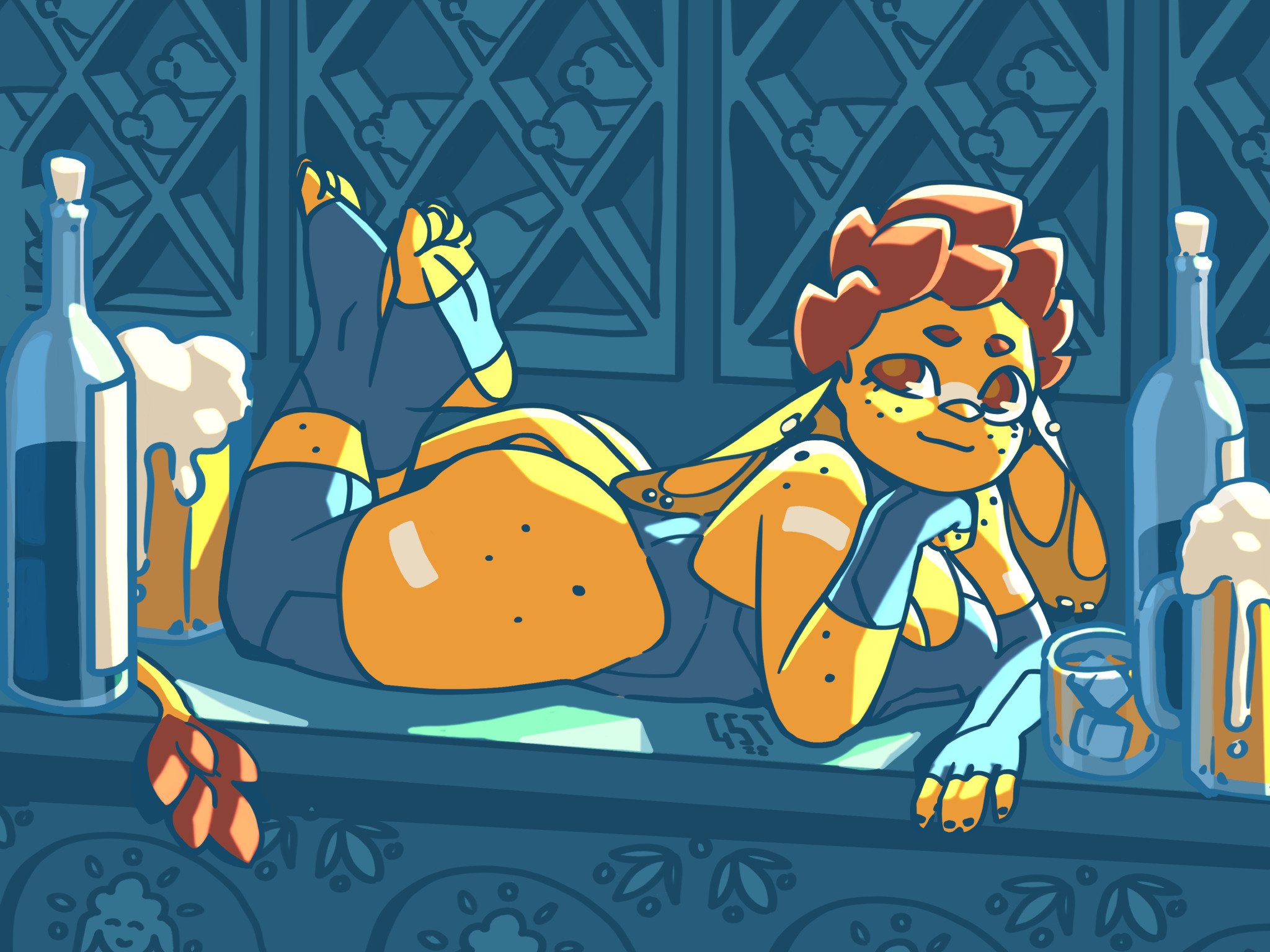 Hello! I'm making this topic to show some progress as I get through a very ambitious project (for me), trying to reproduce this illustration as a 3D diorama: This is an illustration by a friend, Goblin Spice Trader, who does a lot of very cute (and often NSFW) goblins. I'm pretty sure they're not on this forum, otherwise…
 -
Re: [UE4] (Yet another) Stylized, modular dungeon
 You might want to spend a bit more polygons for the cylindrical objects for LOD 0.They are looking blocky. Overall I cannot comment anything on the project yet as it is something you make and there is not anything referencing from. Place the camera at eye level, about 1.8meters. Thats how we get a better understanding of…
 -
Re: Q: Quixel and Arnold 5 settings?
 Hi Billy, Thanks for the answer. I have to retry the Disney PBR, as it wasn't getting anywhere close to 3DO. It might be the .tx conversion in Arnold5 that is confusing. I also tested the PBR GGX setup, and that was giving me the same result as the Disney PBR: The specular roughness is way off and too glossy. In the end I…
 -
Re: UV layout for next gen. Chars. Does the how matter less?
 not sure if that's just the tech i get to work with but if i have uv borders at all kinds of crazy angles, i tend to get more or less noticeable normal map seams on the asset. i found it best to have somewhat straight horizontally or vertically aligned uv borders to work around that.
 -
Re: Good Video Compression Settings
 Ace-Angel: Oh alright, I was wondering what was the difference of the two. Like you mentioned, it isn't very apparent from the start. I am trying to render out some videos of the work I am doing, but I'm not getting the best quality out of either program. Here are two examples: [ame]…
 -
Re: Setting up dual screens
 I have a little 19" Bravia that's serving as my second display in work... I'm having some trouble getting anything good out of it. I go through the nvidia properties and set it up, it says its set up for 1080p and all that, all maximum settings as far as I can see, but the image is pretty blurry, and even jaggy sometimes.…
 -
Re: Lightmaps in UDK woes. Let me know where i'm going wrong.
 To be fair, the mesh you came up with has a lot of sharp angles and requires a bit of work getting a decent light map for it. Also here's a less aggressive lightmap that gets more resolution in the important areas.
 -
Re: Maya users, how are you handling next gen shaders?
 And now I've gone and switched to FX Composer because RenderMonkey creates smoothing breaks along the UV seams. Very undesirable for texture work... FX Composer takes a tad longer to get the hang of, it's a bit more involved, but worth the effort. I have to mix and match snippets of code to get the shaders I want...…
 -
Re: Improving my 3D modeling
 Good work at wanting to improve. This isn't a great model for pushing your skills, as it's very simplistic and missing a lot of the tougher cases. The whole avoiding Ngon thing is really dependent on what you are modelling, they are actually totally fine on a flat surface. N-gons are mostly bad in cases where the plane is…
>93922 results