Search
-
Re: Maya Render UVW Template
 Hey man, I couldn't find a way to do this either out of Maya. I found the quickest thing to do was just render out the wireframe layout in Maya, open it in Photoshop, magic wand select a black area outside of the uvs, invert your selection and fill. You could make an action out of it as well that will turn the filled…
 -
Re: 2 Sided Polygons
 Select all the faces you want double sided click "detach" check on "detach to element" and "detach as clone" - this clones you selected faces and keeps it an element of the same mesh click "ok" with your cloned faces still selected click "flip" you can also use a shader that renders 2 sided polygons but you can't have a…
 -
Re: uv unwrapping help needed..
 select an edge in editable poly> export as spline add uvw unwrap mod. > select faces select spline mapping and pick your spline chose planar inside Sometimes it's screwed up but in 90% you will just have to rescale the uvs and they will be perfectly unwrapped.…
 -
Re: Maya 8 and above - render polygon edges to texture
 Someone did something kinda similar to this in Max, where they'd send a face selection out to PS as a selection mask, looked pretty nifty. I guess I could look at doing something similar to that, ie. send a UV edge selection out as a PS path if PS is currently open, since paths are probably more versatile than baked-down…
 -
Re: Maya's interactive tool
 Very cool. Going to test it out now. BeatKitano: I believe what you are looking for is the "merge verts tool" under edit mesh in maya2009. Click one vert and a line appears at your cursor that snaps to the other vert you want to merge. I don't use it a whole lot, because I have hotbox stuff for merging. Easier to just…
 -
Re: Issue: Move Tool (3DSMax)
 Are you trying to move the entire object by selecting all of the verts and moving them? If so (not sure why you would....but..) make sure you don't have a constraint turned on. It will be right under the "Edit Geometry" sub-group of your editable poly tools. Part 2 - Never attempt to move an object by selecting all of a…
 -
Baking Hair & Fur for Games MiniTutorial
 My tutorial writing skills are no where near where they should be. Re-reading it I think I can make it much clearer. I'll take another stab at it. 1) Plot your hair guides using splines. Align your splines so they will form poly strips. For the purpose of this example it will look as simple as 3. 2) Select the first spline…
 -
Layer Factory extension for Photoshop: create and modify layers

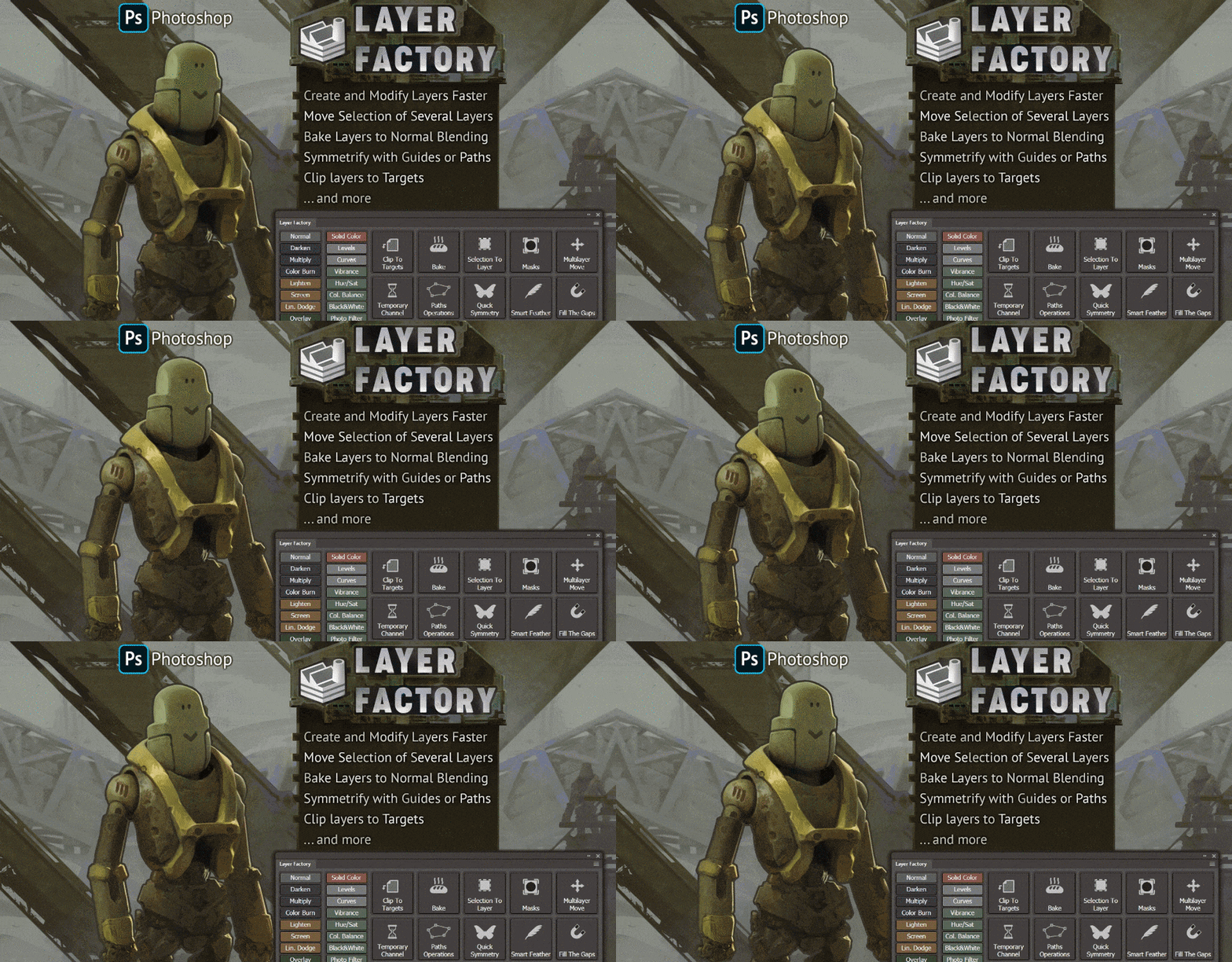 Hi everyone, I made an extension for Photoshop (CC only) for working with layers — Layer Factory. I use it every day for more than a year now and can't live without it so I thought maybe someone will be also interested in trying it. Layer Factory consists of separate modules that can be hidden/revealed/expanded…
 -
Vertex normal script for Maya
 Hi everyone! I just wanted to share a script I've done for Maya to quickly be able to set the vertex normals based on the face normals. I know there are a few ways to do this within native maya, as well as a few scripts, but I haven't been able to find one which averages the normals for verts shared by multiple selected…
 -
[3ds max] [maxscript] script to export/import explicit normals
 hello! I need a script to save and then load explicit normals for selected objects. so the process is like this: * select object * press button to export normals into a file. normals saved along with object name * deselect/object again * press a button to read saved file. script sees the name in the file and if this name…
>15387 results