Search
-
[NEW TOOL] Armory Crafter – Modular 3D Weapons Editor & Texturing Software

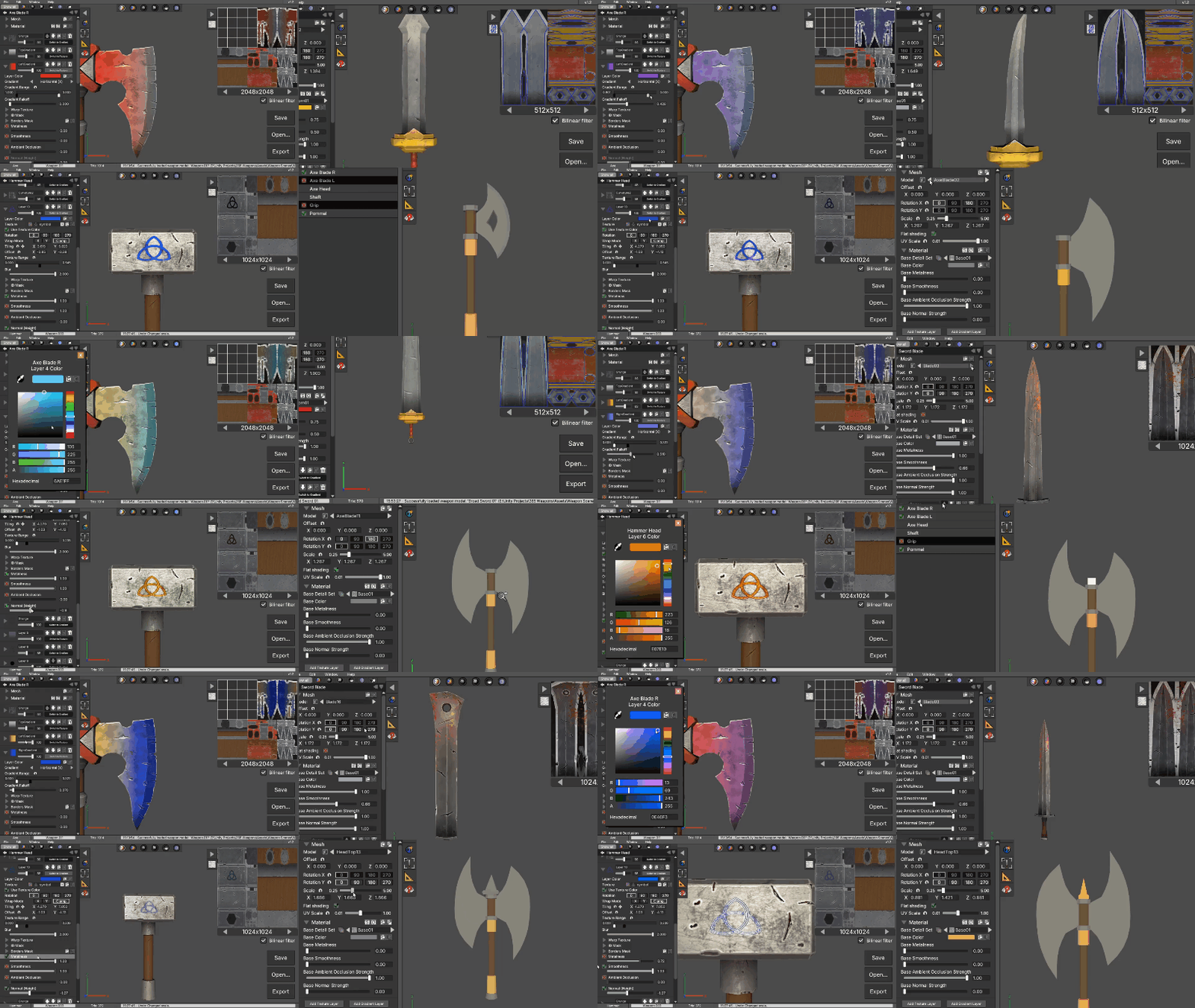 Hi everyone, I'm currently working on a library of modular 3D weapon models and made an editor powerful enough to texture and export the models and textures in different styles, including PBR. You can combine different 3D weapon parts using a variety of templates to create unique weapon models. The goal is to help game…
 -
Re: Marmoset Toolbag - MASTER THREAD
 Then what am I doing wrong cause It isn't working too well for me, the buttons are way off, then text is pixeled and I am running It normally and tried run in compatibility mode Winxp Sp3+Vista settings. What settings do I have to configure to correct these issues? Thanks! Edit: On win 7 64 Edit2: Removing the UI and…
 -
Portfolio critique
 Hello hello, my name is Anthony and I'd love some feedback on my all-around portfolio. https://docs.google.com/presentation/d/1C6tX9N63vaqJvRwZUlS-13JEd5jT7438icR-JheRwCo/edit?usp=sharing
 -
Re: How The F*#% Do I Model This? - Reply for help with specific shapes - (Post attempt before asking)

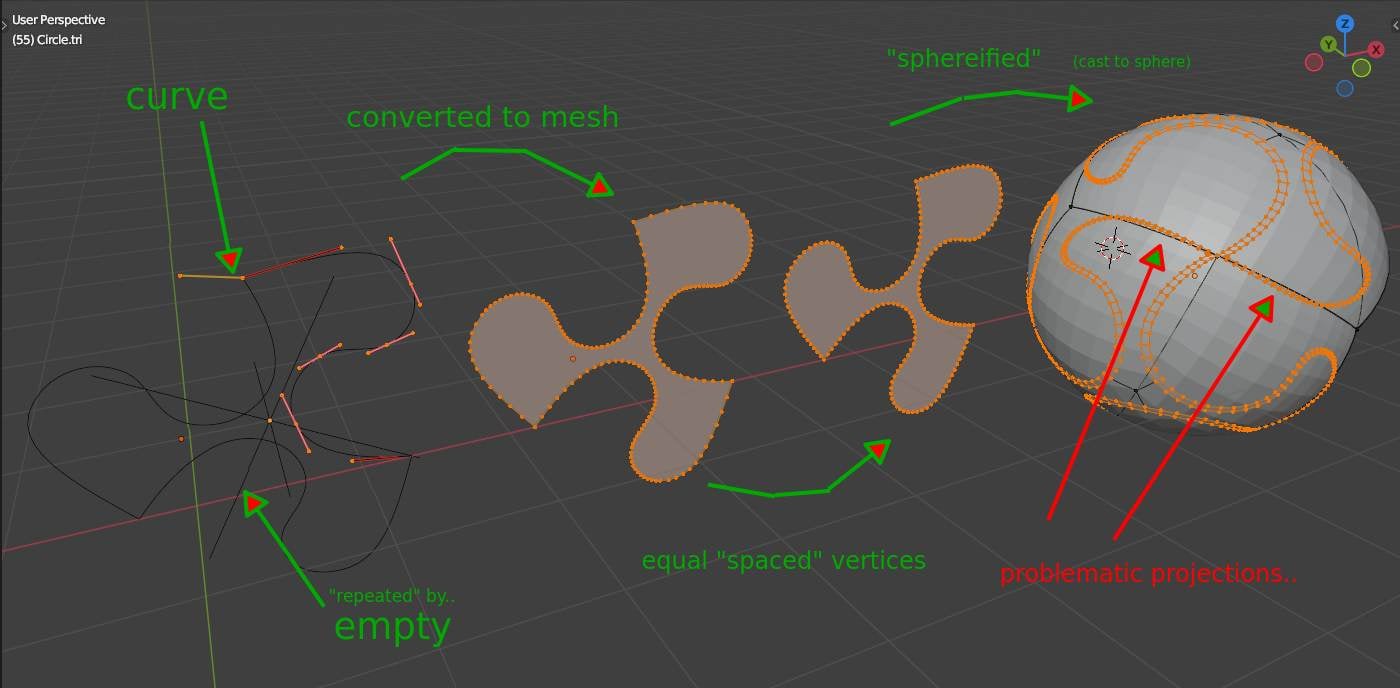 I think the problem task is: those pattern is going "over the edge" of the triangles borders.. so one has to "assemble" this somekind of beforehand when using some spherification.. Edit.. some time later:
 -
Re: Learning Blender and Texturing

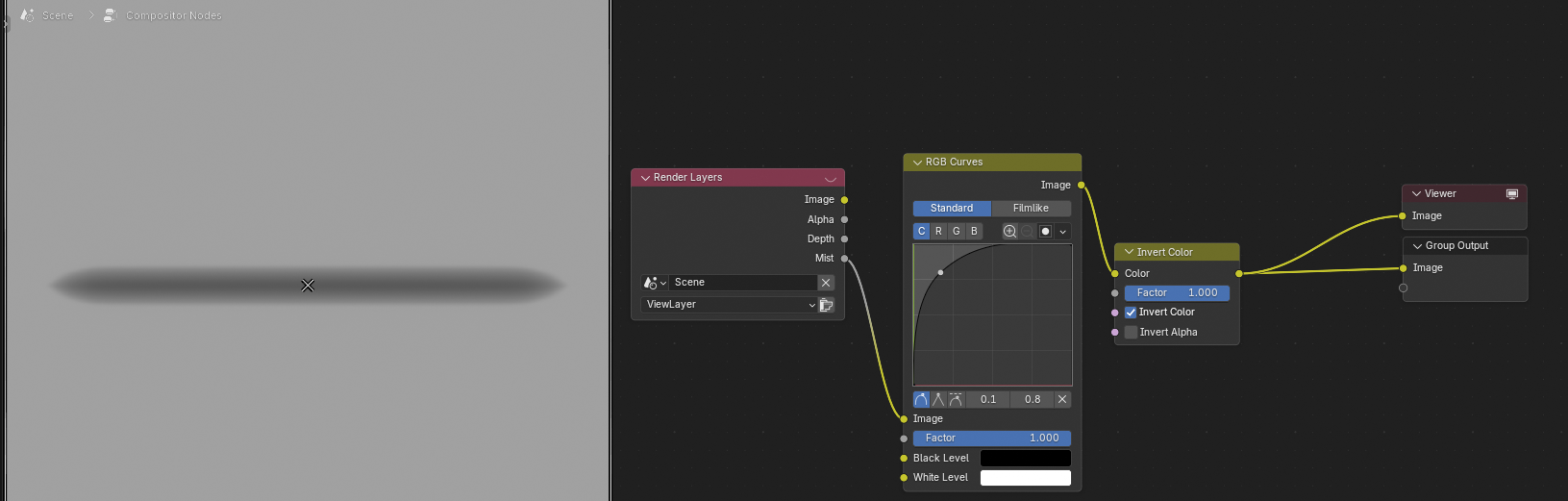 Black value on alpha means no influence, white/grey is where the brush stroke displaces the geometry. So you need a white shape on black background: Edit: oops, too late :sweat_smile:
 -
Re: Hip Hop is Dead [UE5 Remaster] [WIP]
 Very cool scene and that boom box in particular looks rad! Edit: Also curious if you're going to put LPs in the crate?
 -
3ds Max: Turbosmooth with Edit Poly vs Editable Poly
 I noticed that there's a difference in how Show End Result toggle works with Turbosmooth and Edit Poly compared to Editable Poly. Can somebody explain to me why that happens and is there a way to make End Result on Edit Poly look like the one on Editable Poly? Nothing unusual here This is what happens when I put Edit Poly…
 -
Re: Using maya as a game editor for environment art
 Of course, I know the environment art pipeline and everything to do with modularity/asset reuse. I just wonder if I could make the exporting/importing pipeline smoother. If LiveLink is useful not only for animation, then here are the list of changes in Maya that I would love to do instantly see reflected inside Unreal…
 -
Rigging high heels in 5.7
 Wondering if there's any unreal enjoyers in the chat? Apparently high heels in a game engine is a whole thing :skull: I'm using the gameplay animation sample stuff in unreal which is pretty cool, and it's even cooler that I'm able to intervene by making some edits to the CR_Biped_Footplacement rig within the animation…
 -
Re: Pirate gun handpainted gameready
 Even without editing the UVs you could push the texture quality a lot further I think. You could downscale the texture to 512 with nearest neighbor (sometimes called Point filtering), then add some more highlights and details. The materials you have right now could be a lot sharper and more representative. It's worth it to…
>35066 results