Search
-
Re: Severe problem when baking in 3ds Max
 Based off the normal you've provided I think I know the problem... you're baking a character no? I'm guessing you're baking it in one go but it doesn't work that way when you have geometry lined up next to each other. What you have to do is separate the arms / leg high polys etc and bake each piece individually. Here's the…
 -
Baking a normal map from one UV set to another but preserving the original's tangents

 Hi guys. I have a head that is mapped to UV0. I've created an overlay texture mapped to UV1 that is going to be a hair cap that blends with the head's skin material. I created a quick height->normal map from the hair cap diffuse in xnormal and applied it, but when I use this in Unity the normals are wrong and there are big…
 -
I can NOT bake Maya FG maps???
 I have tried everything the internet has to offer? I cant bake Fiinal Gather maps in Maya. I can bake AO / Diffuse / Normal but no FG?....help? (im trying to do it in Transfer maps like the instructions told me :(
 -
Cant view baked map preview?
 Hi all, something is wrong with baked map preview under maps where I press it next to the map type and the AO or Normal etc will flash on and off for a half second. I cant get the preview to stay. Sometimes it works and sometime not. Any ideas why this is? I have been having heaps of issues with baking from marmoset that…
 -
Baking Normals Onto Low Poly
Hi guys, experienced this for a while now; and searched the internet for various tutorials but they never seem to work as correctly... I've tried sculpting a few nuts and bolts onto a flat plane imported into zbrush, then bake onto a single plane ; again it never works - it seems to be a less "defined" bake rather then the… -
Re: [WIP] RED V-Raptor camera, Plasticity practice

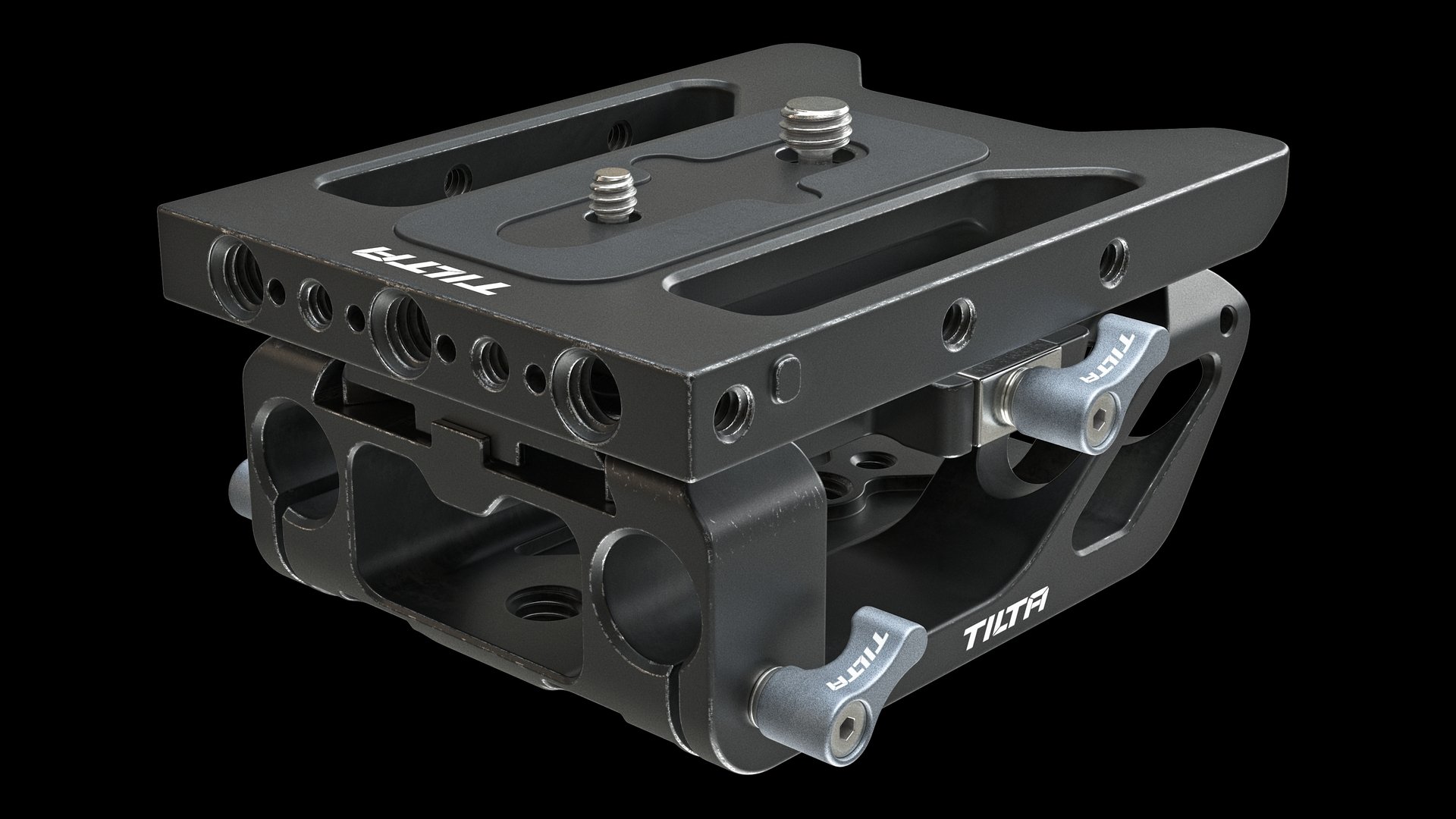 First test renders of baseplates. Too much edge wear and not enough dirt in some places. But the base is ready and it's great. Want to share one method of creating simple signs when you don't know vector graphics or don't like it. It's kinda strange and stupid, but it works. 1. Model a sign. I used Plasticity for that. It…
 -
Re: Marmoset Fills holes on mesh (Help)

 Yeah, this is padding from the normal map bake. The holes in the high poly cause ray misses, which are filled in by the UV padding function. If the low poly doesn't have supporting geometry for this you should: 1. Add an opacity/transparency map (probably not the best method for this case) 2. Cap these holes in the high…
 -
Re: Toolbag's baked normal map looks different depending on format they're applied to, FBX or OBJ.
After you've changed the tangent space, you'll need to rebake the map, as Toolbag's baker uses whatever tangent space your mesh is set to. Also just to clarify, what renderer are these screenshots from? Is this Toolbag or something else? In theory the format should not matter, assuming everything stays the same like… -
maya baking troubles
 I've been trying everything however I haven't been able to bake the AO pass on this one model however maya keeps saying MEM 0.3 info : please try lower -memory settings. MEM 0.3 info : allocation of 524000 bytes failed: flushing mental ray: out of memory The normals get baked out just fine though, I have never really had…
 -
Re: Normal issues exporting from maya and importing to UDK
 You can't get good results because UDK doesn't have a synched baker for the Normal Maps currently for the tangents, which is the math so you get 'correct' looking Normals for the specific viewports. If you want 'nice' normal maps, what you have now is fine, add in Specular and Diffuse and the issue should be extremely…
>27503 results