Search
-
3ds Max 2011 - Hotkeys broken?
 I just istalled Max 2011, and none of the hotkeys work. Not even the default stuff like Alt+W to Maximize viewport. I looked in the customize tab and it's setup properly, but nothing works. Anyone experienced this before?
 -
Re: dds broken in max 7
 there was nothing broken about dds in polyboost. however for some strange reason it got unloaded from the plugin manager (the dds file plugin, that is) upon installing it. a few clicks fixed that problem. i guess this is a similar case.
 -
Zbrush symmetry is broken

 Hello, I don't know what I did to break the symmetry on my model, but now instead of one side mirroring the other, all brush strokes done on the right become inverted on the left (see screenshot). I tried deleting half the model and mirroring and welding the remaining half, the problem persists. Symmetry works fine on…
 -
Re: Why is the game industry model broken?
All the dead studios are evidence that it is broken, I remember someone came up with a list of all the now defunct companies/studios that went under and it is HUGE. -
Re: Sketchbook: stray

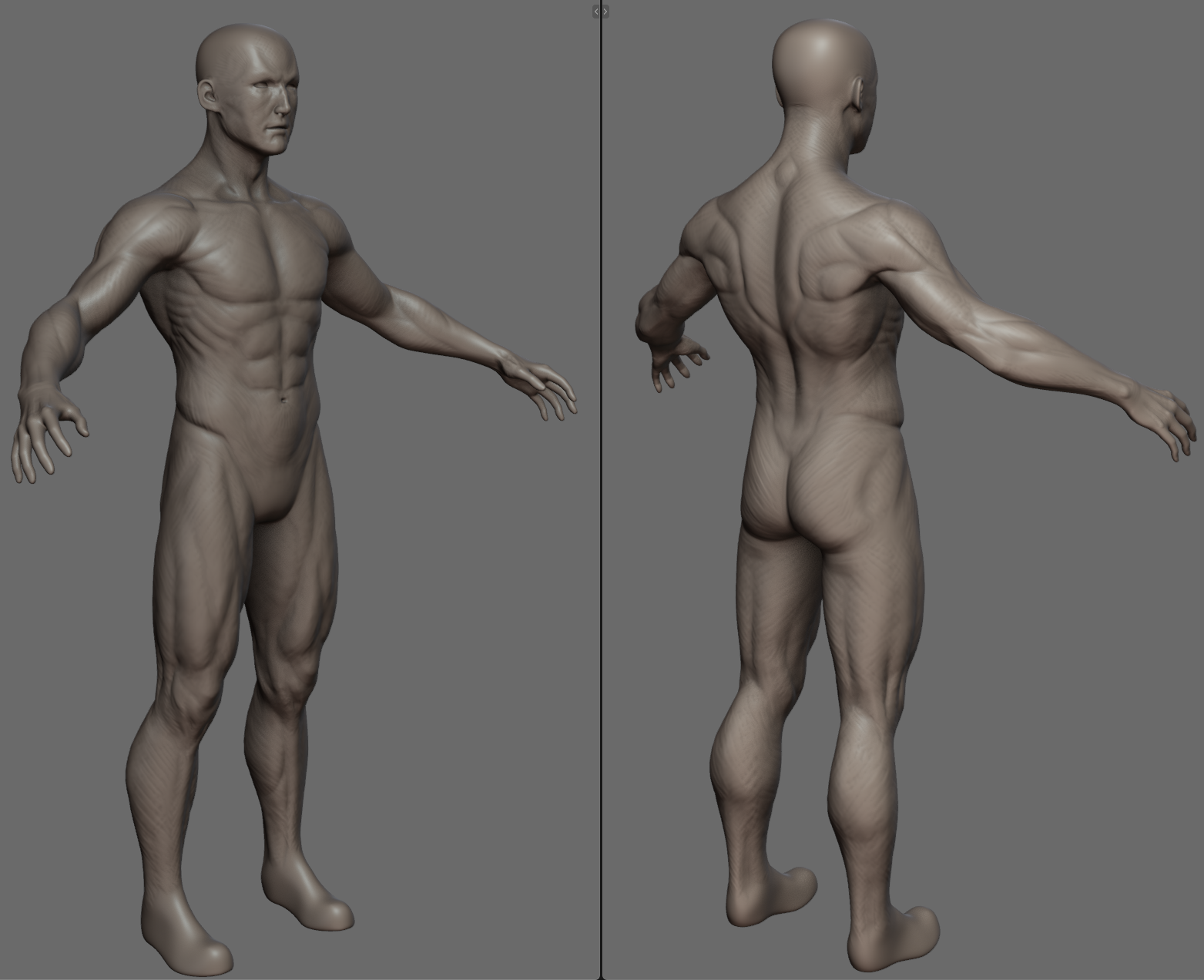 I've been feeling discouraged from making stuff and posting, but I'm trying to make an effort again. The main issue with all my models is inability to adequately pose them: they have a tendency to break in a way that I can't quite fix. The legs become too short for sitting poses, the arm twists break silhouettes, the…
 -
[WIP] Broken Torii (Question)
 Hello! I am currently modelling a typical japanese Torii, and I don't know how to approach the column part highlighted in the Figure 1 to achieve the concept appearance (Figure 2). Critiques of the sculpt would be very helpful! Figure 1 Figure 2: concept made by Mikita Kavalenka, you can see all his work in his Artstation…
 -
It's Brome's birthday
 can't let the cake go unnoticed, happy birthday, brome.
 -
Zbrush Curve Brush Top Broken.

 After making a hair card brush all the rest of the brush works fine, but the top has a crack in it? everything else deforms as one mesh but this. Anyone know why? I dont want to make it higher res, as the rest works fine so it should not really need it?
 -
SOLVED: My Ddo Rendering is broken
 Hello guys, Do you have any idea why my Ddo rendering is looking like that ? My mesh is super clean [xformed, no face flip, no spike, no manyfolded face, etc ...] This bug happen only with a custom mesh ... With the plane it's looking fine ... Thanks in advance.
 -
Photoshop CS3 Snap for Guides... broken?
 Am I doing something wrong or did Adobe break the damn snap options for the guides in CS3? I've got Snap enabled, along with all of its options, and still the damn guides won't snap to halfways across an image, even with the image color-filled and select-all'd. They'll snap to the edges of a selection, but not the middle...
>9015 results