Search
-
Audi A5 Sportback 2017 - WiP ( Blender 3d)

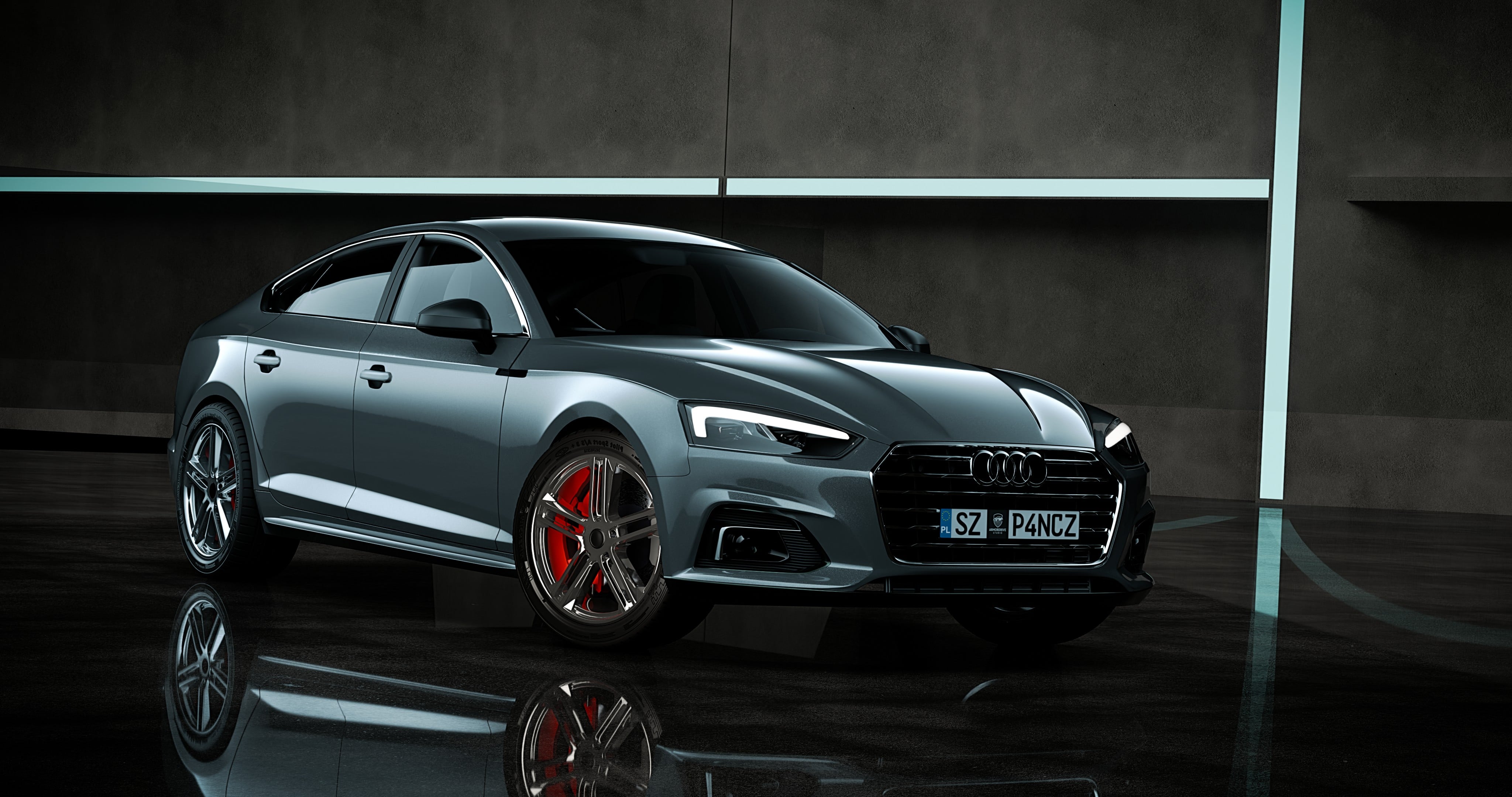 Hey everyone! My name is Szymon and I’m a 3D Vehicle Artist from Poland. I’ve been focused mainly on automotive modeling, surfacing and rendering in Blender for the last few years. I also had the opportunity to work on vehicles for the game Japanese Drift Master. This is my first post on Polycount, so I wanted to share my…
 -
Baking/Smoothing Groups Question
 This sort of thing has been bugging me for months now. My current unwrap/bake workflow is to apply smoothing groups after done retopologizing/low-res model, unwrap by selecting smoothing group faces and planar map/quick peel them, then bake. The results work fine (as seen in the images), but I'm aware that this yields more…
 -
Problem with Zbrush smoothing.
 Having this problem in Zbrush. When I smooth, it leaves these black marks where I smoothed. All I did was sculpt in some folds and then smooth parts back in. It doesn't mess up when I export it to bake the normals, but still, its annoying when working in Zbrush. Anyone know what causes this?
 -
How do you preserve hard edges while smoothing in Maya?

 I simply want to smooth a model while maintaining hard edges where I choose. I can jimmy rig this by adding extra edge loops near edges, but that tends to mess up my topology and doesn't achieve clean results. I like to model in low poly, then export a subdivided mesh to ZBrush where I add detail. But if the smoothing…
 -
Smoothing Groups in CE3
 Hey guys, I was having a discussion with a mate regarding smoothing groups in engines and I wanted to know if you can put everything in one smoothing group or is it best to have everything on 90Degrees separate? I know that in UDK you can put them all in 1 smoothing group and let the engine do the rest, is CE3 the same?
 -
smoothing group question
 Hey PC people, A quick question concerning smoothing groups in max. Is it dependent on light? In other words, once I apply a smoothing group, parts of the model get some dark shadows when viewed in the viewport with the default light. Once I added some omni lights, then those shadows are gone and I can see the smoothed…
 -
Comparison Shots Smoothing
 UDK refuses to give me proper smoothing. I am importing explicit normals, so it should look exactly like in Maya and or Marmoset, which I brought in to check my smoothing. It looks fine in either of them, but not in UDK. I tried triangulating before baking my normal maps, I tried inverting the green channel back and forth.…
 -
Smooth Edges

 Smooth Edges is a maxscript that allows you to create smooth edits a bit like patch modeling but within edit poly Smooth Edges is the latest script in a string of jaw droppingly helpful tools for max written by Marius "I'm a scripting genius" Silaghi the same person that brought us Quad Chamfer, Subdivision Revision, Quad…
 -
subdiv approximation smooth uv's issue
Hi, I've been trying to render a zbrush generated displacement maps using mental ray's subdiv approximation and displacement approximation nodes in maya 2008 SP1. I've used scott spencer's method, and have been able to get the displacement looking fine with no seams, HOWEVER it would appear the UV's on the subD surface… -
Re: Unity Metallic/Metalness not showing Smoothness Slider
 If you are using Unity 5.4+ there is a new slider that is a smoothness override slider now. It's meant to tweak the smoothness value in the alpha of the texture. It's a multiplier, so it multiplies it's range(from 0.0 to 1.0) against your alpha channel to reduce overall smoothness. Something important to note between…
>15011 results