Search
-
Best workflow for cleaning up a mesh that has been exported from Rhino into Zbrush

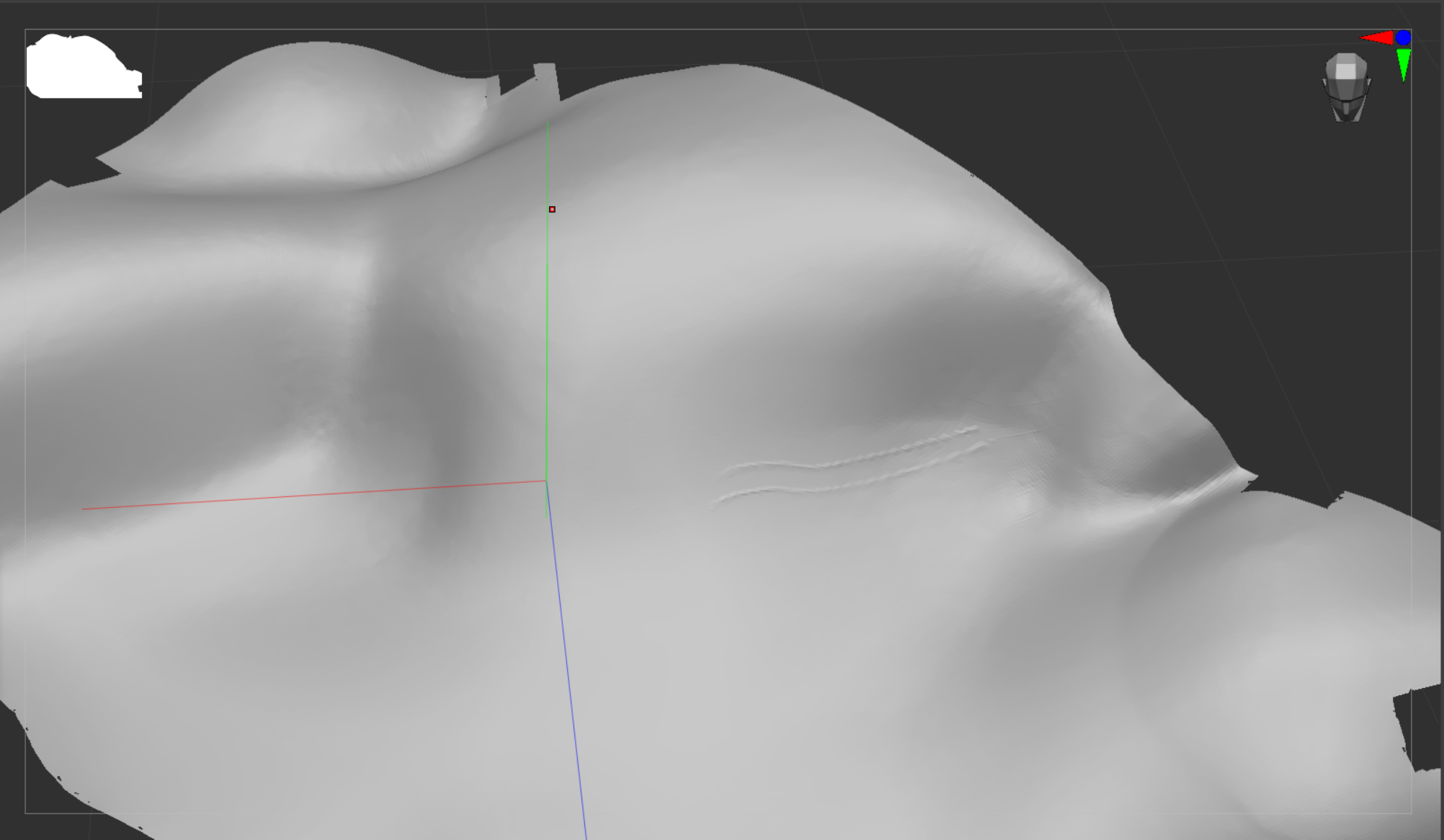 I have exported an obj from Rhino and the resulting mesh in Zbrush is very messy. I would like to add fine detail to it in Zbrush but am struugling to find a good workflow.This is what I have done so far:Exported an obj from Rhino with Polygon Mesh Objects and points welded. I then imported this into Zbrush with quads and…
 -
Re: Best workflow for cleaning up a mesh that has been exported from Rhino into Zbrush

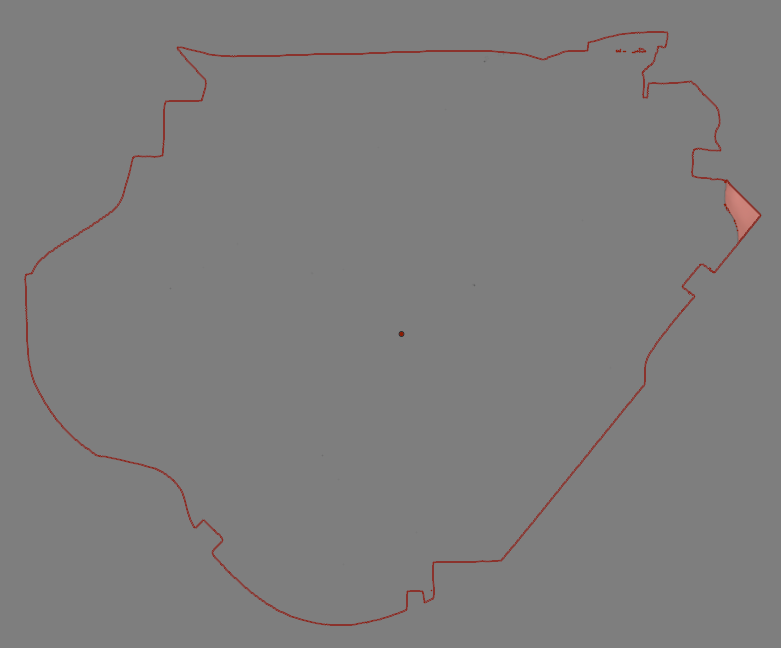 "The model is to represent sand dunes and will be cnc'd to a 1:25 scale" If you haven't done so already, the first step isn't to worry about how to convert things to OBJ, but rather to get in touch with the CNC operator who's going to take care of your job. The CAM (that is to say : the machining prep) could be done in…
 -
Re: Best workflow for cleaning up a mesh that has been exported from Rhino into Zbrush
Hello, - Step 1 shows the manual cleanup to patch holes, using regular polygon modeling techniques. - Step 2 shows the individual thin chunks of terrain being extruded down to create thick slabs. The box under them was just used as a negative Boolean to even/flatten their bottom side, but this could be done with just… -
Re: Best workflow for cleaning up a mesh that has been exported from Rhino into Zbrush
Hello Pior. Would you be able to guide me through the steps that you took to get the mesh that you uploaded an image for? -
Re: Best workflow for cleaning up a mesh that has been exported from Rhino into Zbrush
Thank you Fabi_G. Absolutely the border could be tidied up. It is the outline that needs to stay fixed.I have yet to try projecting a plane nor extracting a border but I will do some research and try those options. -
Re: Best workflow for cleaning up a mesh that has been exported from Rhino into Zbrush
Really the cleanup, extrusion and remeshing is the question I have. I can chat to the company for the rest. -
Re: Best workflow for cleaning up a mesh that has been exported from Rhino into Zbrush
Thank you Pior. I will check witht the cnc company tomorrow. With prior tests they seemed happy with the file and with a line on the model showing a real world distance. When you say Blender steps, I assume that you mean the Blender app? I am working with Cinema 4D, Rhino and ZBrush. -
Re: Best workflow for cleaning up a mesh that has been exported from Rhino into Zbrush
IMHO I would rather start by enquiring with the shop if they can even process polygon models at all ; because if they can't then the time spent sculpting in Zbrush would be wasted. But if they can, then you could get some example files from them to see how they set them up : do they need a thin surface, or a thick slab,… -
Re: Best workflow for cleaning up a mesh that has been exported from Rhino into Zbrush
Do you think it might be an idea to retopologise the mesh in 3D coat and the work woth that in Zbrush? -
Re: Best workflow for cleaning up a mesh that has been exported from Rhino into Zbrush
Hi Pior. Good suggestion. I will however still need to add the detail in Zbrush before handing over a file to them, so I will still need to get a workable mesh in Zbrush.
14 results