Search
-
Re: Sketchbook: HarlequinWerewolf (SkullCat3D)

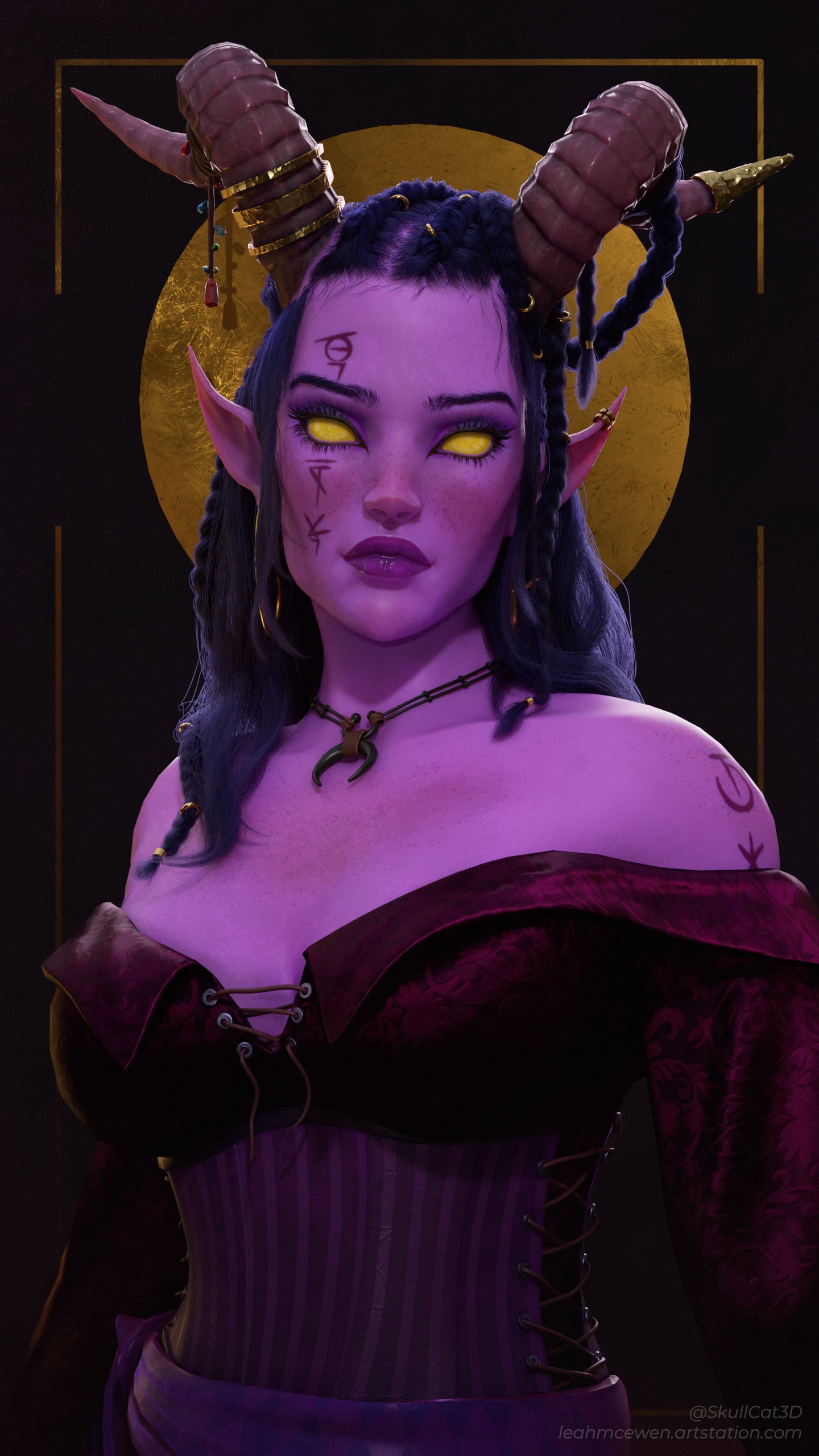 Wrapped up my Warlock project. Mostly focusing on a nice render after years of picking at this here and there More: https://www.artstation.com/artwork/WXwoVy
 -
Re: Sketchbook: Donte' Hawkins

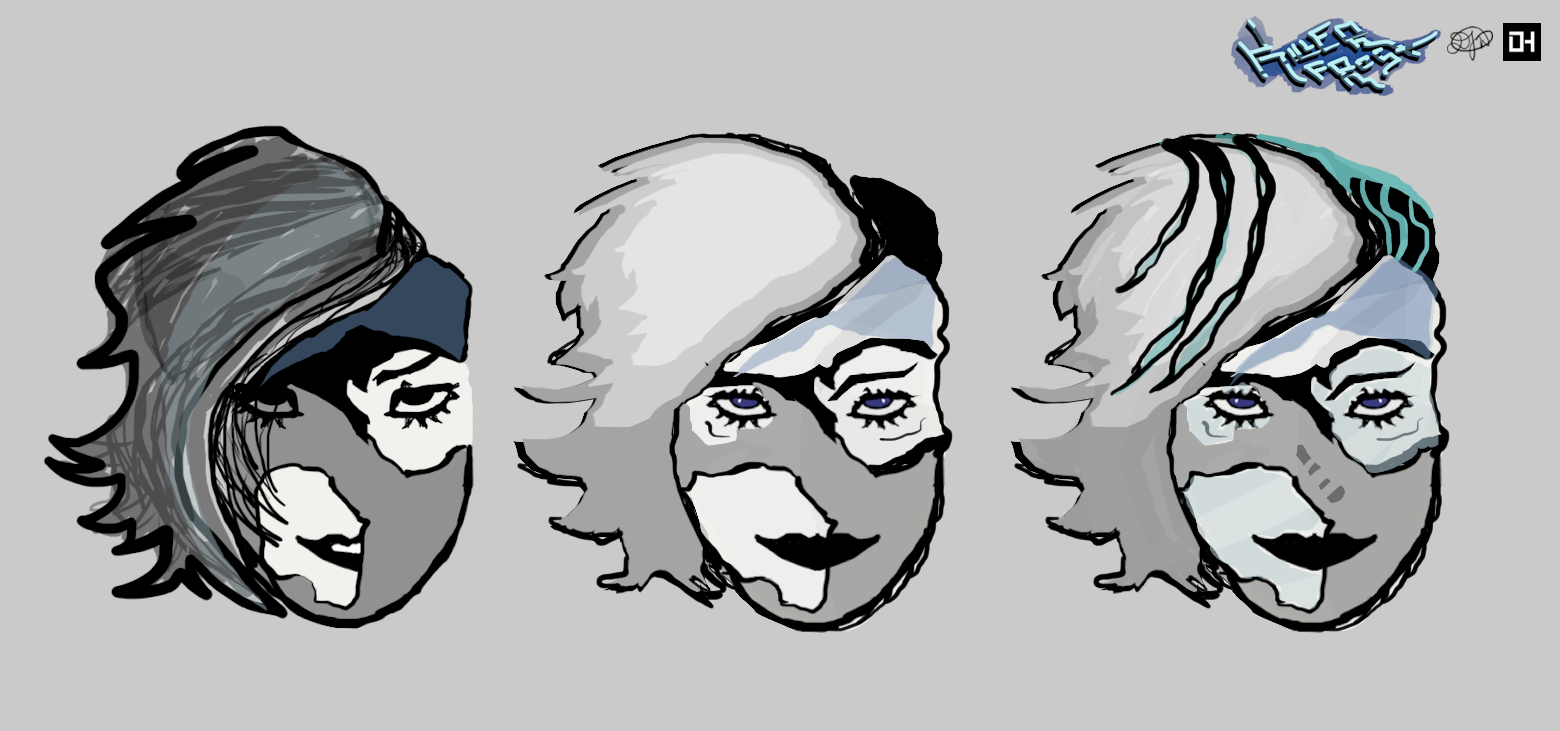 Head roughs for Killer Frost! Almost there. Next is adding to the heads to the body and wrapping up with final touches.
 -
Re: How would you approach this? 3ds Max

 another possible method is to create a sphere and all the separate patches. Now create a space warp/geometric conform object for each patch. Set the conform object to have a lookat controller to the sphere and set the sphere as the wrap to object of the conform object. now bind the patch to the conform space warp object.…
 -
Cloth Wrap.. thing
 So im about to finish this up but i have no idea how to make this cloth handle thing.
 -
Re: Maya - perfect plane render
 I'm guessing the texture sampling at the very edge of the plane is getting influences from the very other side of the texture. Probably due to texture's WrapS/WrapT in the engine. Try setting the texture WrapS/WrapT (or whatever they are called in Unity) to Clamp and not Wrap which is probably default. Might be called…
 -
Easy uv unwrapping/wrapping.
 Does anyone know of any 3rd party programs to make this process easyer? it just seems teidious in the tutorials w/ 3ds max.
 -
Re: Sketchbook: Sahir Irfan
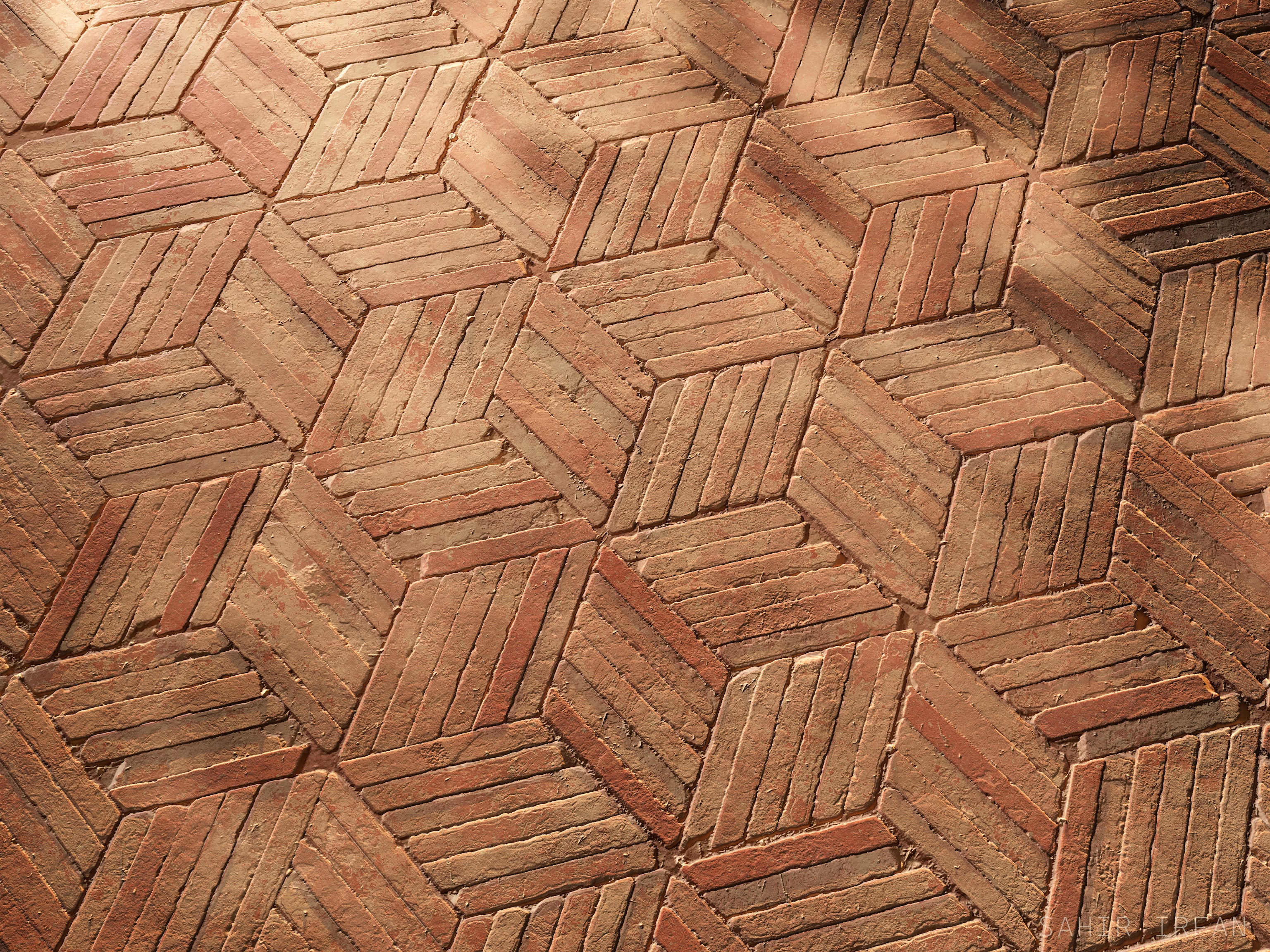 Wrapped up the above material a few weeks ago and went on a well needed vacation afterwards. Artstation Post: https://www.artstation.com/artwork/GvrE4N
 -
Re: Azimuth Cold - FPS game visual prototype

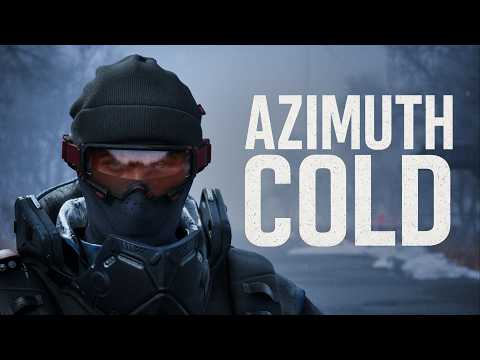 Hey folks! I am wrapping this projec. It is almost done. Right now is the hard part, my mind runs with ideas and enthusiasm for the next one. But Azimuth Cold is still needs some love and passion to properly finish it. So no new projects until this one is done! https://www.youtube.com/watch?v=M-ZS2MsDIzU
 -
UV wrapping help
I just started trying to teach myself UV unwrapping in max. I think I kind of grasp the concept, but I was wondering if anyone in the community may have a good place for tutorials. I've looked/searched and haven't much luck in finding any decent ones. Thanks in advance for the help, any advise or tips would be greatly… -
E3 quick wrap up
- Just wanted to say thanks to everyone who showed up at e3 and made the experience more enjoyable. It was a great to finally meet the people I talk to almost every day. A special thanks to Rouge for being so damned nice and informative. Hope you all had fun :P Gauss IS that good looking
>13916 results