Search
-
Re: Rotate an HDRI Blender 2.8 addon
 This is super neat ! One piece of feedback : including a screenshot or a written note in the add-on description mentioning that it requires the Mapping and Texture Coordinates nodes to be present. Even just an external link to a picture would do the job, I think.
 -
Re: Blender Hologram Wire frame fade?
 Start fresh and try working towards an extreme version of the effect you're after, and then tweak it back. By that I mean punch a transparent hole through the object with the Layer Weight and the ColorRamp nodes, because if you can't even do that then you know the nodes are wrong. - When mapping a scalar value with the…
 -
Re: [UDK] Zelda Water Shader Help
 What is the bit of code in the custom node doing? I don't quiet understand. How is it bending the U and V into a radial? Can you break down what each part of the equation is for? I'm mostly curious as to what the atan2 is.
 -
Re: Cel Shading
 Shader Forge has an outline mode built-in to the shader editor, worth a look if you go back to this. Shader Forge is really very easy to use, if you've ever used any node-based editors, like Hypershade.
 -
Re: Autodesk Maya 2016
 nope sadly not :( we don't use any modelling nodes on these, just mesh and texture applied and assets put in layers sometimes the layer disappear, sometimes the materials, sometimes the meshes, sometimes combinations and sometimes all of it alltogether. It is horrible.
 -
Need help using the Simple_Hair_UV script for creating hair uvs
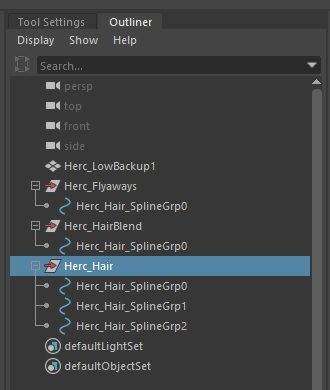
 Im using the Simple_Hair_UV script found in the Xgen UE documentation however when i imported my IGS alembic file that i exported, it has 3 different description and multiple splinegrp . How do i add multiple groups and curves in the script? Tried using " ; " and " , " in between each group and it doesn’t work.…
 -
Need help using the Simple_Hair_UV script for creating hair uvs
Im using the Simple_Hair_UV script found in the Xgen UE documentation however when i imported my IGS alembic file that i exported, it has 3 different description and multiple splinegrp . How do i add multiple groups and curves in the script? Tried using " ; " and " , " in between each group and it doesn’t work.… -
Re: Brick Wall Material - WIP
 Try to use slope blur node to fake edge erosion and height/ slope variations in a copy of bricks generator to make color variations . Or flood fill node.
 -
Re: Blender 2.5 Crash Course (Not For Retards)
 That was a great video! I actually took some notes! I have a couple points I want to add on to your video: Multiple Component Selecting Mode- you can press Shift and select multiple component modes, like Shift select both Face and Vertex mode, or all 3. (similar for the transform widgets rotate, scale and translate) You…
 -
Re: Sketchbook: illumisanic

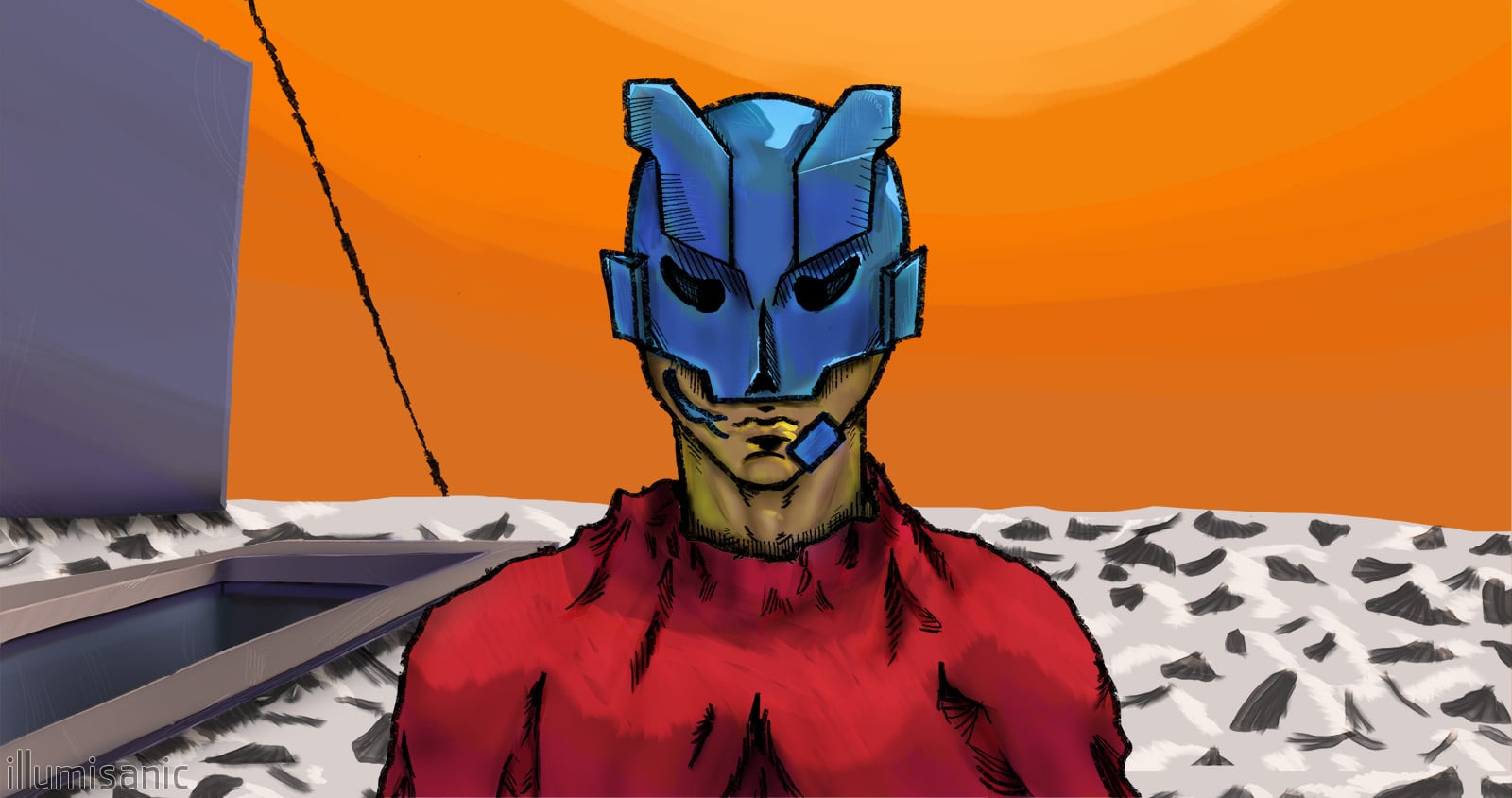 Nómada / Nomad - 12/2022 My profile pic, l would call this my first "get serious" artwork. I've wanted to make some music and also learn how to draw. So I've learned a DAW and studied various Marc Brunet's videos and made the cover. I wasn't so happy of how the "realistic" shading looked, so I colored it in a way I liked…
>37266 results