Search
-
Re: Issue with Modo's smooth edge shader.
 The rounded edge shading only works with edges sharper than 40 degrees. We need to look at fixing that up, but there are other visual issues with rounded edge to sort out at the same time (it wasn't really intended to be used this way when it was put in).
 -
Dark lines around edges of bake in substance painter

 Anyone know why I'm getting these dark lines along the edges of my objects after I bake them in substance painter? Heres an image of what im talking about.... Is this because the edges are to hard? Should I bevel them or something or is it an issue of resolution on the UV Maps?
 -
Maya. Evenly distribute vertices along an edge.

 I googled this, and all I found is an old script that wasn't updated for a while and doesn't work on newer versions of maya. Basically, what I want is to take this piece, for example: And evenly distribute vertices along the edge. This is just an example to show what I mean. I'll later export this one in zbrush and convert…
 -
How to bake a clean normal map without split UVs Island on every hard edge
 Hi everyone ! I got a quick question about normal map baking and texturing workflow I've read some articles about Normal map baking, and they all said that in order to have a clean result, I have to have Smoothing split, and UVs split on every hard edge for example like this box but for texturing purpose sometime I can not…
 -
Edge loops running through mesh
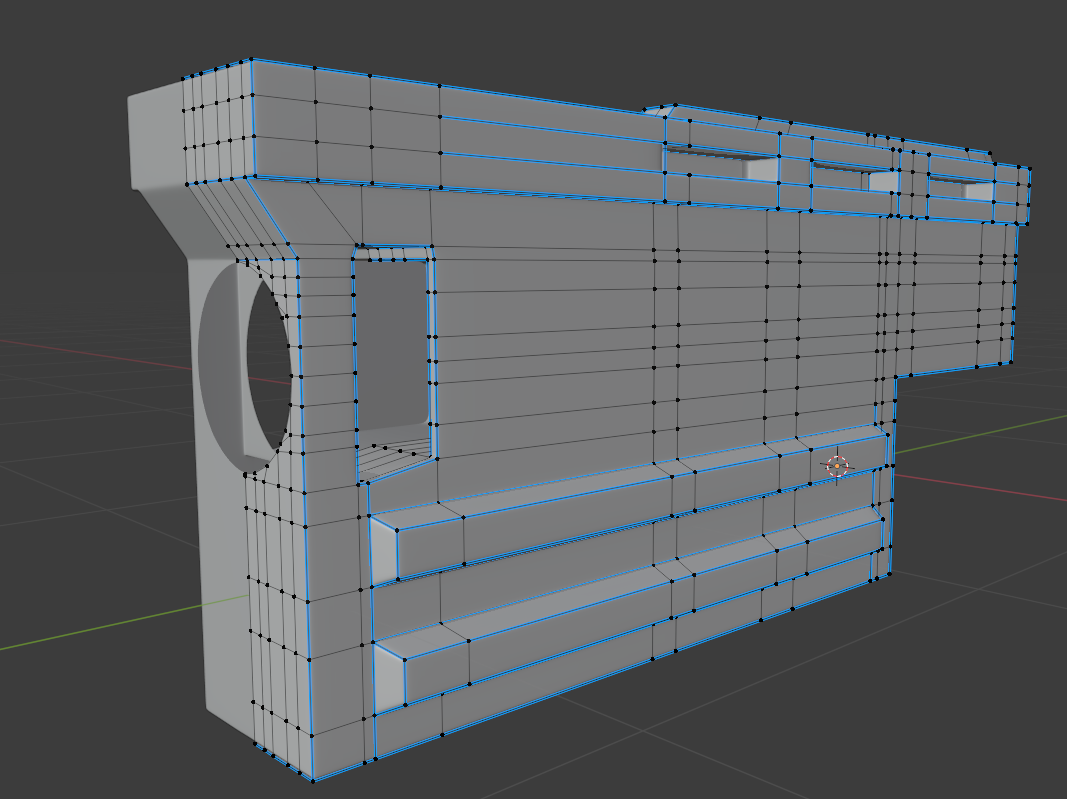 Im fairly new to modelling and now i am starting to question my workflow. I am always trying to model in only quads using edge loops. Thats way when i try to add some detail to certain part of the mesh i create an edge loop that runs through entire mesh and creates a lot of new vertices even in places when its not needed.…
 -
Vertex snapping with edge constraint in Maya
 Hey there guys, SO I'm trying to get vertex snapping work in maya while constrained to the edge while using the modeling tool kit, as that's a new feature. I really like the ability to stick my verts I'm moving to the flow of the existing topology, but sometimes I want to be able to snap up on an axis to even everything…
 -
Zbrush Crease Edge importer question
 Hey guys, so as many of you know zbrush has a really handle plugin that allows you to keep your smoothing groups of your object upon importing into zbrush and this works fantastic...but the down side is that its only 1 mesh import at a time for it to work correctly..and you can not bring in 1 object and have it split into…
 -
Re: Maya shadows soft edges problem
 Generally, while modelling, I harden any edge that's over 45 degrees from the next face, otherwise it starts looking weird. If you for some reason need smooth shading everywhere, you might have to start beveling some edges/adding support edge loops.
 -
need material help; inner glow/ edge gradiant
 I'd like to make a material that feathers from one color at the edge of the silhouette of a mesh, to another in the center, so it looks like the inner glow effect on photoshop. I tried using a fresnel node for this, but it didnt give the results I wanted at hard edges and on planar meshes. Can anyone help? something sort…
 -
Problem with Edge Detect node.
 I'm having issues with my Edge Detect node. I tried follow tutorials step by step, tried opening other substances that used it and copied their settings and I just cant get it to do what I want. I don't know what i'm doing wrong. I'm trying to get just the edges to show up but i'm always getting this gross noise inside the…
>24966 results