Search
-
Re: Why such ugly normals?
 To make sure your normals aren't inverted, convert your model to editable mesh, select all faces, and check Show Normals. That way, you'll see which direction your normals are facing. This is assuming you are in max however...
 -
Re: BLINK
 Great character! My only crit (other than what Firebert said) was that Blink had a noticeable more heart-shaped face than your model - very pointy chin, and narrower jaws. Your face is more square.
 -
Re: Occlusion Online: PC Wips *Nudity*
 A lot of the detail shift is due to resolution differences between the face and torso. I'll see what i can do about colar bones and possibly getting more of the colors from the face into the torso to blend things together better.
 -
Re: Back to Maya
 NURBS can eat a dick. Alternately if you don't care about poly count, just select a polygon face and a spline and extrude face along spline. Using NURBS yields a better result as it has more options for extrusions.
 -
Re: Cyborg Assassin
 The face that comes to mind is the Eva-Unit-02. I definately think the face could use more work.. Or even a redesign. What if the head resembled a helmet intermixed with human anatomy. An improvised skull shape, with muscles strewn about?
 -
3DS Max Weird Ghosting

 I have this weird issue with the mesh, just a single face! The wireframe is for some reason duplicated and when i drag the actual face it doesnt have a wireframe. Its not ghosting as only the 2 above wireframe exist. Using 3DS max 2016 Seek your kind guidance on this matter!
 -
Broken Normals?

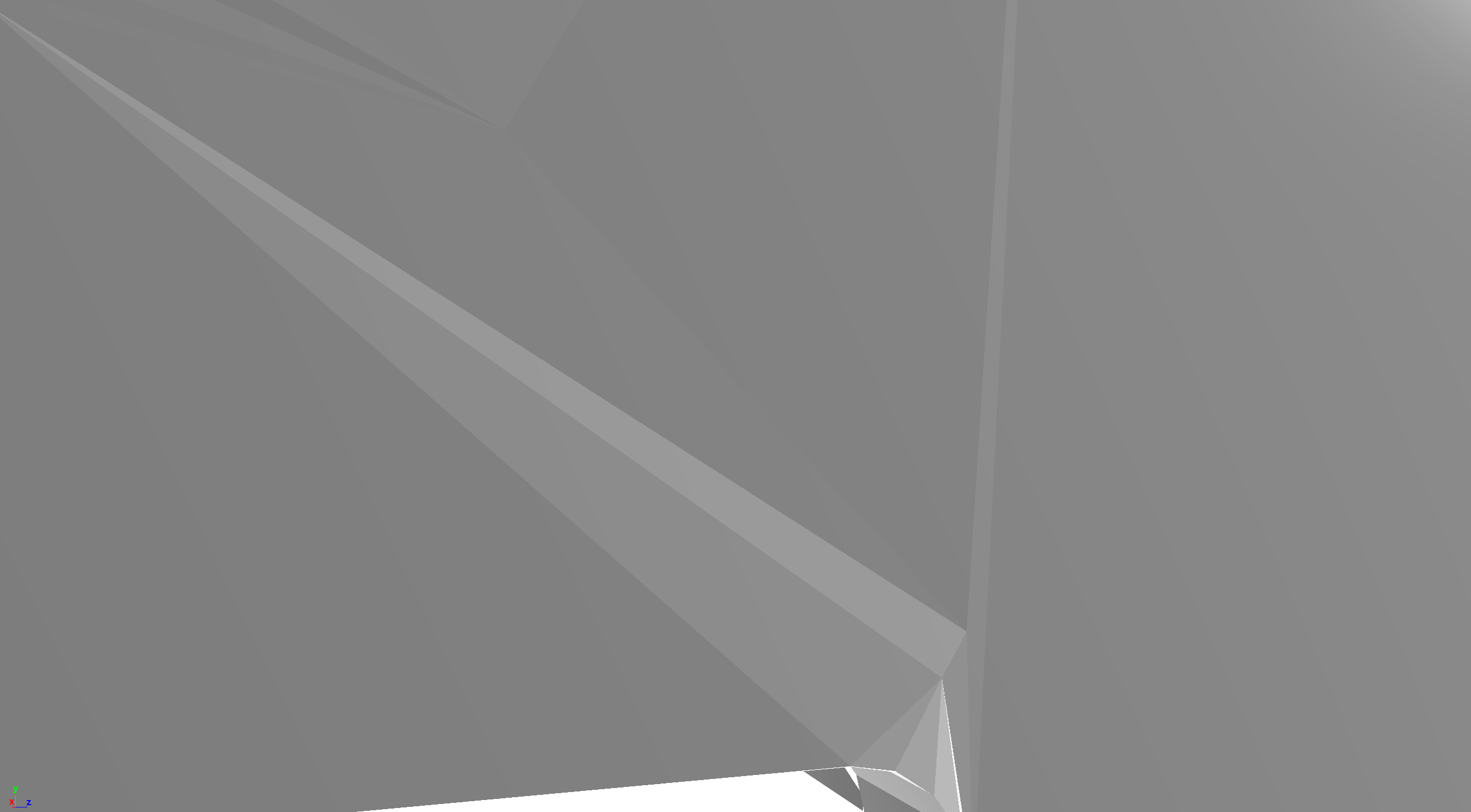 Was fixing a seam on a front facing panel on a model and did the proper steps adding vertices, adjusting the vertices, set to face the normals and even went to a side perspective and aligned as many vertices to the common curvature as i could yet i still get these non-perpendicular normals. Any ideas what could be causing…
 -
Re: Ninja Dojo 3.5
 Ninja Dojo Has been updated to 5.1. Its available on the Ninja Dojo Site and Creative Crash 5.2 updates Ninja Mesh 2.8 1. added Skip loop A and B in the Selection Seciton 2. added Skip Ring A and B in the Selection Section 3. added Edge loop Shrink 4. Added Align Object to Component 5. Added Align Object to Topology 6.…
 -
Re: Do you use a seperate texture for head?
 If it's a naked character, then you need to make it 1 texture since the payoff is better with that and it will constitution one draw. Plus, you won't get any nasty issues with colors not showing correctly at seams especially around the neck area sort of places, and for fapping reasons, having one high quality textures for…
 -
Re: Paris Carousel WIP
 If anyone has any suggestions on how to sculpt hair or get smoother results I'm all ears. I tried using Lazy mouse but it didn't always work. I've learned a lot so far just in these past few weeks. Instancing is a life saver! When you're building your mesh from a cylinder you can do something that will make your life much…
>40189 results