Search
-
The Bi-Monthly Environment Art Challenge | July - August (79)

 Hey everyone and welcome to the 79th Bi-Monthly Environment Art Challenge for the months of July and August! This challenge is a way for real-time 3D artists to test their skills and create a piece of work based on concepts provided. It's open to those of all skill levels and we do our best to provide meaningful feedback…
 -
Re: 1.5 PREVIEW AVAILALBE NOW (Updated October 14)
 Hi there, I can't seem to get the SUITE working with Photoshop CC 2014. When launching, the toolbar comes up as the Photoshop splash screen displays, but then disappears once Photoshop is loaded. I've tried rebooting and such... Any ideas?
 -
Re: EFGF M61A5 Main Battle Tank "Semovente" Phantom (Remastering)

 Finish! Full texturing are done in Substance Painter except one material from Substance Designer) Hi-Res images from Marmoset Tollbag 2 and you can find them on my artstation page! Thx you)
 -
The Bi-Monthly Environment Art Challenge | March - April (83)
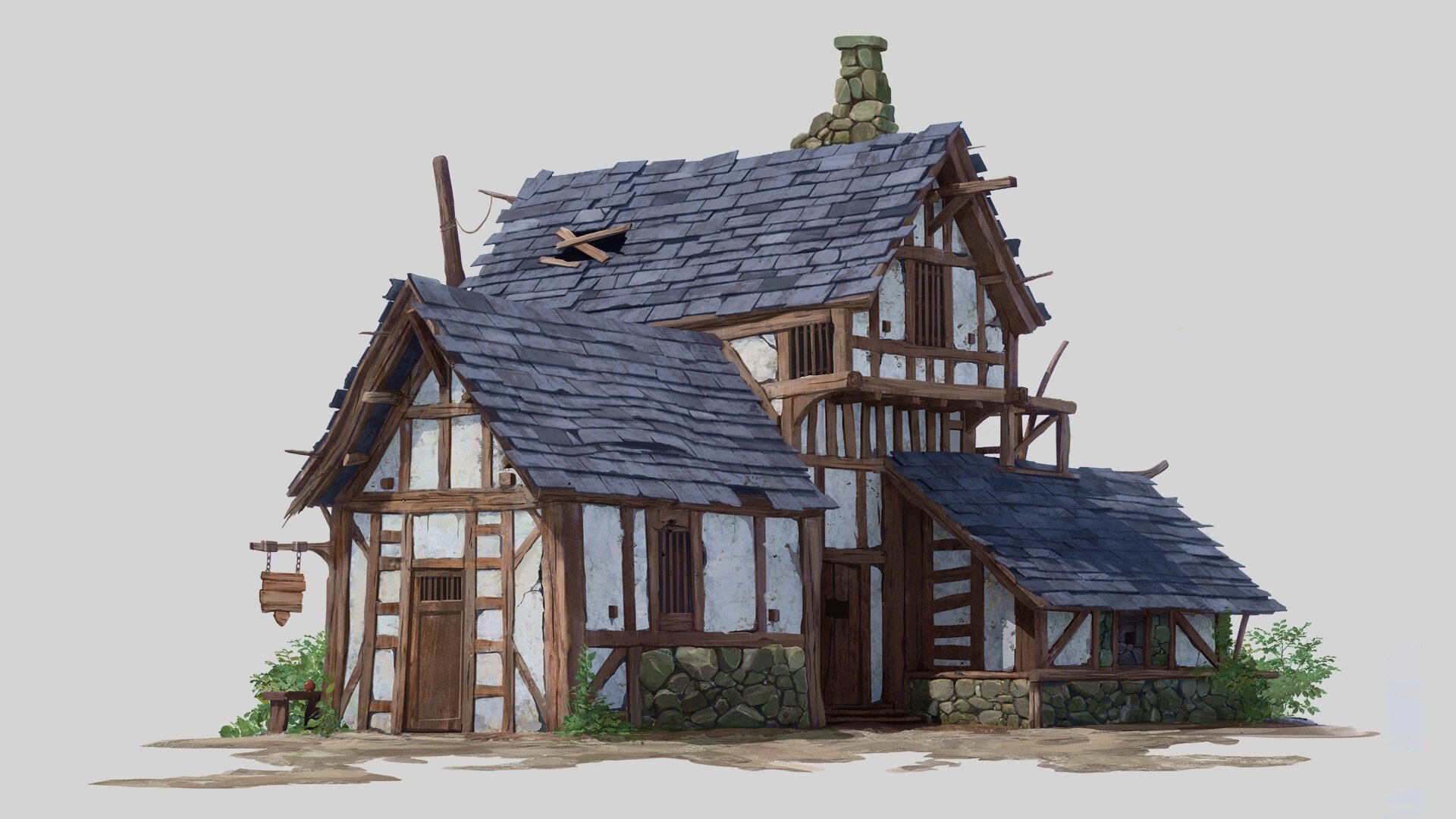 Hello everyone! Welcome to the 83rd edition of the Bi-Monthly Environment Art Challenge for the months of March and April! This challenge is a way for real-time 3D artists to test their skills and create a piece of work based on concepts provided. It's open to those of all skill levels and we do our best to provide…
 -
Re: Which software do you hate the most to work with (for whatever reason)?
 This, Maya UI for me is and forever will be a huge mess. Unnecesary or redundant buttons everywhere, having to move windows left and right to be able to see what you're doing in the viewport, huge toolbars that could be summarized in a couple of tools, etc
 -
Re: RTTassist - 3dsmax toolset for RTT automation.
 very nice tool! I made it a button on my top toolbar but doesn't seem to have an icon made for it. Is this currently planned or is there another way I should go about opening it when i close it each time?
 -
dual monitor setups
 it's taken a while, but finally i've entered into the new and exciting world of the dual monitor undecided though, whether to run it as i originally intended - a toolbar/outlook dumping ground - or run max as "always on" on the TFT and photoshop and other bitmap stuff on the CRT. what's everyone else doing with theirs?
 -
Re: cintiq+3d0 causing majore problems,suggested fix?
 Thanks for the report meshiah, This is a known issue but there is a workaround: in the SUITE toolbar menu, click Make 3DO Topmost. This will unhook 3DO from PS and should stop the hijacking issues. Let me know if this does not do the trick for you. - Teddy
 -
Re: Journey into Zbrush
 You have the solo button on. Go to the transform menu at the top > click the solo button (should be orange right now, you want it to be grey). Or, press the orange button that's half obscured at the bottom of the toolbar to the right, under the PolyF button.
 -
Re: Mini Tut: How to find old threads on the Forums
 I'm using the Javascript solution posted by Nelios in the Update thread (highlight and drag/drop the code onto your browser toolbar, then click the button anytime you go to a non-working link): http://pastebin.com/raw.php?i=CB5X3mbC
>5500 results