Search
-
Mudbox Layers Blending Interpreted Differently In Photoshop

 Hey, Layers Blending is interpreted differently in PSD. After exporting Diffuse Channel to PSD this is result It has some screen, overlay layers etc. Mudbox 2016 ext1 Any ideas?
 -
help me about CAT rigging LAYER
I have a problem about layer CAT rig, i dont know why i turn on layer animation in CAT. a rigging moving. please show to how to fix that. thanks -
Quickly change Anim Layer weights in Maya
 Is there a good way to do that? It's easy to set the layer weights with the key button next to the slider. but changing it, to adjust timing, later seems to take some digging in the graph editor and/or having to select the controllers in the layer
 -
Lightmass and Deco Layers
 Hey everyone, I've been playing around with terrain in UDK trying to create a small environment. It's still pretty early along but I've already hit a snag. I'm using deco layers to quickly place trees on my terrain, but it seems that lightmass doesn't work on these meshes. I've double checked the mesh to make sure it…
 -
Mari - Create layer from selection
![TorQue[MoD]](https://us.v-cdn.net/5021068/uploads/userpics/978/n9Y8GE4KMHMJB.jpg) Hey all. Total Mari noob. I've been following some tutorials on Digital Tutors and starting to learn a bit about Mari. One thing I haven't been able to figure out is how to create a new layer from the selection (CTRL + J in Photoshop). I want to be able to select an element in my Ortho view, create a layer from said…
Hey all. Total Mari noob. I've been following some tutorials on Digital Tutors and starting to learn a bit about Mari. One thing I haven't been able to figure out is how to create a new layer from the selection (CTRL + J in Photoshop). I want to be able to select an element in my Ortho view, create a layer from said… -
Can I link layer nodes to materials?
I'm playing around in Alchemist. I have some materials stacked and blending, and I'd like to rotate the topmost layer. Is there a way to link the transform node to the topmost layer so it doesn't globally rotate the whole material? -
Foliage layer offset from terrain?
 My terrain has two foliage layers. They both work fine on the terrain, and I can adjust them easily. However, there is this extra bit floating off of the terrain that I cannot change. I can't select it without selecting the rest of my foliage layer, so it's definitely connected. Any ideas on how to get rid of this?
 -
Re: Shuttle Altair

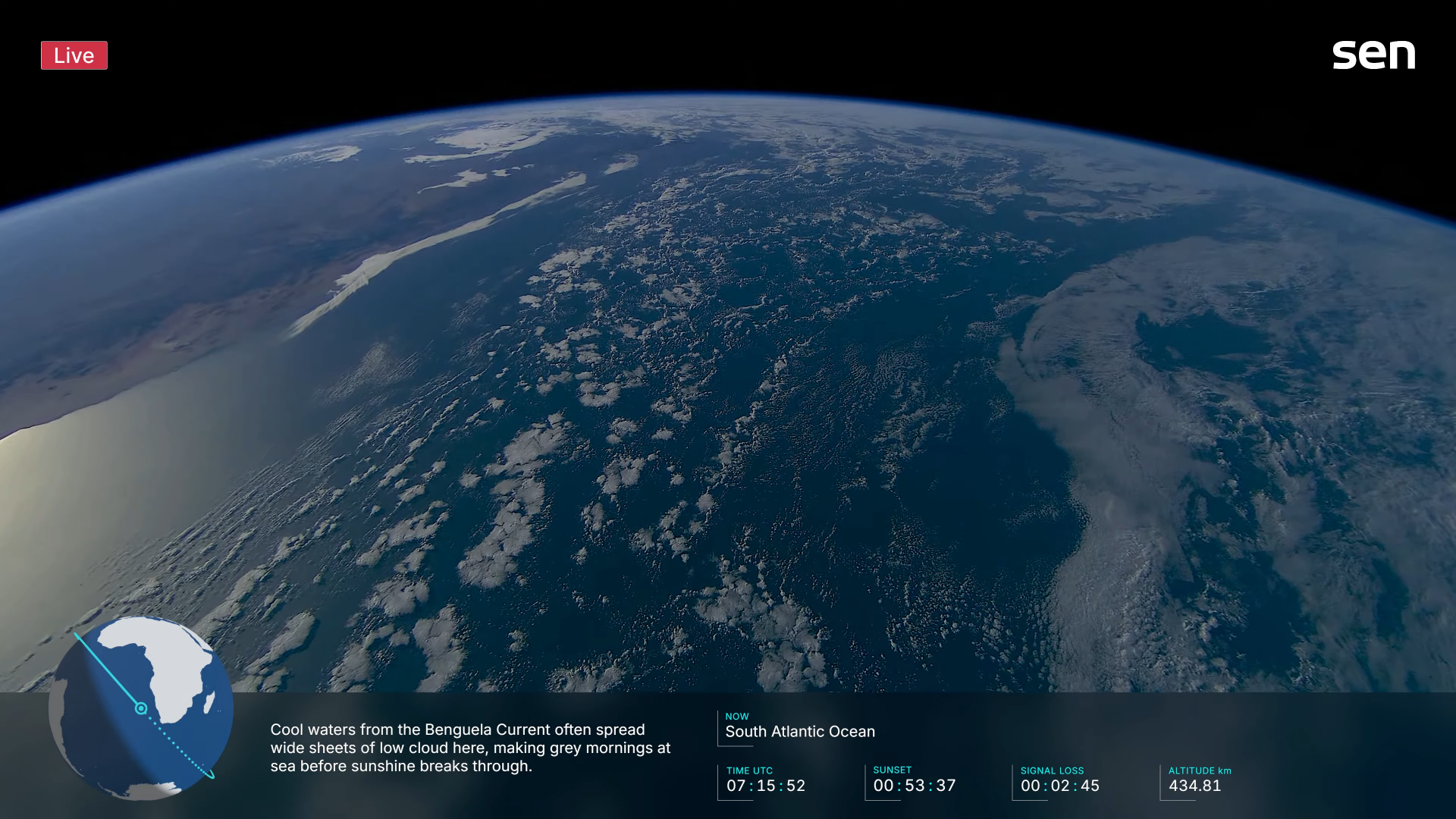 From my perspective, had thought the previous series complimented your scene nicely, although admit was focused more upon the asset itself so missed those points you've mentioned above, indeed earth has an extremely thin habitable layer/zone at only 3000m (12.500ft) altitude without need for an oxygen mask and 100km (62…
 -
Solved: Moving layers up or down
 This is probably something minor, but I can't seem to change the layer order. I can't drag layers. I can't find the option for moving them up or down either. After PS Restart, Drag Works again. I don't know what caused it. I turned on Use Graphics Processor and it works again. Maybe that's it. Or a restart helped.
 -
Photoshop non destructive layer mask?
 I often find I have to do operations to my layer masks, ideally I would just use a smart object for the layer mask, but this doesn't appear to be possible. Right now I am making a smart object with my non destructive edits in it and then duplicating it then rasterizing it and then using the result so I can always go back.…
>21871 results