Search
-
Re: The Humble THQ Bundle (ALL OF THESE GAMES)
 Better than selling all assets to EA and laying off all developers though!
 -
Scaling all subtools at the same time in Zbrush
 Is there a way to scale all the subtools in a ztool at the same time. My character is super tiny and it's an issue to do things in max and working there instead.
 -
What is your favorite movie of all-time?
 I've been trying to find some good movies to watch lately. So what's your favorite movie of all-time and why? :)
 -
Re: where's all the quake2 models?
 I had converted all the Quake 2 model pages from the original site to HTML and put them online on the previous Polycount site. They're currently all archived, and didn't make the conversion to the new software. They could go back up as-is, perhaps...
 -
Re: Apache Helicopter

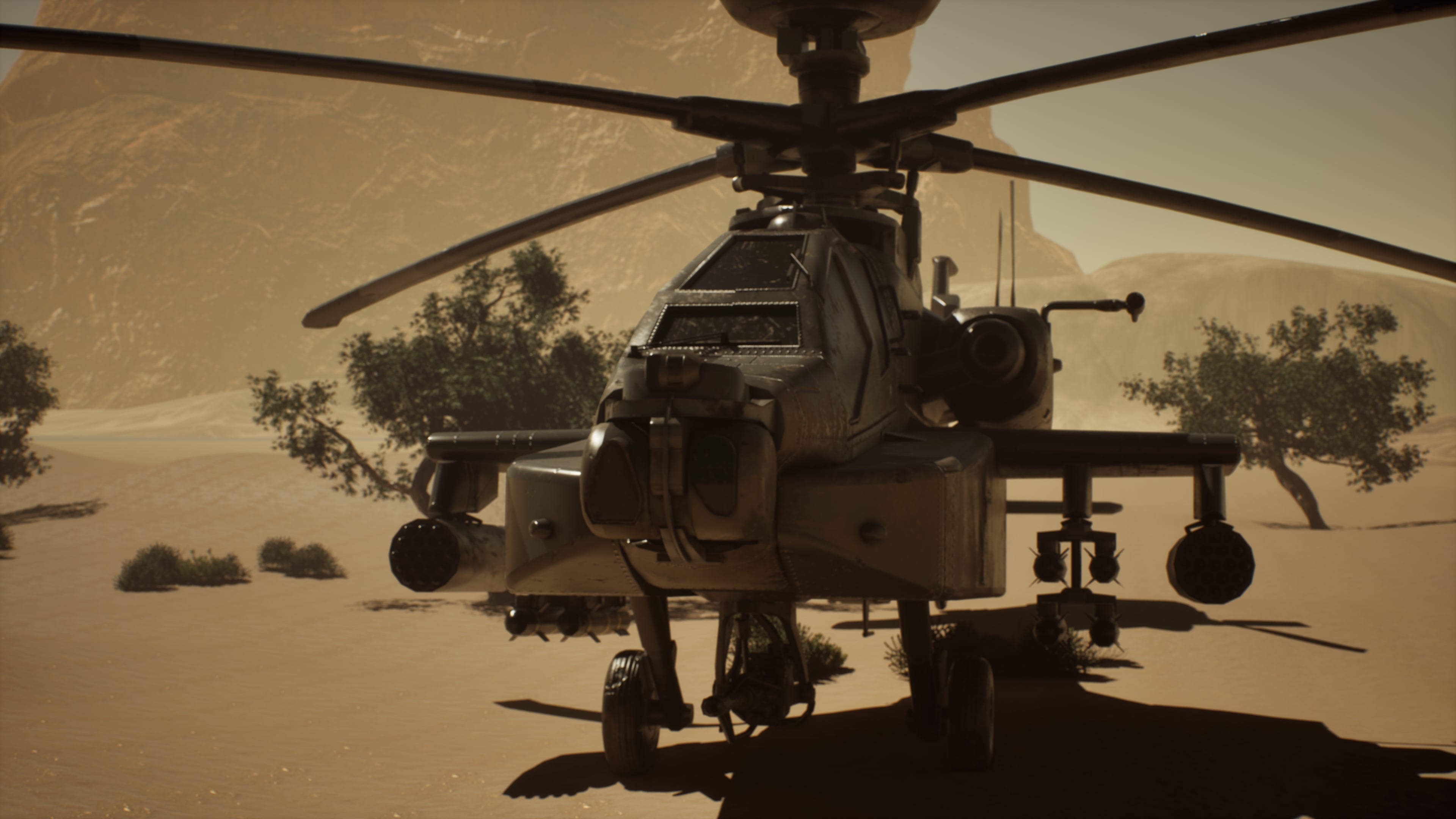 This week I focused on finalizing the project presentation. I completed all final renders and refined the lighting setup to better highlight the materials and overall composition. After reviewing the output, I made several small adjustments to improve balance, contrast, and visual clarity across the shots.
 -
white noise all over renders
 I wondered if someone could advice step by step on how to get rid of this white noise on my GPU renders. I am rendering for my showreel but cannot get rid of this noise on my renders. The denoise optix works beautifully in the arnold render view, but when i render the frame out to a jpeg or whatever it shows all the noise!…
 -
[KRITA] Clear all guides on canvas??
 If u have a lot of guides on your canvas how do u clear all of them at once? Isn't there something like that? The doc says u have to drag each guide out of the canvas: https://docs.krita.org/en/reference_manual/dockers/grids_and_guides.html That's too much work if u have like a lot of them on your canvas.
 -
All bakes aren't visible at the same time.
substance doesn't want to display all bakes at once, seems to only display two texture set bakes at once, zooming in and out changes which bake is displayed. individual bakes have no display problem when in solo mode. Any ideas why? -
ZBrush - Dynamesh causing strange stretching of vertices in all directions
 I've seen various posts where a similar issue is caused by thin meshes, which I don't think is the issue here. I've made a head model from scratch and have been using dynamesh from the beginning. It's recalculated fine every time until now: When all of these 'bullet holes' have appeared. Their direction appears to start in…
 -
Maya - Frame selected in all viewports at once ?
Is it possible to Frame selected in all viewports instead of one at a time ? Also can you set a toggle so that 1 hotkey cycles through the three smooth mesh preview options. Any quick way of turning descrete scale on and off ? Help on any would be great thanks.
>101150 results