Search
-
Ensemble Studios hiring for several art positions
 http://www.ensemblestudios.com/jobs.htm#ARTDEV Lead Artist Ensemble Studios is currently seeking a Lead Artist to help create new and exciting franchises. We are looking for mature artists with a strong work ethic who are passionate about game art, game engines, and game play. We are a relaxed studio environment; we have a…
 -
Re: turn 3dmodel into equivalent triangles
 Hmm. Maybe select all faces, use the Relax function a couple of times, and then use turboTools' Shrinkwrap to conform the relaxed mesh to the surface of the original mesh?
 -
Re: Learning Diary - Zbrush Sculpting for Characters and Creatures.

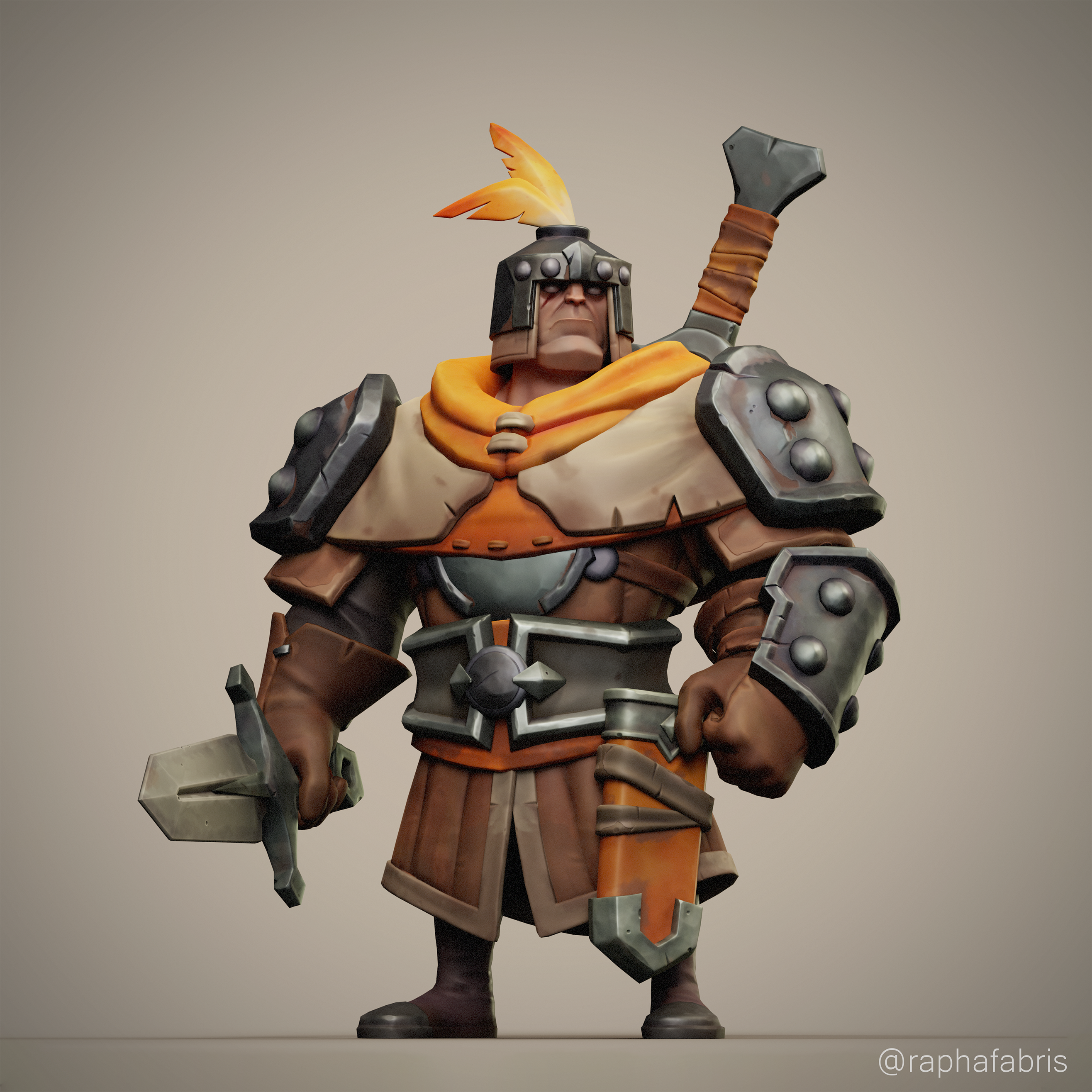 Hey there! I finished the character I was working on! My idea for this guy was to create him game ready, and a scene of him where he's ambushed by a gang of goblins, so I also did a highpoly of the little bugger: But I felt like this goblin was inferior in every aspect of the project.. specially when I tried to pose him…
 -
Re: possible to smooth mesh in 3ds max?
 there should be a relax brush in the edit poly modifier http://www.kxcad.net/autodesk/3ds_max/autodesk_3ds_max_9_reference/paint_deformation_rollout.html just select the relax one and brush over that area
 -
Documentation: PBR Master - for Unreal Engine
PBR Master is a universal material for Unreal Engine that simplifies the setup of PBR materials, using the textures you have available. It provides a ready-made framework for creating complete, customizable materials without manually building a node network. How to set up a custom material using PBR Master: * Go to… -
Re: 3DS Max - Seam lines not thick enough
 Yeah, that might do it too, xforms. Also If you try to relax UV's in Max, and they don't want to relax as expected/are distorted/skewed, reset xforms and try again.
 -
Re: Sketchbook: Callesw
 Been a pretty relaxing weekend! Updated my portfolio and relaxed quite a bit for a change :) Here's a drawing I did today! Trying out a different work flow.
 -
Re: Guns You Own
 relax guys, the government isnt coming for your guns. nothing is banned or will be banned for years to come. so just relax, have fun and keep feeding the war machines.
 -
Re: Unwrapping... Help Me God!
just make sure you use the relax tool.. Pelt mapping is ok i guess but max 8's relax uv rocks everyones socks. -
Re: Maya UVW mapping
ah, how do i relax a selection? Right click > relax uvs doesnt seem to be working at all. not a huge fan of these mapping tools. 3DS max is very streamlined and to the point.
>13900 results