Search
-
Re: [3ds Max] How often do you use Sub-Object Named Selection sets?

 I work in a very procedural way these days so I hardly ever make manual selections but I can think of situations where having a subobject selection based on some sort of UID rather than vertex numbering would be really helpful by way of an example, In this instance the edge selection from the slice modifiers is additive…
 -
select texture set
Is there any way to select a texture set other than go to "textureset list" window? For example in Zbrush you can select with alt+left click any subtool. It makes slow to swap between different texture sets, specially when you can not rename the texture sets and some times the names has no meaning, specially coming from… -
[Maxscript] Create bone between selections

 This script to build bones based on selected objects works perfect if you are going to use it only once in the scene. It gives error when using it again for the second time in the scene, apparently it is the way your array is built, as I do not have enough knowledge to solve it public here the question. Is it possible to…
 -
MAX- Selection problem
 I've been messing around in Max today, and for some reason it will not allow me to select faces unless I click on a vertex, then it selects all adjacent faces to said vertex. I'm sure I must have pressed a hot key to make this happen, or clicked a button somewhere, but I have no idea how to undo it. Any suggestions?
 -
Re: Baking out Diffuse maps (for quick selecting in Photoshop)
 One thing I really DON'T like about Maya's tranfer maps though is bleeding. Even if you set envelope to 0 you get bleeding. This becomes a real pain in the ass when you have for example, one mesh that you want 2+ selections on. I don't want to have to select and separate those two (and later combine them and merge the…
 -
Answered: How do you keep selections and heightmaps different layers in ndo?
I made a selection then filled it with a color, then made another selection and filled it with a different color. Then i did convert heightmap and it kept it all one layer, shouldn't it be multiple layers based on the different colors? Also how do i save the selections or colors so that i can use them to mask for DDO, have… -
Re: ( Maya ) - Remove all colors sets on selected geo with Script ?
import maya.cmds as mc import pprint sel = mc.ls(selection=True) for x in sel: mc.select(x, replace=True) color_list = mc.polyColorSet(query=True, allColorSets=True) print color_list if len(color_list) >= 0: for color_x in color_list: mc.polyColorSet(delete=True) mc.select(sel, replace=True) print "Color Sets deleted" The… -
Materialist — free Maya material manager (search / assign / duplicate / cleanup)

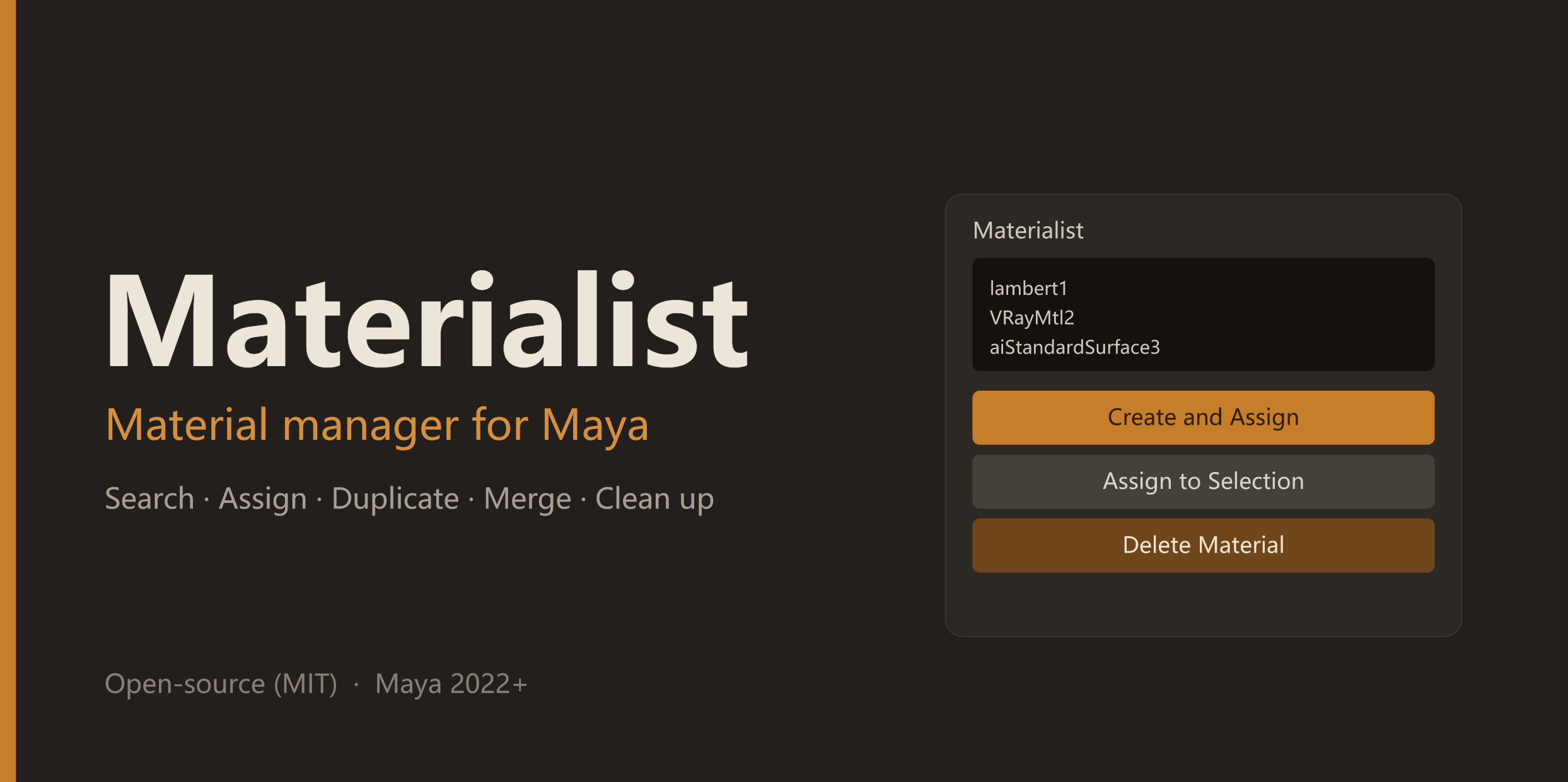 Made a small material-management tool for Maya and put it on GitHub (free, MIT). It's the set of helpers I reach for when a scene's shading is a mess: * search & filter all materials; assign to selection; select objects by material * create + assign a material from a dropdown * duplicate a shading network with clean names…
 -
Maya '14 will not export selections
 Every time I try to export a selection to any format, I get the error message saying nothing is selected and I automatically go into component mode. I remembered this happening to me before but can't remember what fixed it. Help please :( Addendum: Export All works but it's a cumbersome workaround.
 -
Selecting Hidden Polygons (in Max).
 If I have a model with a lot of overlapping pieces, does anyone know of a way to select faces that will never be seen by the camera/viewport? The end goal would be to delete them but I may need to add some buffer space for smoothing, which is why selecting them first would be better.
>15388 results