Search
-
Re: Temple Interior
 Frell - Of course :) I'm sorry if this explanation is a bit confusing though, if you're lost at any point let me know and I can take some screenshots. Firstly create a new document in zBrush and set the dimensions to 2048x2048. Then import a plane and frame it to fit the full size of the screen. With edit mode deselected,…
 -
Re: urban environment WIP
 thanks, happy to see that it was informative enough :) Saidin311 -- u r right, in general it is a skylight plus 1 main directional light (for the sun) and a couple of secondary directional lights to make a sort of bounced and reflected rays. Anyways, I am changing the lighting theme right now so it won't be the same but…
 -
Re: 3D Coat vs Zbrush
 My workflow is like this: 1. sculpt in voxels/surface mode, either from voxel primitives or a curve rig (like zspheres). I dont' do base meshes as much anymore and definitely don't model them first to bring into 3dc. The tools are more than adequate for blocking out stuff in voxels If I need a base for anything it happens…
 -
Re: The Art of Pablo Garcia 2022

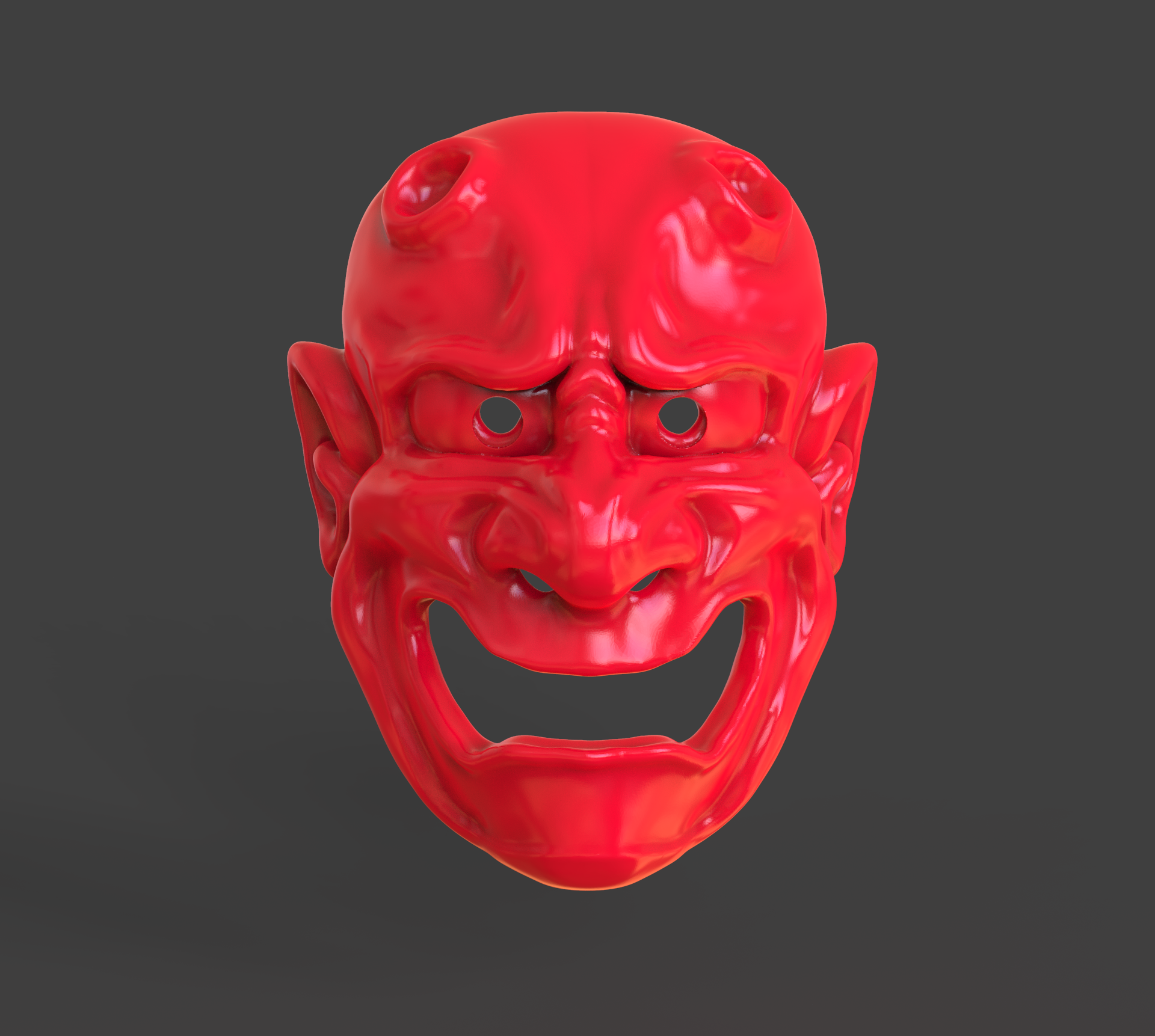 #Commission #oni #mask expressions from my original oni mask I made long time ago made with #zbrush and render with #keyshot get the original @cubebrush https://bit.ly/3N0Tcyk
 -
Re: Some Orc Guy ;)
 Thanks! That may be so. Also I think that the problem is lack of shadow. The mask is too close to head and I didn't baked AO for head with mask.
 -
Re: Horror Doctor
 It's a real mask from the 1600s. Plague doctors used to wear them and put scented plants down the hollowed out beak to mask the stench of death.
 -
Re: The Polycount UT3 Pack Thread
 vector3 of 0,0,1 plugged into Vector Transform set to WORLD plugged into Component mask set to B plugged into Constant Clamp gives an upward facing mask :)
 -
Curvature Map
 Hello Guys, I was wondering how a Curvature map supposed to look like to work properly on Substance Painter, should it be 1-0 Black & White like a Mask ??? Should it get gray values ??? The edges masks should be light or dark ???
 -
Re: Welbig's (Artais) Workshop
 What were some of those mask struggles? It looks great in the end. was it trying to see how far the mask should go? or just general placement or intensity?
 -
Re: A couple of questions on Zbrush
 LazyMouse + Masking. Then use a Layer Brush for example to push it in and clean up after that. Masks depend on the density of the mesh, if there are not enough polys it won´t work as expected.
>40567 results