Search
-
Man I'm sometimes freaking the fuck out

 I sometimes I really don't progress at all, like zero. When I look at people's works I can see them getting slightly and slightly better each time but when it comes to myself I don't see it at all and I'm genuinely starting to think that I'm dumb or smn. This one is my larest passion project that I no longer want to deal…
 -
Re: Freelance 3D Sculptor | Tabletop, Collectibles & Miniatures

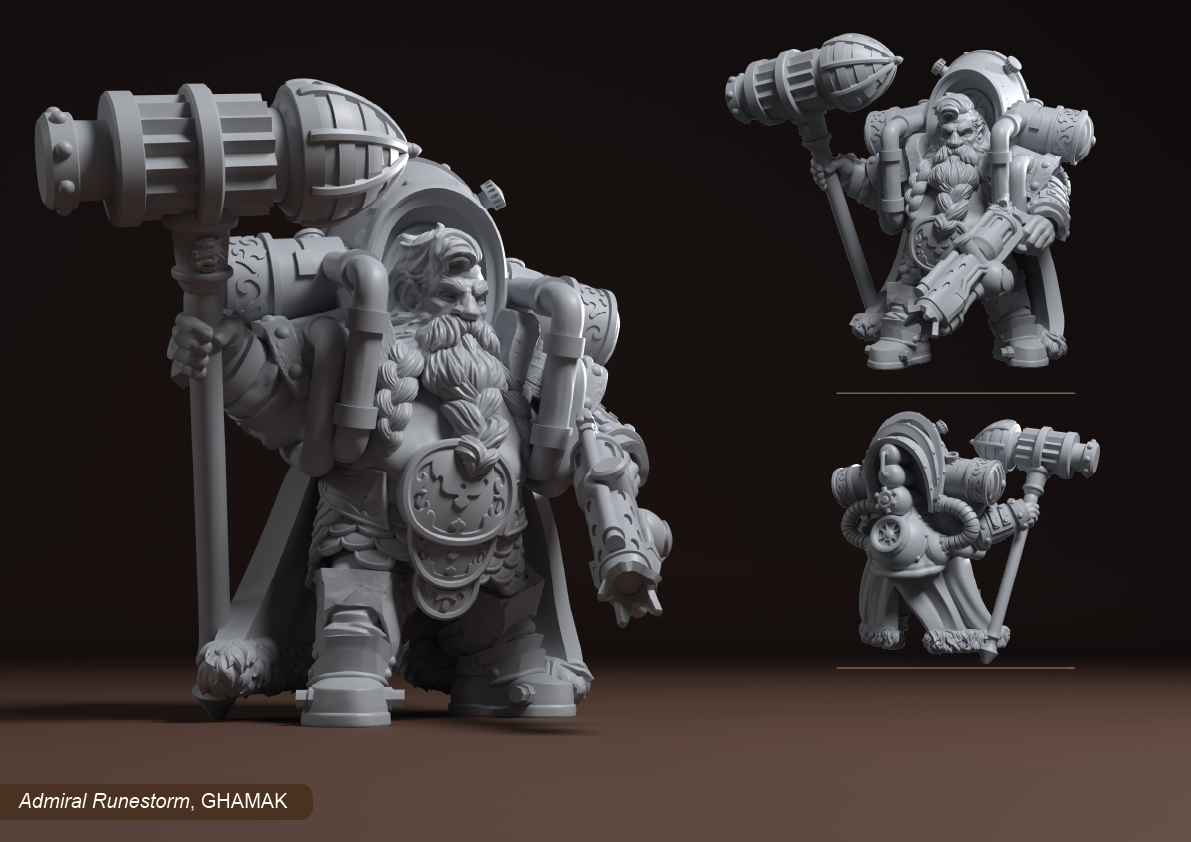 Admiral Runestorm, a 3D Miniature commission I did a few years back in ZBrush and rendered recently in Blender for my portfolio. You can check some of my Minis at my ArtStation; https://www.artstation.com/artwork/K3A5No
 -
( PAID ) 3d CGI artist needed who can create a short 3d animation video
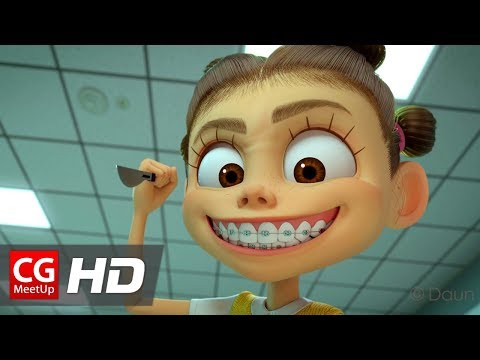 Hello I am looking for a 3d CGI artist who can create a 3d CGI Animation video. let me give more details. I am creating a short CGI Fanmade 3d animation video based on Justice League and I have the 3d models prepared with textures as well as script. I will also prepare the voice overs as well. I need someone who can create…
 -
Re: Portfolio Review- Prop Artist
 Environment art is probably somewhat more in demand but doesn't mean it's easier. Character art is one of the most difficult roles to get into, highly competitive and requires a wide array of knowledge, especially anatomy. Based on your current portfolio, I don't think character artist is a viable path. But at the end of…
 -
Mudbox can paint texture on Non Planar faces
 !Title should read CANT not can! oops I was having problems painting textures on a low poly model in mudbox. Seems to be an issue with non planar faces will only get half painted if your brush size is too small. Now the only solution I've got is to do a poly cleanup in maya to rid the non planar faces by triangulating them…
 -
Re: [WIP] Miss Peregrine - Eva Green Likeness (Realtime)
 Haha thanks guys! I have the portrait on hiatus while I work on the garments etc for the rest of the character. Ultimately I'm gonna try to get this into unreal for the final renders. Fingers crossed I can get that done sooner rather than later.
 -
Re: zbrush non square tileable technique?
 if you use default z brush plane primitive and your target texture is 1x2 you can use 2 and -2 in Array for x axis (using append new button) and 2 and -4 for y axis. Also duplicate the original plane before this overlay scale up. You would be able to use it as a crop factor after you "grab" it , and then texture > crop and…
 -
How can I make my normal ALWAYS pan down?
 So I'm trying to get my normal to always pan downwards, even when I rotate my mesh. I already took a look in the effects cave example where you can find rocks with water poring down on them, but I don't understand what they did there :s
 -
Help! Need to conduct a short interview for class!
 Hello, all! I am a newer 3D artist leaning towards creature & environment building I have to interview a fellow 3D artist, doesn't have to be the same focus, just someone I can gather interesting answers from Anyone who can, thank you so much <3
 -
[FOR HIRE] 3D Environment & Prop Artist
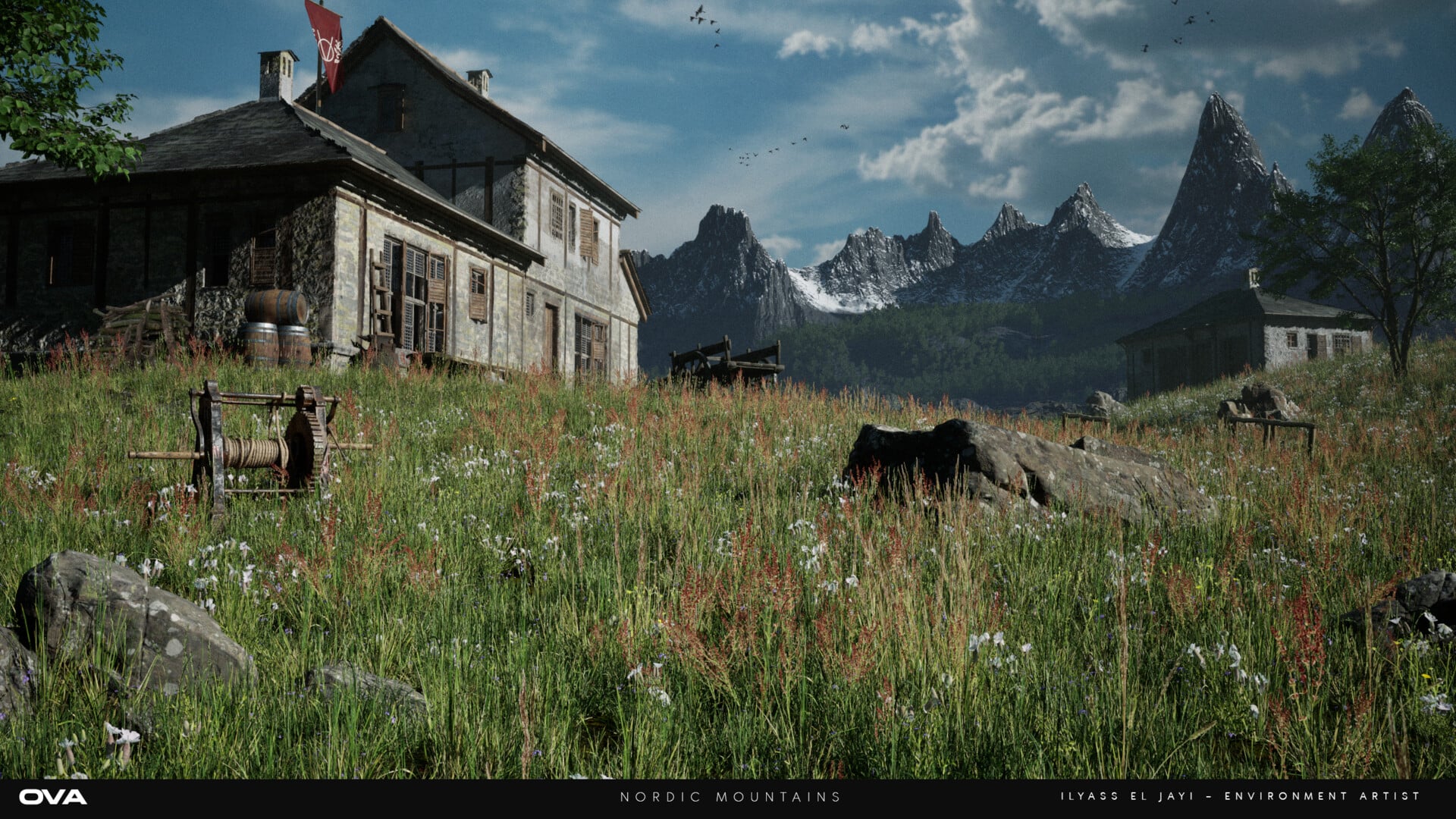 Portfolio: https://www.artstation.com/oweneljayi Email: owenbussines@gmail.comDiscord: .mr.owen I’m a 3D Environment Artist focused on building high-quality, game-ready worlds in Unreal Engine. I work across both stylized and realistic projects, handling everything from modular kits and materials in Substance Designer to…
>109184 results