Search
-
Substance Designer 4.3 Now Available
 Hello, We are happy to announce Substance Designer 4.3 with Yebis Integration! Yebis provides state-of-the-art viewport post process rendering directly in Substance Designer. Digital artists ultimately want to feel unconfined by unnecessary layers. They want to make a change and see what its actually going to look like…
 -
Re: Abandoned ship
 here you go. https://cdn.artstation.com/p/assets/images/images/001/165/663/large/lee-henry-door.jpg?1441382065 https://cdn.artstation.com/p/assets/images/images/001/165/665/large/lee-henry-light.jpg?1441382069
 -
Re: Small Enviroment - Middle Eastern
 Photobucket seems to blur out the image (I uploaded his base image in imageshack and everything was nice and "crisp") also Polycount image view thing seems to enlarge the image just a bit. Justin, post the imageshack version instead :P
 -
Organic Environment Inspired by Southeast Asia – UE5 (No Megascans)

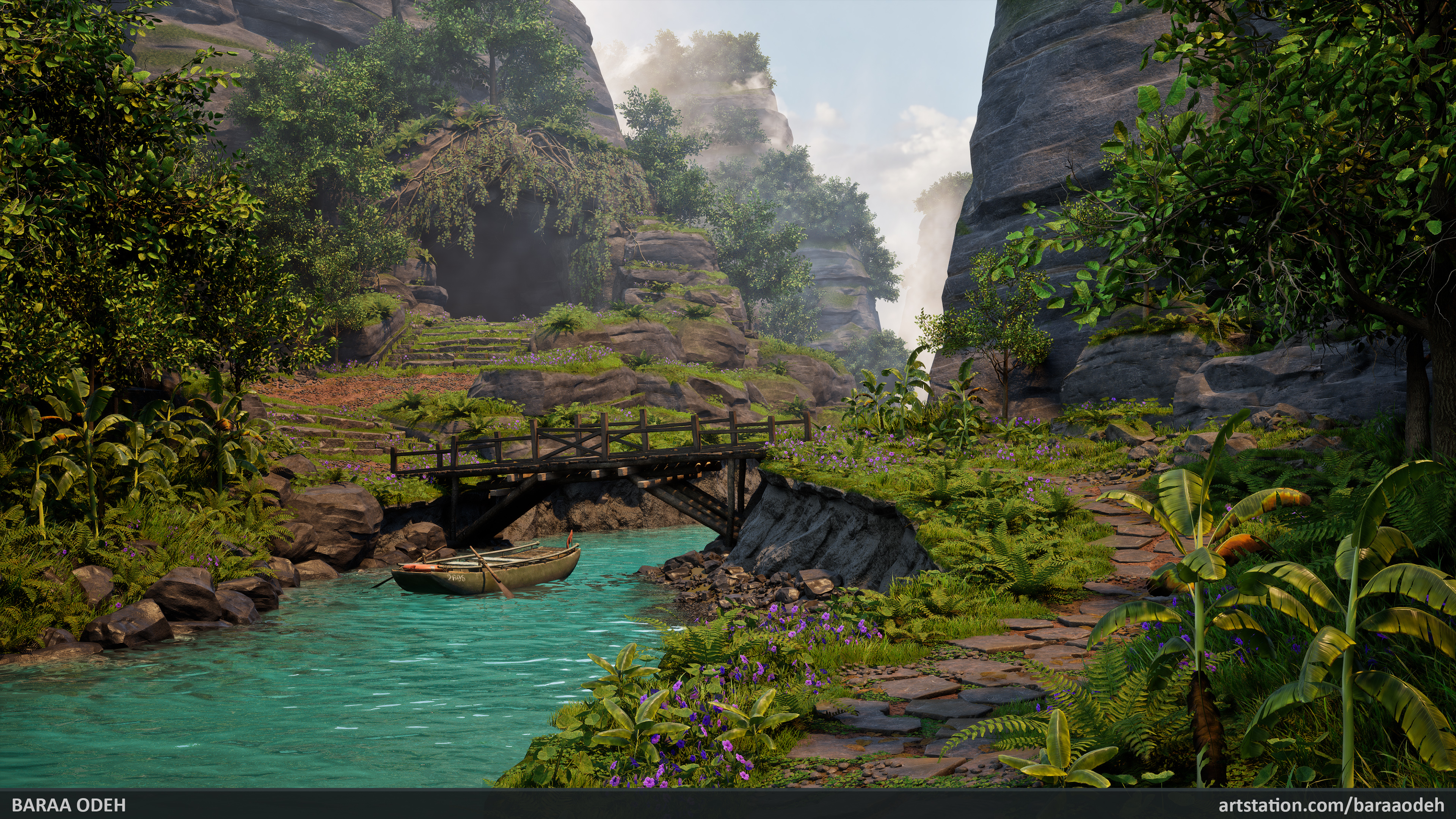 -Personal Project-I'm very excited to share my latest project – an environment inspired by regions of Southeast Asia. This project came with many challenges, and everything you see was created entirely by me from scratch, without using any pre-made assets… yes, that means no Megascans assets were used! The project took 17…
 -
Re: [FEEDBACK] Junior Portfolio Review

 Solid work! Some stuff about presentation perhaps. I think you should unify the order and manner in which things are presented. I think you are including too much in your presentations. There are dozens of images for a single piece and yet only a few of them are really distinct. Only include the most important and…
 -
Re: [UDK] Moated Grange Environment
 Thanks everyone for your encouragement. PogoP - I mainly used the Standard, Clay and hPolish brushes, I find they are good for most things. SHEPEIRO - Thanks a lot for the comments. And also for those two images. I love the second one and will push the colour in my trees. I had much more varied colour in them before but…
 -
Re: Color Management question - AdobeRGB
Do you mean rather output color space set in monitor menu? A safe bet would be just setting you monitor to sRGB emulation mode in the monitor menu. If you still want to see "wider" AdobeRGB colors you really need a colorimeter and an exact profile of your monitor to see true accurate colors and not over-saturated ones… -
Editing Channels in photoshop for DOTA 2 Items
Hi I have a question regarding editing chanel layers in photoshop for a DOTA 2 mask I need to darken a meatal area in the green layer for Rim lighting in DOTA 2 engine but all I seem to be able to do is delete aspects of the chanel e.g. delete red and blue and the image is left with green. Do I edit each layer or do I… -
Re: [FINISHED] V2 Factory Bunker
 The images are a bit on the small side, it'd be easier to see details with higher-res images and a few more angles :smile: The concrete texture looks nice, especially the up close view on the second image. Are you basing this off of any specific reference images?
 -
Re: TexTools for Blender
 Hey, great progress on that plugin. It comes really handy. I was wondering if there's any way to get the normal tangent bake option to bake to a 32bit float image. I tried creating the image manually "xxx_normal_tanget" but the float image got overwritten with a byte image.
>44213 results