Search
-
Hard Points in Sculptris
 I've just started using Sculptris (or sculpting in general), and I'm beginning to get a hang of the controls (my artistic ability is another matter entirely). I'm making a monster/demon/thing with 8 horns, and I don't exactly get how to make them nice and smooth with sharp points on the ends.
 -
Painted Style character - Flora
 This is a character from the game Sky Pirate I made last week. I've been jumping back and forth between painted textures and sculpt baking in my projects lately... crits welcome. Thanks
 -
Re: How can i invert only mask effects without inverting the mask itself in SP?
 Put the paint effect on a different layer, place it somewhere below everything (it doesn't need to be visible). Add an anchor point above it. Add a fill to the mask where you want to invert it. Point the fill to your anchor point, then invert it in the fill level controls. If none of that makes sense, go and research…
 -
Sketchbook: Almighty_gir - painting practice
 so anyway, i'm a pretty sub-par painter/sketcher. but my girlfriend asked me to paint her, so i did =] crit away! (she said that was fine, as long as "she's famous" haha)
 -
Glossy seams with landscape painting
 Hi, when i´m painting with multiple landscape materials, there is always a seam that looks like this: Layer blendings are set to "LB Height Blend". Maybe some LOD problem? I checked it, but found nothing.
 -
A walking mech character paint up
 Hey guys , a quick paint up in photoshop exploring form - more of a learning study - CC's welcome! -V
 -
Re: WIP -Stylized Katana Sword
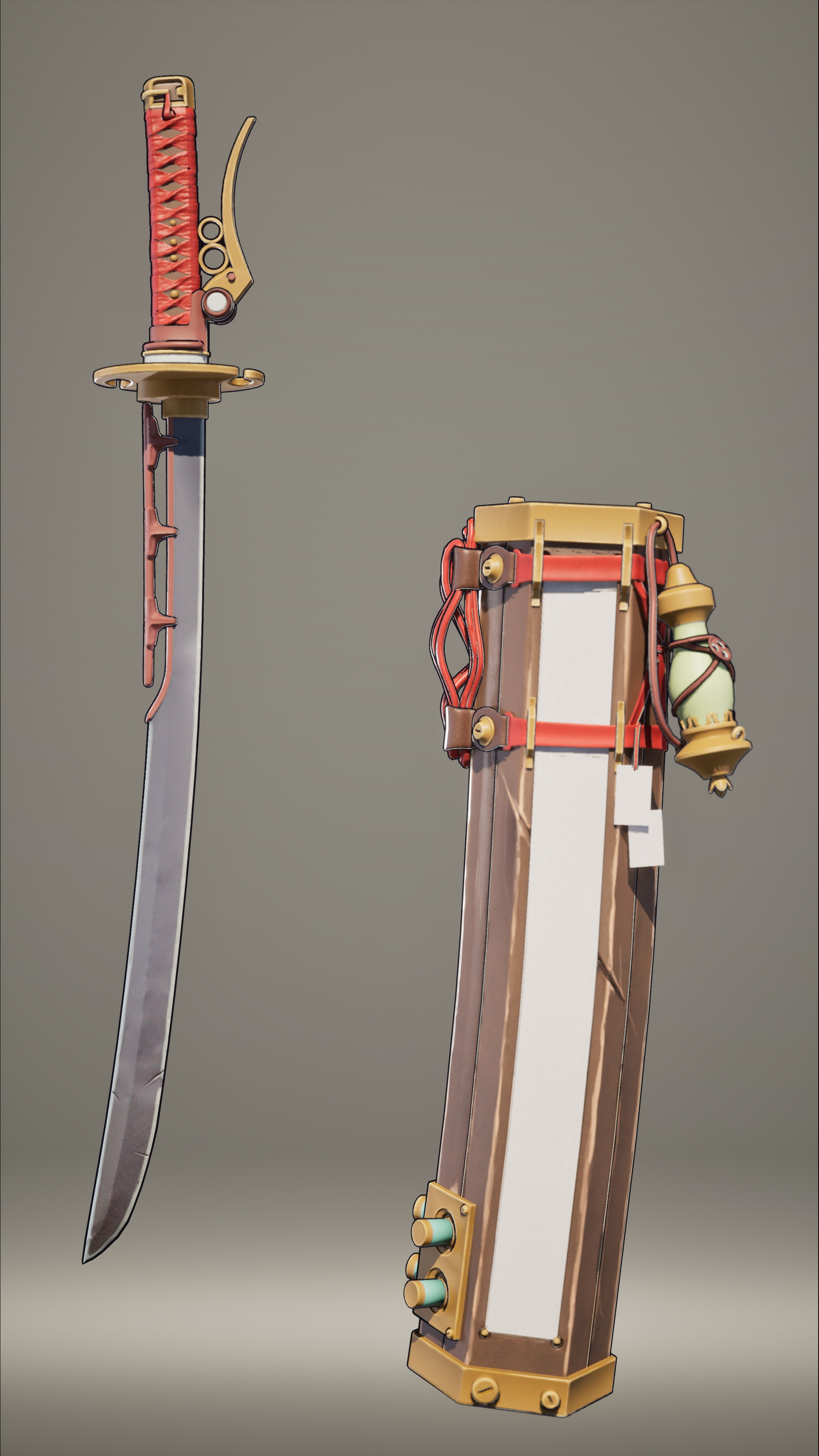 For the texturing part, I was taking inspiration from an 80lv tutorial by Alice Hu, who was designing a stylized hand painted-textured Pokedex, which was similar to the style that I was going for and also created by the same concept artist. I knew I would be using Unreal for the final render because I needed to add the…
 -
Re: I got my dream computer. Here's how that went bad for me
 Let me tell you I love setting it to render and watching the entire render field fill up with buckets, then all the buckets are gone and it's 40 seconds later and my print quality render is done
 -
Photoshop CS4 Extended: 3D paint
 Anyone try out the 3D painting feature in photoshop yet? what do it do, and how does it make UVs?
 -
Legacy of Kain: Hand Painting
 So... we're gonna practice hand painting stuff With a series I really like Starting with concepts from the canceled game, Legacy of Kain: The Dark Prophecy (Credit to Andez Gaston, who created these concepts)
>57732 results