Search
-
Re: White dots on normal map (3dsmax baking)
 Strange. I did stumble across this post I don't know if it will help or give some insight. http://polycount.com/discussion/88372/xnormal-normal-map-artifacts-blue-yellow and this thread: http://polycount.com/discussion/98373/normal-map-bake-artifacts-warning-9-screenshots Can't say I have ever had that exact problem in…
 -
Help PLZ!!! Normal Mapping From High to Low Poly!
 So I'm working on a model for just leisure work. I completed my Highpoly and LowPoly and I made my UV coordinates in 3DS max. Now everytime I try to write my normals to the UV coords no matter what I use (zbrush, xnormal) it comes out very terrible looking. Ill post a picture of the normal map I keep getting the same…
 -
Re: Issue with baking my normal map
 tbh the issues in first post look like a triangulation mismatch between baker and renderer to me. put that turn to poly limited to 3 on top of your stack and use that to bake and rendering (in engine, or max) and as long as the tangentspace is synced (ie. MikkT) it should not happen like that. its a bit odd as it looks…
 -
[Zbrush 4R6] Baked normal map looks flat-shaded...
 ...which makes no sense in tangent space with both the normal and UVs smoothed. It worked properly for some time and just started going full retard on me. I've been laying out the UVs for this particular model after the fact through UV layout. Here's the particular workflow for it (worked twice and the third started…
 -
Weird Max Baking Texture Normals and All.
 Yea. Unsure whats causing this. Reset the xform on all. The cage is far enough. Is it the scale of the object possibly (ie my object space)? Shouldn't be because I baked other objects in same system (cm) with no issues that were smaller. Any tools in Max Im ignorant about that would highlight problem areas? Here is the…
 -
Better way of making Heightmaps and Normal maps for Games?
 I'm primarily a UE4 user. I have been using Bitmap2Material 3 for quite a while. I think its quite a nice replacement for Crazybump which I don't use anymore. My biggest complaint about these normal map / height map creation software is that the heightmap never looks good. The normal map usually looks good from…
 -
Re: MODO rounded edge normals
 It should be straight forward. 1. Assign proper hard/soft edges on your low res mesh. Vertex Normal toolkit FTW! 2. Set desire round edge shader property 3. Bake an Object Space(OS) normal map in Modo with bake distance of 0(zero). 4. Use Xnormal(or Handplane) to convert the OS normal to tangent space. 5. Now you can go…
 -
Normal Bake Issue
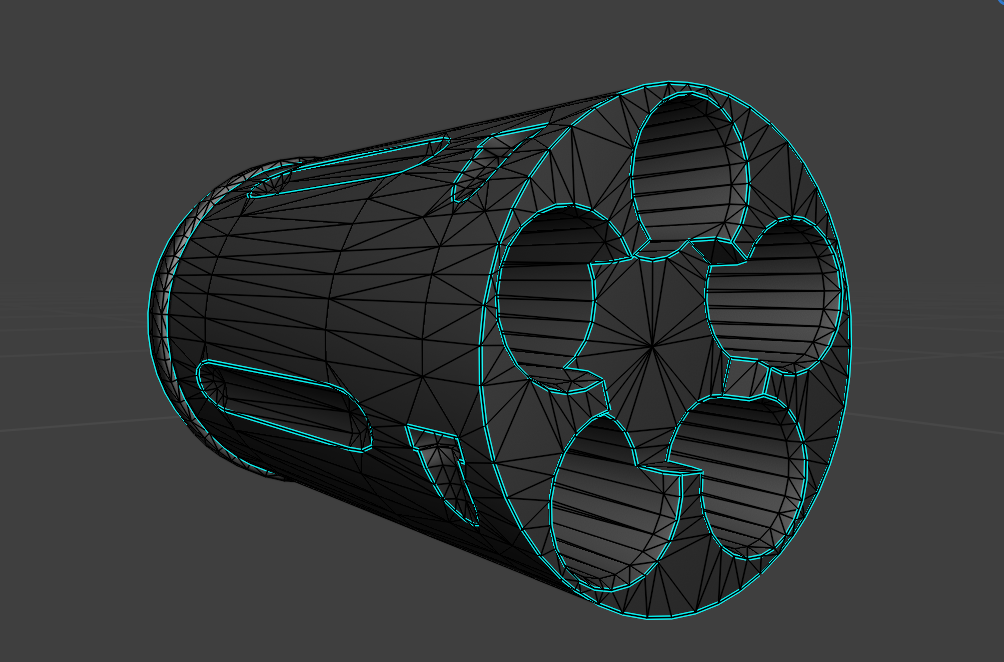 Hi, I'm getting this weird pattern artifact on the cylinder here, all the other pieces are fine. I've tried redoing the UVs, upscaling the texture resolution, I've re-checked the HP and LP and they look fine. Any ideas what's happening?https://drive.google.com/drive/folders/10a8zcuozRHiK_E82KO6FSh3eOQdw9ttf?usp=sharing -…
 -
how to swap channels in xnormals ?
 I am having some issues with channels innormal maps in xnormal , and skyrim compatibility , seesm that for some reason skyrim wants the green channel in place of the red and viceversa , how can I sed this up to be done in xnormal without passing for photoshop work ? Rotate 90 CCW (inverted Y): Rotates current normal map…
 -
Re: lowpoly shading with normal maps for flat stuff?
 Are you sure those artifacts are baked in? The low poly could have those viewport lighting issues by default and slapping the normal map over the top doesn't get rid of them. Also know that the viewport is horrible at displaying normal maps doesn't really matter what shader, it fudges up regardless. This very long thread…
>37666 results