Search
-
Re: Hoverbot/Turret-WIP
 thanks everyone :) Jason: haven't really done this much either still only my second model with a highpoly to lowpoly normalmap, so don't take everything i say as it was right :P. i just do it the only way i know, put the edges closer to the other depending on how sharp i want it to look, as i like it very sharp i tend to…
 -
Re: Concept Character - War Machine
 @rollin - Thanks.The concept is of Michael See.Yeah I get your point.Thanks for the feedback. :) @Killswitch - thanks man. Yeah you are doing it right.Well the trick behind that is to make sure your base mesh(the one having no turbosmooth/meshsmooth on it) has a good distance between the chamfered edges if the edges are…
 -
Edited Car Wallpapers for Wallpaper Engine - Personal Work
 Hi everyone, I wanted to share some car wallpapers I created for Wallpaper Engine. I take existing car photos and enhance them by adding effects, objects, and visual tweaks to create more dynamic and visually appealing wallpapers. I used my own tools and equipment, and I added my imagination to that as well. I'm trying to…
 -
Re: [WIP] Makeshift Radio

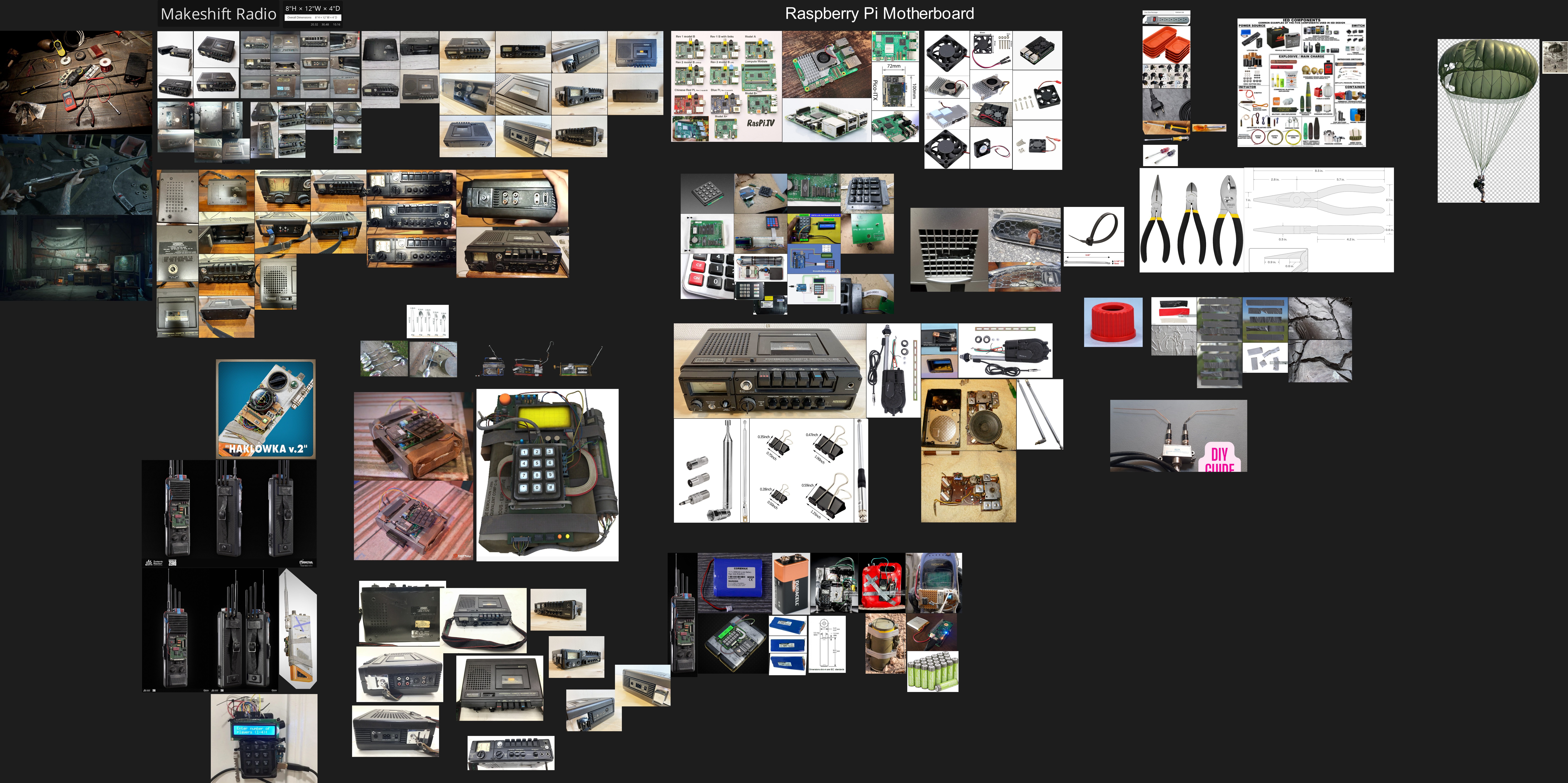 No I do not have a concept art for it, but let me share you the reference Board
 -
Re: Dalek Supreme council
 Really like what you have done. You could make some scratched and damaged looking ones. The only bit I don't like is the Daleks base. It looks a bit too sharp and angular (and maybe low poly?). Perhaps adding some rivets to it would break it up, and softer bevels on the high poly so the angles dont seem too sharp. And do…
 -
Re: UDK Lighting Effect
 if you plan to use static lighting you'd also need to turn up lightmaps drastically high for the objects the sunlight will hit to get sharp lighting as in your reference. If you plan ahead and unwrap the lightmap UV according which faces will the sharp light hit. you can save yourself tons of space by upsizing those faces…
 -
Re: SC2 Turret wip.
 This is really nice. The thing that stands out to me is that the blue paint on the rounded base plate thing screams Photoshop. It looks a bit too much like it's been painted on using a digital application, rather than being real paint that's been worn down. Maybe try first blocking the colour in as a sharp-edged…
 -
Zbrush Brush for enhancing edges...?
 Hello I have a scan of a rock. Usually the various edges of the rock are not that sharp (happens to all scans to a degree). I would like to "enhance" the edges of the rock so it would be more "sharp", like a proper edge and not as a smoothed edges (due to scan blurrines to a degree). What Zbrush brush should i use for…
 -
Need Help! extruding problems! Autodesk maya
 hello peeps! i need help on how these things will not extrude from the inside? basically i made a scallop shape from cv curve tool then i used bevel tool to and set polygons and quads as output. then i select the faces as in the picture and i extrude it outwards the shape it always made a funky look on the inside when…
 -
Re: German WW2 Grenade
 You might get better results if you bevel your hard edges some more. Not even the real thing has that sharp of edges. Next time take special note of the different bevel widths on every edge. Not all bevels are the same width. You'll be able to push your work much further if you can reflect that. And generally if you're…
>27690 results