Search
-
Retro Sci-fi Bunker Environment

 Area-F Environment : Development Diaryhttps://www.artstation.com/artwork/ybvr25 Hello everyone again, I wanted to share a job I did a few months ago for the school where I study, I created a documentation to accompany the work and I would like to share a little of that documentation by creating a post on this page. + 0 to…
 -
Soviet TugBoat.

 Final: Hello my dear community. I found my old boat model I made 3 years ago. So I decided to texture it now as good as I can. This is a Soviet Tug Boat named "Project 433/73". Produced in 1948 - 1961 years. Still can be found on rivers and lakes. Albedo color: Texturing: 1. Rust layer with metal edges. 2. Paint Layer.…
 -
Mudbox Paint Problem
 Hello there, I'm having a problem with an important assignment I'm doing in Mudbox... I want to preserve previous versions of my file before I do anything drastic and possibly ruin it. What I did was just copy and paste my .mud file and rename it (assignment_copy for example) and then opened it. (I tried 'saving as' but it…
 -
Re: SOLVED: normal map editing
 Hi OctoKube! All normal layers in an NDO document are fully non-destructive, so unless the normal groups have been manually merged they should always remain editable. To access each normal, simply select the normal layer in the PSD layer stack, or use the up and down arrow keys in the NDO UI to quickly access the different…
 -
Re: Gimp 2.8 preview/review - Now with single window!
 I currently use the GIMP as my primary image editor. As far as the feature set, it covers most of the basics. Having the option of a single-window format would be quite welcome. The multi-window setup they currently have isn't a deal-breaker, but it definitely takes some getting used to. A single window setup with tabs for…
 -
Re: Overlaying normals in UT3 material editor?
 This may be a slight side note BUT can achieve the same results in PS this is how i do it ( i do it here to keep the PS files totally usable, ie no external tomfooolery) duplicate the overlay layer put both these layers in a group, go into one layers effects menu turn off the BLUE channel and change the filter type to…
 -
Re: Marmoset Toolbag - MASTER THREAD
 You don't need a flattened image or Alpha Channel, even. I just give my Wireframe layer a mask of all the uv islands. This doesn't change the look of the uv's, it just gives you an easy way to select them. I then control-click that to select the outlines of all my uv-islands, press ctrl-shift-c (copy flattened or…
 -
Re: How to texture a dirty glass(Maya software)
 Think in layers. Base is your clean glass. It will have its own diffuse/albedo, Specular ,gloss/roughness and transparency. Next is your layer of dirt, what kind of dirt? Mud? Then you want your transparency to be full opaque where the mud is on your textures and give it a shiny look if i is wet. Dust? you probably want it…
 -
Re: Futuristic scifi building [CryEngine3]
 In Photoshop in the channels tab you can see the RGB channels of your normal map. Select the green channel so that you only see the grey then make a selection with the marquee tool and copy it and paste that in a new layer. Do the same with the red channel. Then select the new layer with the grey colors from the green…
 -
[FREE] Unreal Engine 4 Landscape Shader

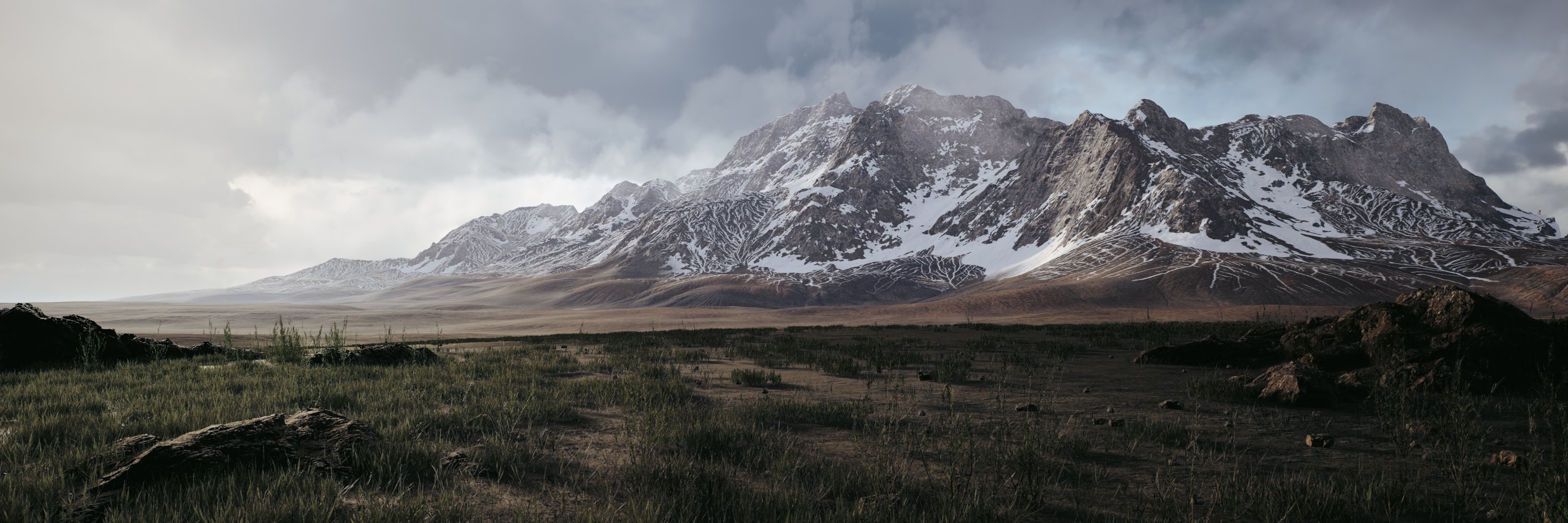 Hi guys, Auke here. Visual Storyteller and Lead Environment Artist at Sooii. In the last year I learned a lot about landscape creation and besides Unreal, I used a lot of different tools to get the result I was looking for. My journey began with World Machine and I started to love and hate it. The results were amazing, but…
>27689 results