Search
-
Substance Designer - Spacebar breaks tiling

 I am having a weird issue with a small 256 x 256 graph. Pressing spacebar appears to shift the pixels slightly causing a break in the tiling on the output image. Node graph is pretty simple, this node is a safe transform at 45 degree rotate. Any ideas?
 -
Old wooden planks - Substance Designer Material

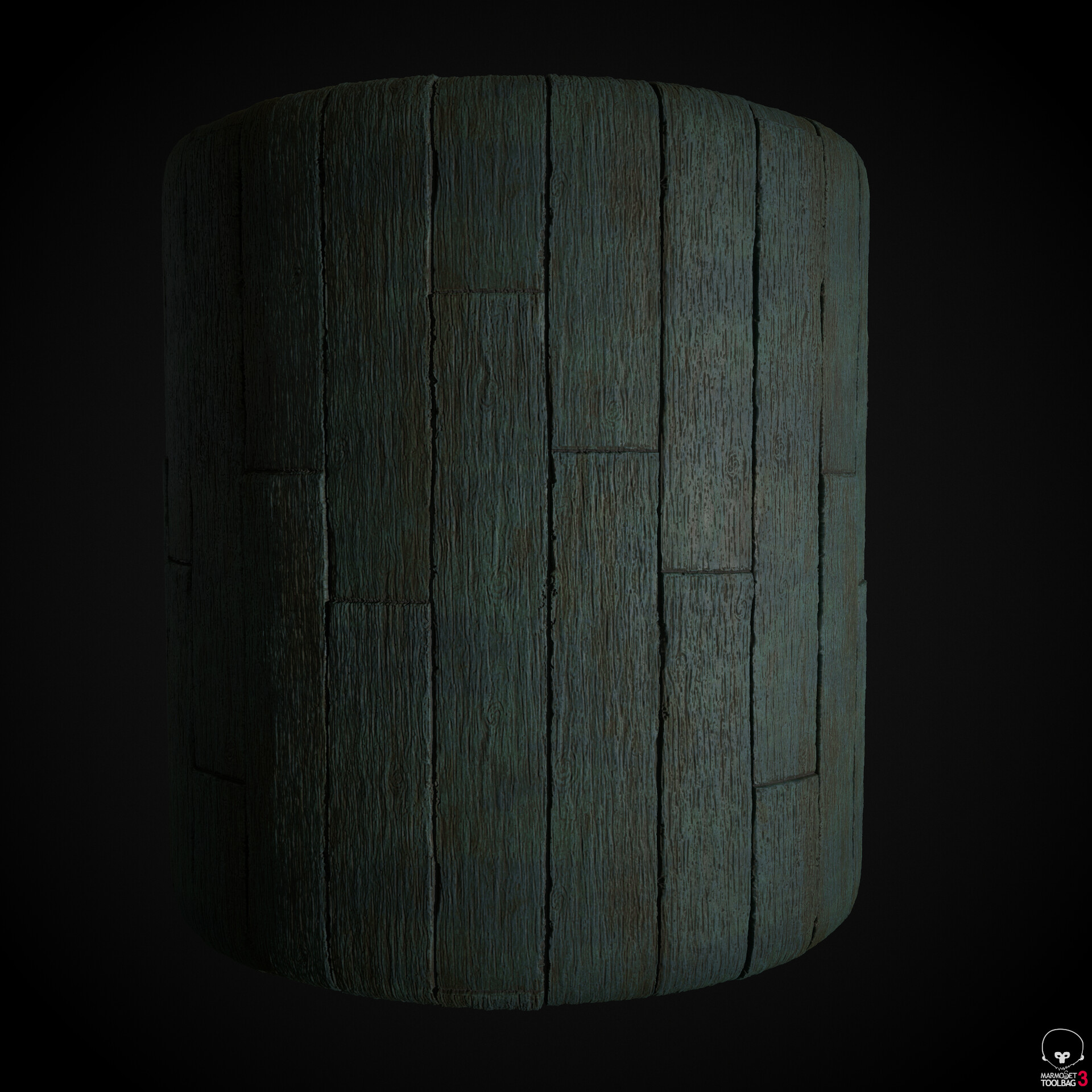 Hey everyone, that's material I made recently. I'm planning to start working on my first environment in UE4 in next few days and I will use this material most likely. Feedback and critique are appreciated.
 -
Re: Normal map distortion from substance
Yes. I used UDIM tecnic for substance and this model has 4 texture. 0 +1 +2 +3 Obscura said: Yed it did help thank you! -
Re: Substance Designer Normal Map not working
 I'm not exactly sure what raycast is. I'll look into it in the morning. Restarting SD didn't help. Any recommendations for alternatives to texturing other than substance designer/painter?
 -
[Substance Painter] Emissive Greyscale for Base.
 How would I setup a project to use a grayscale emissive to then use the Albedo/Base as the color to make emissive? If I attempt at this time to use the standard pbr shader and the emissive grayscale, it changes the entire object to a bright yellow. Does this require a custom shader to pull off?
 -
Second substance material. Still learning! Star moss.
 https://www.artstation.com/artwork/ywQ5R Fairly simple star moss, looking to revisit it in the near future and add more variety and realism to the 'plants'
 -
Strange Issues with Substance

 hello! so ive been modeling the Good Samaritan from the Hellboy series and I finally got to the texturing phase when I ran into this problem (which is present even after baking). This strange AO? issue, not sure what this is called. I tried to harden edges and did some UV tweaking but to avail. I would really appreciate…
 -
Spec/ gloss in Substance Painter
I'm working for a company that uses spec/gloss over metallic/roughness. Set up my shader, added my spec/gloss maps, but it appears that when I add materials and smart materials I can't get them to show the base color in material preview. It works in base color solo mode, but not material. How do I toggle the visibility? -
[Substance Painter] Black Emissive Map?
Hi, For some reason, the emissive map shows a black color despite the fact that I have a colored emission. Is there a particular setting I missed out? You can see an illustration of the problem here: https://www.dropbox.com/s/40z5k23bazpyxe5/SPSD001_emissive_color_black.jpg?dl=0 Thank you for your time. -
Re: Procedural stochastic texturing in Substance Painter
 The splatter nodes in substance designer are what you are looking for, just randomize position and rotation and adjust the scale to fill the gaps. You can also try the make it tile nodes?
>15012 results