Search
-
Re: Baking animation from bones to rig controls
 The simplest way (although potentially not the least labour intensive) will probably be something along these lines: 1. In each scene where the skeleton is animated make a keyframe where you set all the joints to bind pose so the pose will match the rig exactly (you can do this on frame -1 or something) 2. Set up a scene…
 -
Re: Blender: Can a bone have two parents? [Robot game character rigging]
 That's a smart setup, Prime8. @ bug: Set the Chain Length value of the Inverse Kinematics constraint to the number of cable bones. It defaults to zero which uses the whole hierarchy above the constrained bone. The constraint will solve all the way up to the hip bone (which is usually the parent of other branches in the…
 -
Re: Maya - turn motion paths off
 Instead of putting what you want on the motion path, create a different transform to travel the path instead, and parent constraint your original object to this transform. This gives you the option of turning off the constraint's weight. Or if you wanted a second control that you can swap to, create a second extra…
 -
Anime Eye Rig Difficulties

 Hey there! I've been working on an anime character for a friend so they can use it on VRChat and FaceRig, and I'm having some trouble constraining the pupils to the eyeballs in a way that makes them follow the latter's shape. I've seen a couple tutorials on YouTube about how to do it but this is my first time working with…
 -
Re: Arm and Wrist Pain - how did you dealt with them?
 The slowdowns I see with that are: a) you need to be constantly aware of your camera position and in which axis you want to move. That always take me a second of thinking, so it loses out of the box.b) with ZXY, I can never hit the right button without looking down at my keyboard. c) actions that don't need to be precise…
 -
Re: The Bi-Monthly Environment Art Challenge | March - April (101)

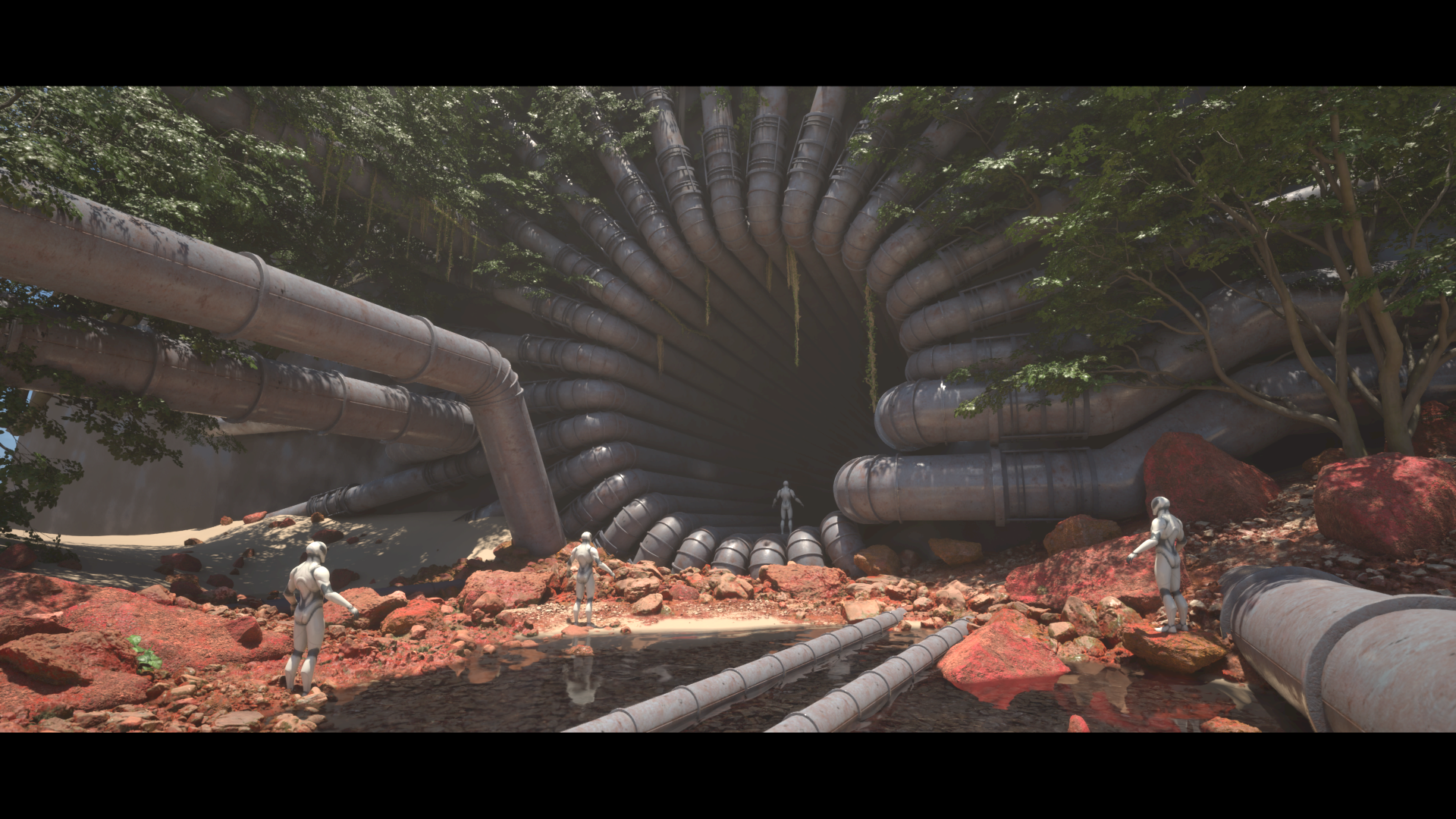 This has suddenly become a set dressing/megascans lesson for me. Due to my self inflicted time constraints I decided to delve deep into the world of megascans for the first time. I've known I needed to address my short comings in set dressing and environmental storytelling, so why not now as there is no better time than…
 -
Re: Eyes render outside head when using Xoliul Shader and Grab Viewport.
 No it's not transparency sorting, it's just Z-sorting. There's a control for this, rightclick on Perspective and pick "Viewport Clipping", adjust the top and bottom sliders till it goes away. For your constraint lines: it sounds like you rigged/constrained the actual meshes, NEVER do this! Always use a dummy and then…
 -
[MaxScript] miauu's Polyline
 miauu's Polyline allows you to create splines precisely with measurements and angles. Now precision spline modeilng is easy and faster. Create splines using: - Ortho mode - it constrains drawn lines to the horizontal or the vertical - Polar Mode - it constrain your cursor movement into predefined angles - Freehand mode -…
 -
Re: How The F*#% Do I Model This? - Reply for help with specific shapes - (Post attempt before asking)

 yeah, you can use a spline based "chain" rig for stuff like this, works for chains, tank tracks or any thing where you need something to follow the next. the trick to the rig is to have helper objects act as the pivot points which are path constrained to the spline.... then each item in the chain is then position…
 -
Rigging Tubes
I got this character I have been working on for a while that I plan to rig and put in some game engine. Probably UDK. He has these tube things that run from his backpack thing to his gloves and boots. Right now they are just cylinders that are path constrained to a line. I'm not quite sure what the best way to make these…
>8070 results