Search
-
[Problem] 3DSMax 17 (SP3) - Unable to select some faces... o.O

 Hi, like the title says I got a really strange problem with 3DSMax 2017 (SP3). I can't select some faces in a specific area. Don't know why!!! Pls help me See this Video: https://www.youtube.com/watch?v=t3MbhMQRvZo&feature=youtu.be
 -
NEW EPISODE 16! - Animating a Cinematic Run in MAYA - PART 2

 https://youtu.be/KcxZu59Nj9c
 -
wacom cintiq pro 16" - wavy/wobbly lines issues solved ?
 hey, question to anyone owning a cintiq pro 16" or 24"are the issues with the wavy or wobbly lines solved, or still there ?i read some stuff about that and watched some videos, but wasn't really sure because it just looked as if they drew the lines faster and the wobbles weren't that obviousi would love to upgrade to QHD…
 -
Gameloft Barcelona is hiring a new Senior Producer! Join the game!
 Company Description A leading digital and social game publisher, Gameloft® has established itself as one of the top innovators in its field since 2000. Gameloft creates games for all digital platforms and with an audience of 157 million monthly users offers via Gameloft Advertising Solutions a unique level of visibility…
 -
Gameloft Barcelona is hiring a new Senior Producer! Join the game!
Company Description A leading digital and social game publisher, Gameloft® has established itself as one of the top innovators in its field since 2000. Gameloft creates games for all digital platforms and with an audience of 157 million monthly users offers via Gameloft Advertising Solutions a unique level of visibility… -
Mojang Live, 60 hour game jam, starts 17/02/2012
 Mojang Live, 60 hour game jam, starts today 17/02/2012 http://www.twitch.tv/mojang#r=-rid-&s=em
 -
How to Animate a Cinematic Run in MAYA (Part 3/3) / Episode #17
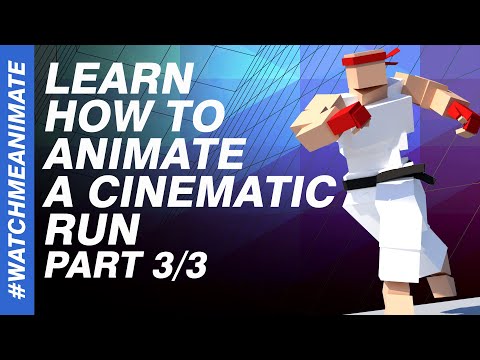 http://youtu.be/uZNaqf7y6mU
 -
The Bi-Monthly Environment Art Challenge CONCEPT THREAD | July - August (67)

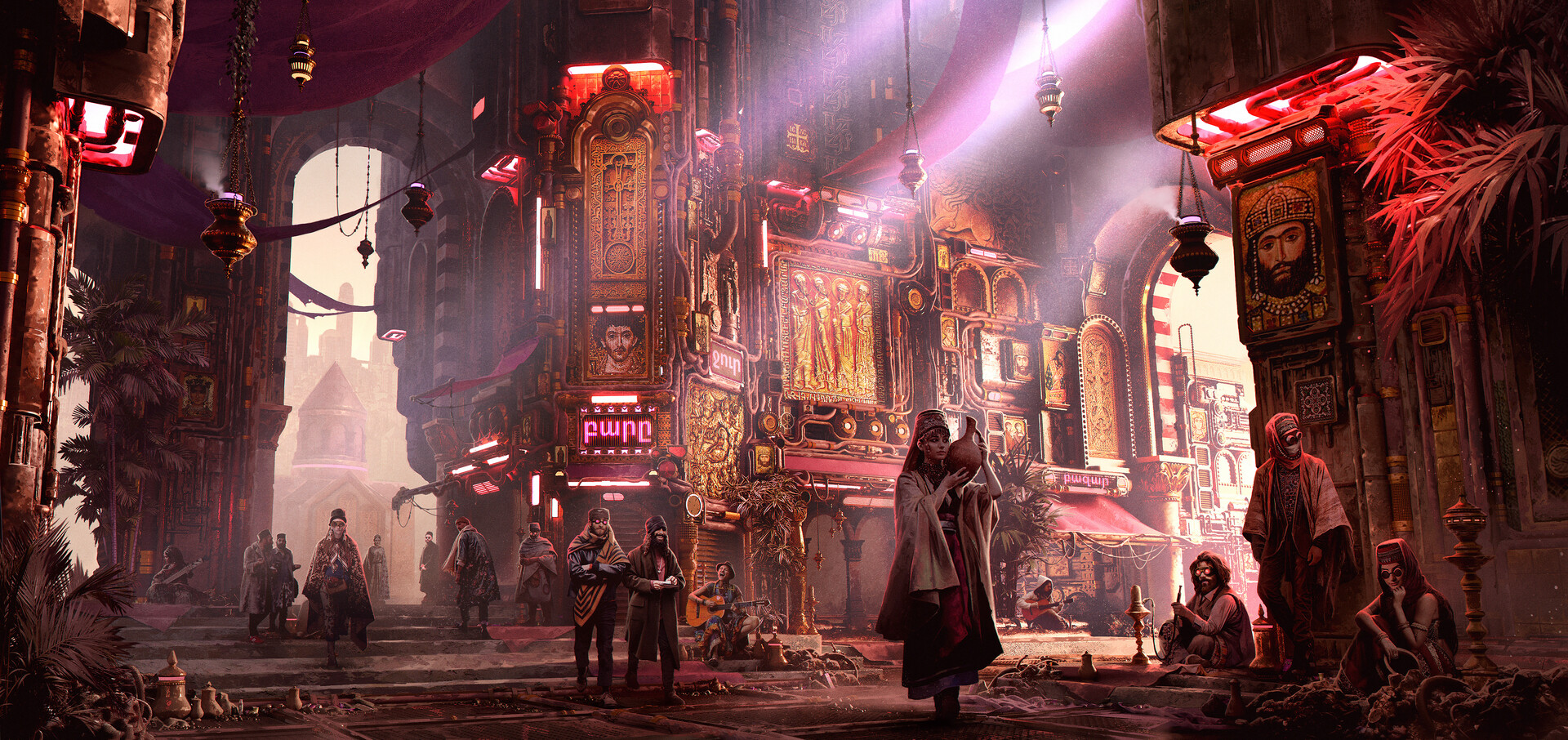 Welcome to the voting thread for our next monthly environment art challenge for July & August 2020! Below I've selected a few Environments and Props to get us started. As per the usual, this Challenge will offer two environment options and two prop options - 1 hand-painted and 1 realistic / hard surface each. Please add…
 -
Any way to avoid banding/stepping with 16 bit displacement alpha in zbrush?
 I have a high res mesh in zbrush. Using xnormal, I baked a 16bit tiff displacement map from that model. I then imported that displacement map into zbrush as an alpha, and used DragRect to draw it onto a plane. The result looks great, except for fine detail stepping all over the model. Does anyone know any way to fix the…
 -
Project Saber Rider looks for 3D Artists [UPDATE 17/02/2012]
 [ame=" https://www.youtube.com/watch?v=2cGABqal8ZU"]Saber Rider Opening - YouTube[/ame]
>1691 results