Search
-
Re: 3DS Max - Normal Bend to Target Mesh
 In your specific example you would just have to select both meshes and add the "Edit Normals modifier". After that you can either select both normals and click on Average "Selected". Or select just one of them click "Copy Value", select the other one and click "Paste Value". Finally collapse the modifier.
 -
Re: Maya return object name
 Generally you will get grouping information as part of your ls query if you have two objects with the same name but under different groups (as with duplicating/instancing groups), because two objects cannot have the same name; appending grouping information as a suffix keeps the names unique. To split the grouping…
 -
Re: [maya] Disable Component in object/component mode
 Hi Butthair and ThrottleKitty. Thanks for the reply. My excuses. Let me explain....I have customized maya to mimic the way I work in 3dsmax. Working in max for me it's like playing piano.. I have developed muscle memory and I can't get rid of it. This is how I've set up my hotkeys in Max. Hotkey 1 = vertex ((selects the…
 -
Re: Strange Zbrush IMM behaviour (bug?)

 hmm either that wasn't it or I didn't do it correctly I've found a work around. If anyone else runs into this, select a different mesh in your IMM > click on the frames to apply it > undo > select the mesh you actually want > click and apply. Dunno why this works, but it works
 -
Re: 3dsmax Ambient Occlusion bake problem
 when people say they hide the LP mesh for the MR bakes, what they usually mean is they are hiding the faces in the sub object level, not hiding the object itself. Go into editable poly> face selection> edit geometry> hide selection. I seem to recall having to use face selection and not element selection, or it could be…
 -
Re: Substance Painter - Master Thread
Ok worked this out in case its useful to anyone else. Add a mask to your layer, then go into selection mode, set the fill colour to black and then use element selection to select the portions of the mesh you don't want to paint over. Noticed it does not always show where you are selecting on the mesh when editing the mask… -
Re: [Solved] Deactivate backface culling in zbrush?
Double sided display should work, but its a per sub-tool so make sure you've got the right thing selected. -
custom maxscript panel for modeling, management and exp/import models
 after replying here people asked me if they could have that script with the spinner that lets me smooth surfaces without the usual hassle in 3dsmax. The picture I posted back then was: http://www.renderhjs.net/bbs/polycount/tips/quarantine_map_smoothing_groups.gif its a common task for me fixing the smoothing groups of…
 -
(WIP) AKM
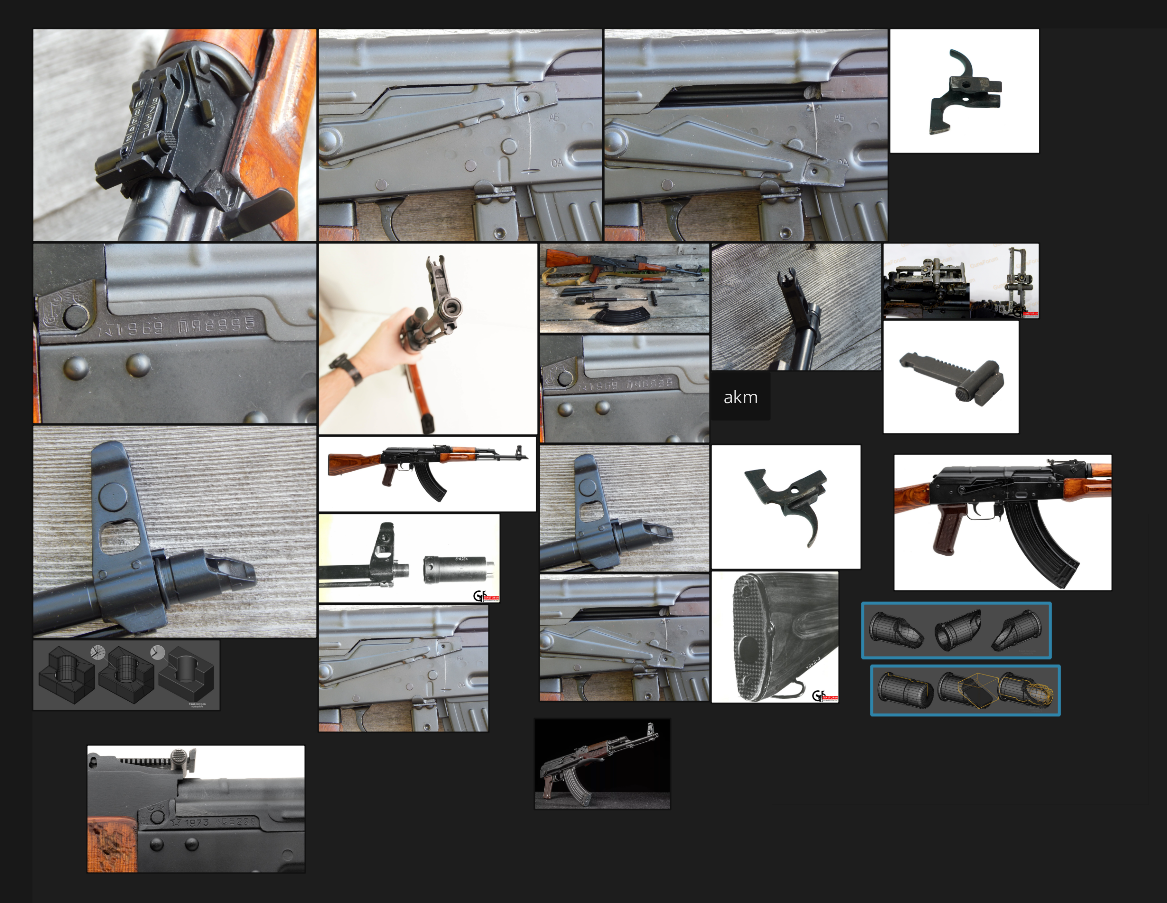 Hey everyone, I’m getting back into 3D modeling after a long break. The last time I touched modeling was in a college elective years ago, and I used Maya back then. Now I see so many people using Blender. I’d like to ask: should I switch to Blender for my current projects? What are the main advantages of Blender compared…
 -
Re: Modo Creating edges without faces/faces behind edges
 The tooltips should give you decent clues, but I should really look at making a brief usage video for it. Mostly you're going to be using 4 buttons on the interface; The top row of 3 - soften, harden and harden by UV. The one in the bottom right - update. The top row are context sensitive, based on the selection type…
>15392 results