Search
-
Constant creases when adding edge loops with smooth preview

 Hi, does anyone else have great difficulty when adding edge loops to tighten up geometry then when they smooth preview find they're constantly getting creases? I'm modeling a minigun and I've got a few extrusions for detail along a couple of cylinders but when I try to add edge loops I'm getting these annoying creases all…
 -
[Revshare] Recruiting a 3d Animator for a project that will split the revenue equity.
[Revshare] Recruiting a 3d Animator for a project that will split the revenue equity. Hi everyone, We are a professional team of three senior members, each with more than 10 years of experience. We have been developing our project since November 2025. We know exactly where we are heading and what we aim to achieve.… -
[FOR HIRE] 3D Generalist (4 Yrs Exp) — Game Assets, Product Animation & ArchViz

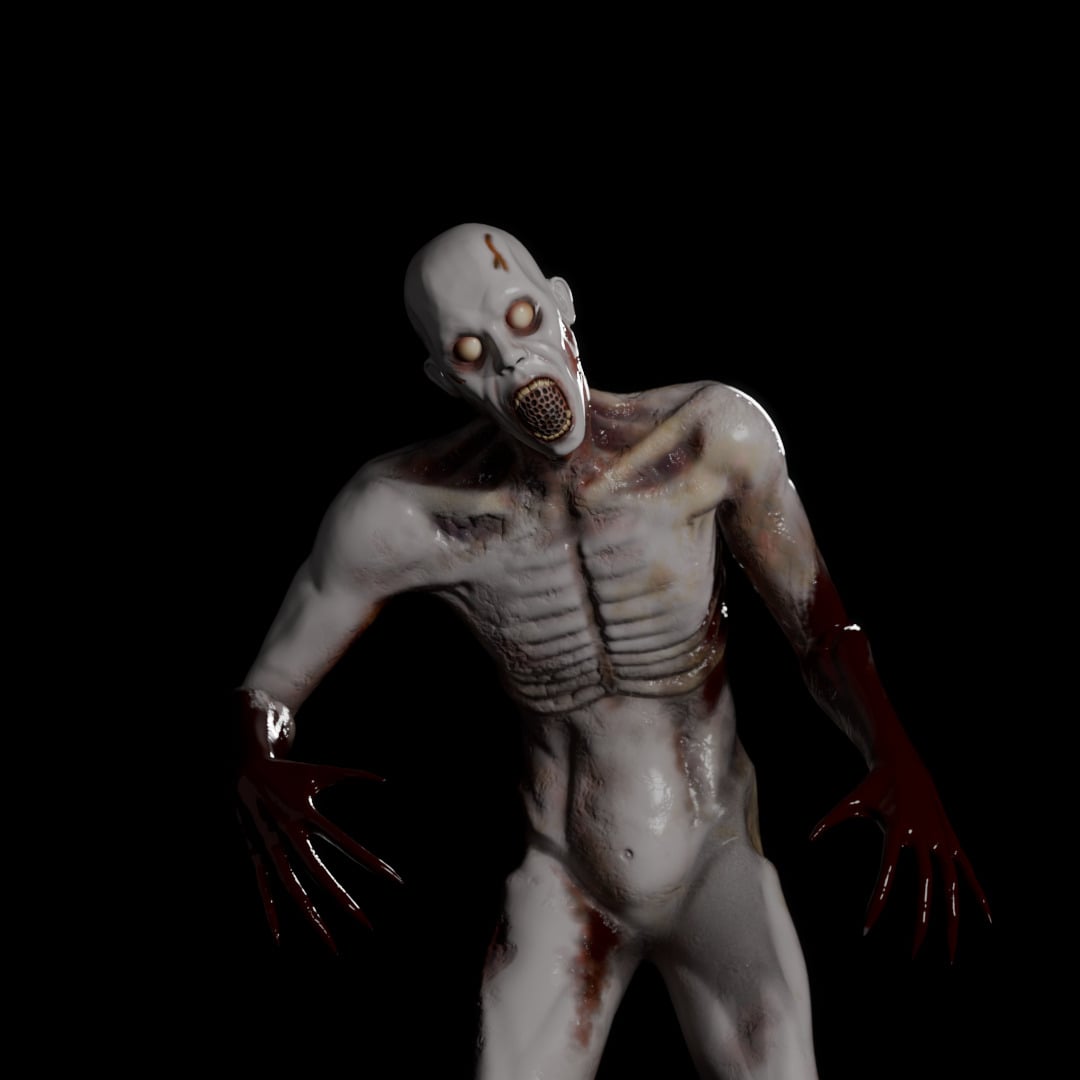 Hey everyone! Thanks for checking out my post. My name is Arthur, and I’m a 3D Generalist with 4 years of industry experience, currently available for freelance and contract work. I operate as an individual sole proprietor, managing a fully licensed 3D business based in Brazil. This means I am fully equipped and…
 -
Re: Modo - Default loop slice mode
Hi! I recorded a short video showing how I have my Loop Slice tool set up. I have this same hotkey system for multiple tools, and it works great! Strangely, there are two lists of tools to select from (I'm not sure why the difference), but you'll want to select Loop Slice from the second set of tools. And why Shift + Q/W/E… -
Re: Cant use the Insert Edge Loop Tool, when Create Polygon Tool was used
 People on Youtube usually don't explain shit Back in my Maya learning days i never heard ANYONE mention an Ngon or to split up the Ngon into Quads they just did stuff and expected me to understand which eventually lead to my down fall since i started using the tool and never understood why my models triangulated horribly…
 -
Maya looping animation problem
I did a simple looping animation, but when I go to post infinity > cycle, not all the cycles turn out smooth. I'm just not sure what is causing the occasional blip in the cycle. I've attached a screenshot because I'm not quite sure how to explain it. -
Re: Don’t use gamma on normal maps

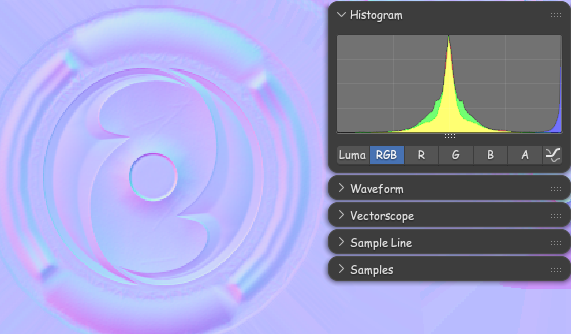 In context of what was brought up in other thread it should be noted: Blender in particular makes the texture look pale when the image Color Space is set to "Non-color", but it will read correctly by the Normal Map node. It can get a little confusing because of that.
 -
NVIDIA's new game-vidcap

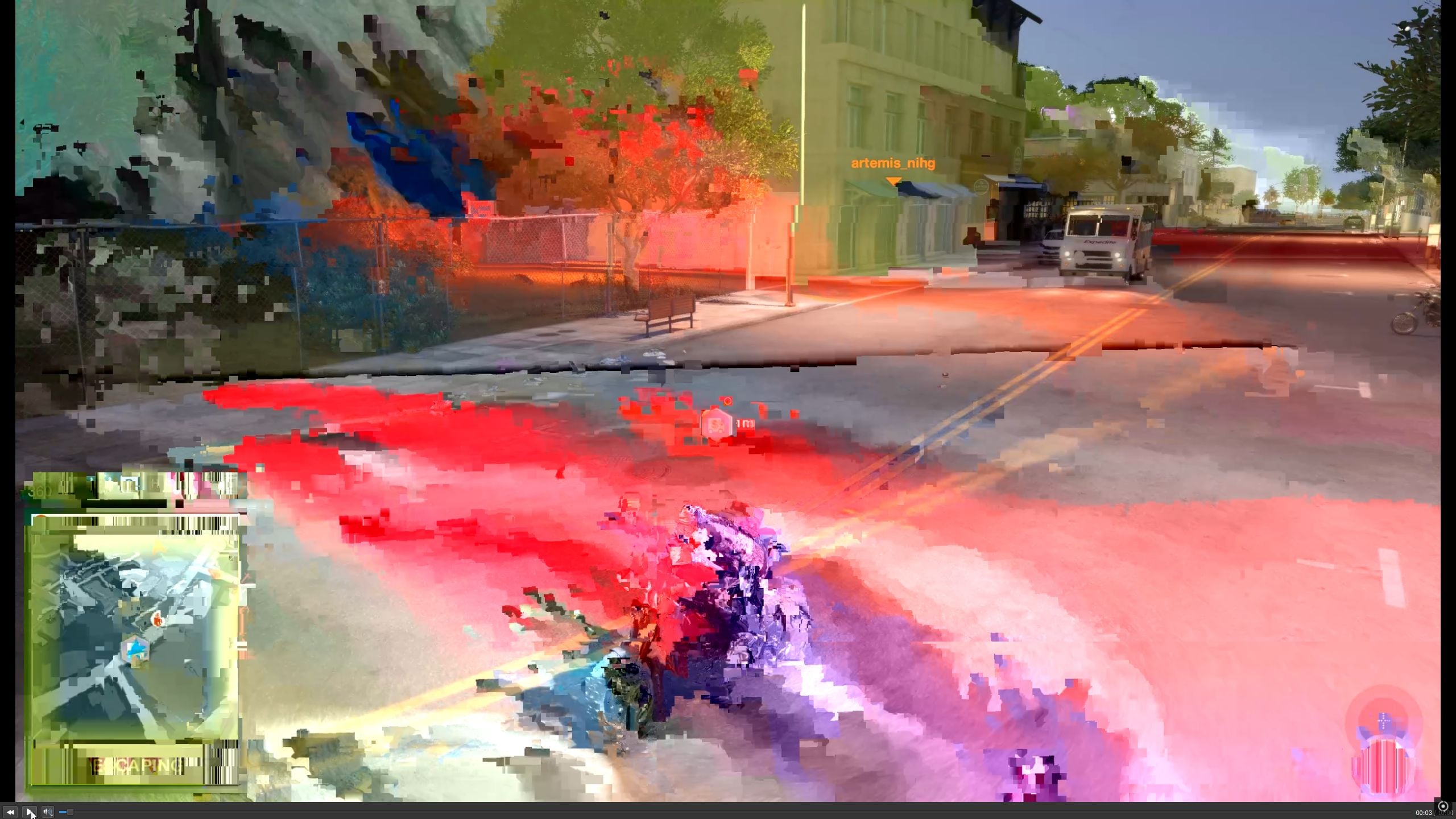 NVIDIA has a new version of their GPU vidcap software, with their Geforce Game Ready Driver. Except... the videos are captured at 20GBPS instead of 20mbps! So here's what a vidcap looks like with a driving game (Watch Dogs 2) Kind of interesting, in it's own way, if you like that sort of thing lol
 -
loop (repeating) operations in SD?
Filter forge has a cool Loop node that allows to make a "Slope blur" doing it not only 32 layers/samples/iterations max but whatever you want with just one node , not a stairs you have to make manually? Do somebody know a way to recreate this ? -
Constrain Loop Tools (Curve/Straight)?
 3ds Max - Graphite - Loop Tools - Curve/Straight - Constraints? Is there a way to constrain the Curve or Straight function to Edge/Face?
>108977 results