Search
-
Re: [MAYA 2018] Get Back UV Editor Tools Menu

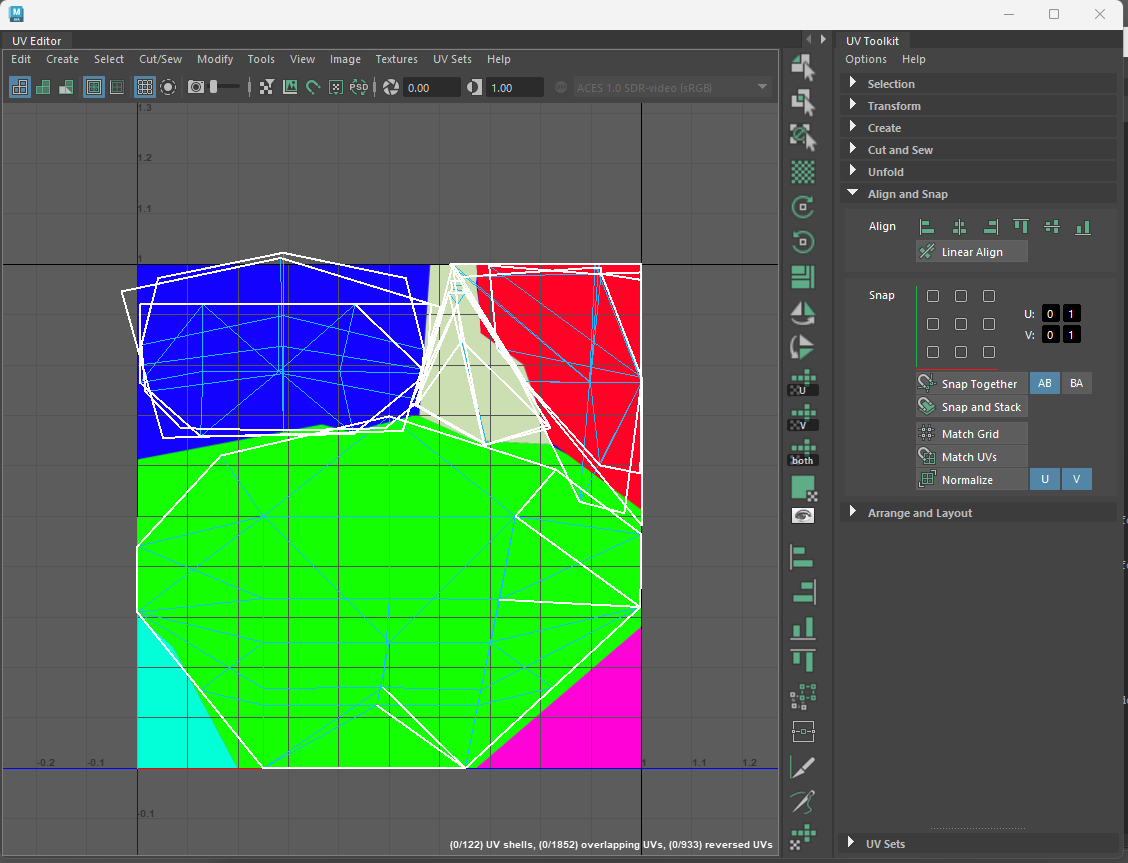 My workaround has been to open the UV editor via a shelf button that adds a custom panel next to the UV toolkit. When I want to add something I look up the MEL command for it and add an entry to the list. if (`workspaceControl -exists PixelBUV`) deleteUI PixelBUV; TextureViewWindow; global proc…
 -
Re: Environment art test for NLG
 I forgot to mention that TelekineticFrog lended me a HUGE hand in lighting this scene. I'm a lighting n00b (hell, I'm a 3D n00b!) and he offered his wisdom - it's obviously paid off Thanks TF!
 -
Re: Source Filmmaker Thread - Show us your poops!
 Aha, I figured out what I was doing wrong. I was looking in the tf_movies directory rather than the tf directory. Now everything works swimmingly.
 -
Re: Titanfall 2 is beautiful!
 This TF iteration speaks volumes about striking a consummate balance between disparate elements, such as artistic nuance, pipeline finesse and software engineering too output a fully kickass experience, so kudos! to the gang at Respawn :D
 -
Re: Need Mudbox Help
 one way would be the repeat brush... adjust the stamp spacing and turn on steady stroke... there are some stitch VDMs on the community... http://area.autodesk.com/mudlife/stamps?tf=5& but i have to say zbrush is much better in such things... :(
 -
Re: Suggestions
 haha dont be such snobs guys....im sure the admins will come around and shine some light on us low-poly lovers soon (god damn that TF contest :P)
 -
Re: Meta-Video-Gaming and you
 I know exactly what you mean. For me, good movement physiques really help. I've had it happen playing battlefield 2. And all the time when I play Quake tf. Halflife 2 was a good one.
 -
Re: UE4 Titanfall 2 Fan Art
TF fan boy here, in general a pretty good job on the mech but echoing Brian's point I'm just not sold on that hammer, perhaps it's the scale that's throwing me off a teeny bit... -
Re: What inspires you and makes you :)
 That's the TF: RotF version of Devastator, yep. Unlike the originals, he's not really a gestalt: He's not multiple robots that combine, he's one HUMONGOID robot whose alt mode is several construction vehicles.
 -
Re: The overuse of Red in Team based games.
 My guess it was started with some popular game like TF and people just followed suit. Red and Blue are also more contrasty than Blue and Green and will merge into each other easier.
>1832 results