Search
-
Re: Maya rendering help.
 Set up a new render layer / render pass, and assign a Surface Shader to each of the different groups. Set the Out Color of each surface shader to the high contrast color you want the group to be. This works out well for masking as Surface Shaders always render as what you set the Out Color to be, regardless of lighting…
 -
Re: FEEDBACK - Bugatti W16 Engine

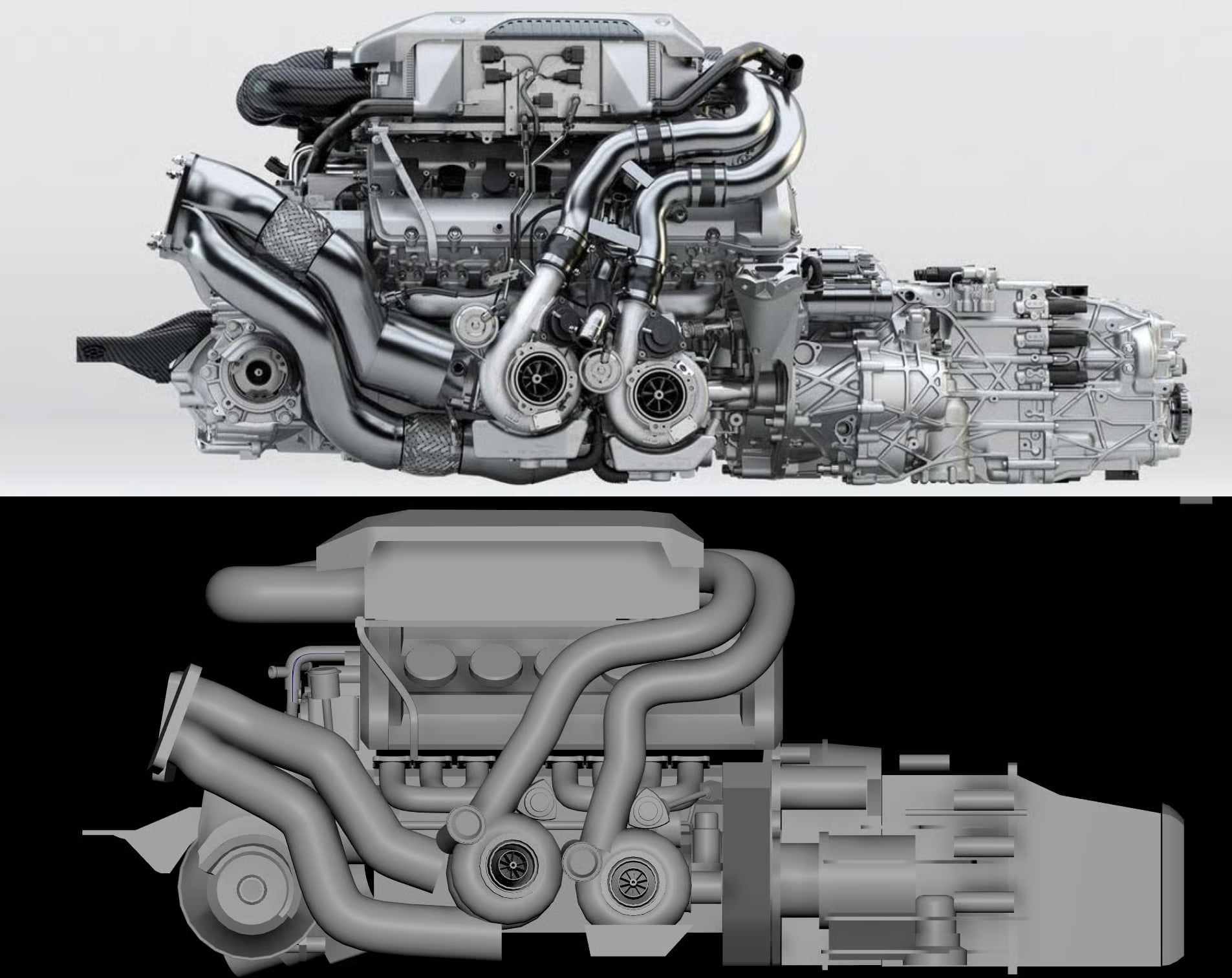 I find it helps to place the reference and the model side-by-side, to more easily compare them, like this: It also helps to put the reference behind the model inside your modeling app, then set the model to x-ray or ghost style rendering, kind of like this:
 -
Re: DX shader to render MAX 8
 Well, I think he means a render as in a proper scanline render, not a viewport shader, Professor420. From the sound of things he's already got a shader displaying the lightmap, but he needs to render it.
 -
Re: Maya 2009: renderable spline?
 Exluna ( abandonware? ) I think I remember it werking on XP and getting good results/renders as well. Edit: I jes remembered. My avatar was Exluna rendered and I had a version of curves rendered as whiskers as well. I was really happy with how that turned out. ( I'll try to dig it up )
 -
3ds Max - Noise after Rendering

 Good Day fellow designers, I am still a newbie when it comes to 3D modeling in 3ds max, so apologies if this is a simple question. I attached some rendering images to show the problems I am having. There is a lot of noise on both images after rendering and I dont know how to fix it. Especially against the walls and floor.…
 -
Re: Sketchbook: Rima
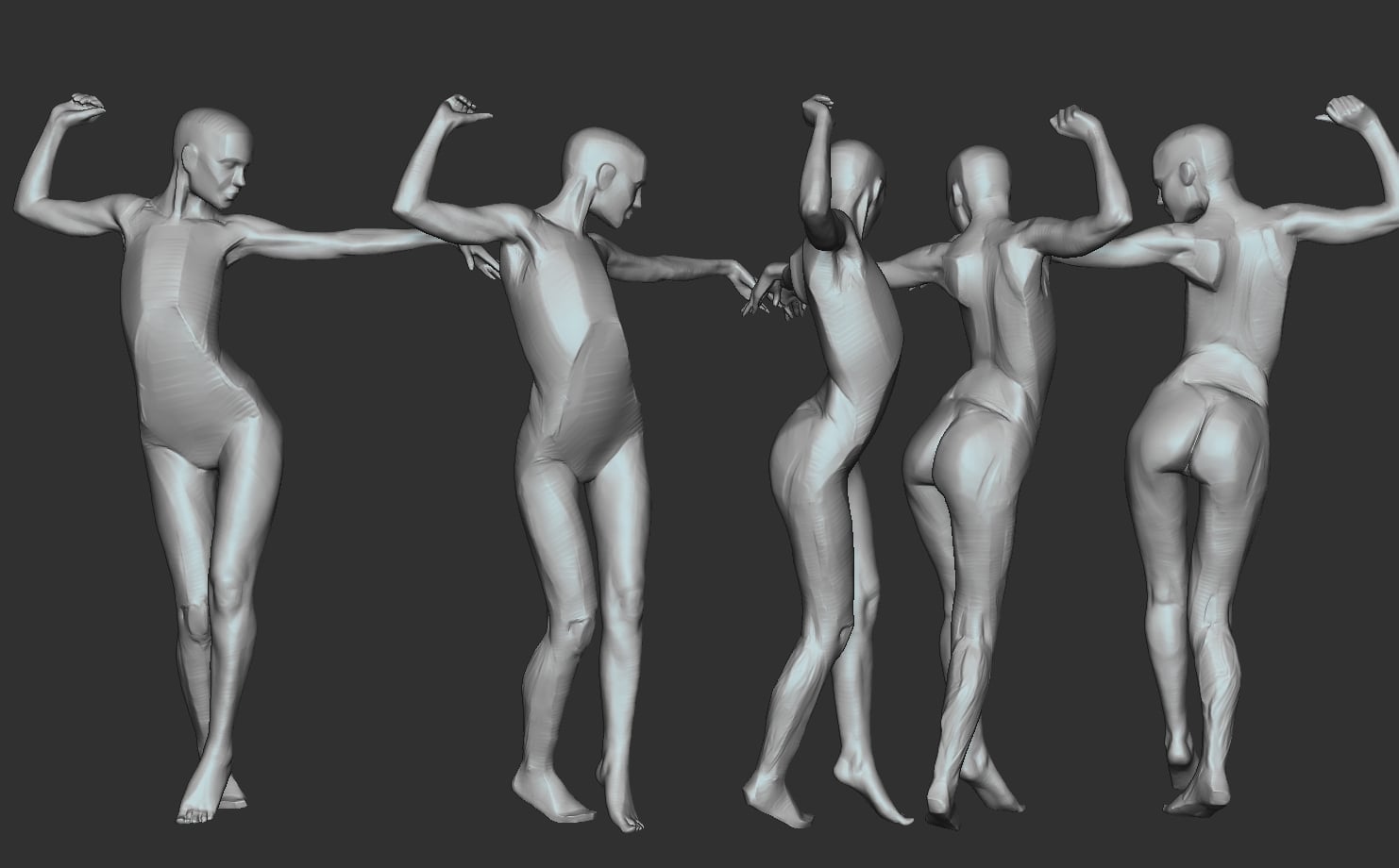 It's been one of those weeks. But I did manage to get a bit more progress made. I'm still procrastinating the torso, so I've been working on the legs. I'm sure having an actual arse and hips, when I finish them, will make the torso easier to judge. There's a lot of small inaccuracies I want to fix. I've been mainly using…
 -
Diffuse Render Error
 Hi guys, running into a bit of trouble getting my diffuse map to display correctly in renders. Ive modeled a simple storage container mesh. Everything in the scene has the same single material applied to it consisting of a single diffuse map. (flat red with AO for testing purposes.) My problem is that for some reason, the…
 -
Viewport Resolution is only for display, not rendering?

 Toggling the Resolution in Viewport panel on the Render settings is only for display in the viewport, right? This is not supersampling when we capture an image/video? In order to capture at higher resolution, we must increase the resolution in the Capture Settings (Ctrl+P menu)? Edit : I realized how easy this is to…
 -
Mental Ray is rendering with very dark interior
hey there, I have tried many different lightss, renders, read tutorials on the internet and I still cannot understand why are the walls so dark on the inside, it's like only the direct light works. any suggestions? I need an outside opinion, thanks. Rendered with mental ray in 3ds max. -
Re: Render to texture multi material...
 move the uvs of each group into their own uvspace, like head into 0-1 space body into 1-2 space and legs into 2-3 space now uf yoj render to texture it will render the head, to render the body you now move the uvs -1 unit on U axis. For the legs move it -2.
>37771 results