Search
-
High to low poly baking, I'm in need of some direction.

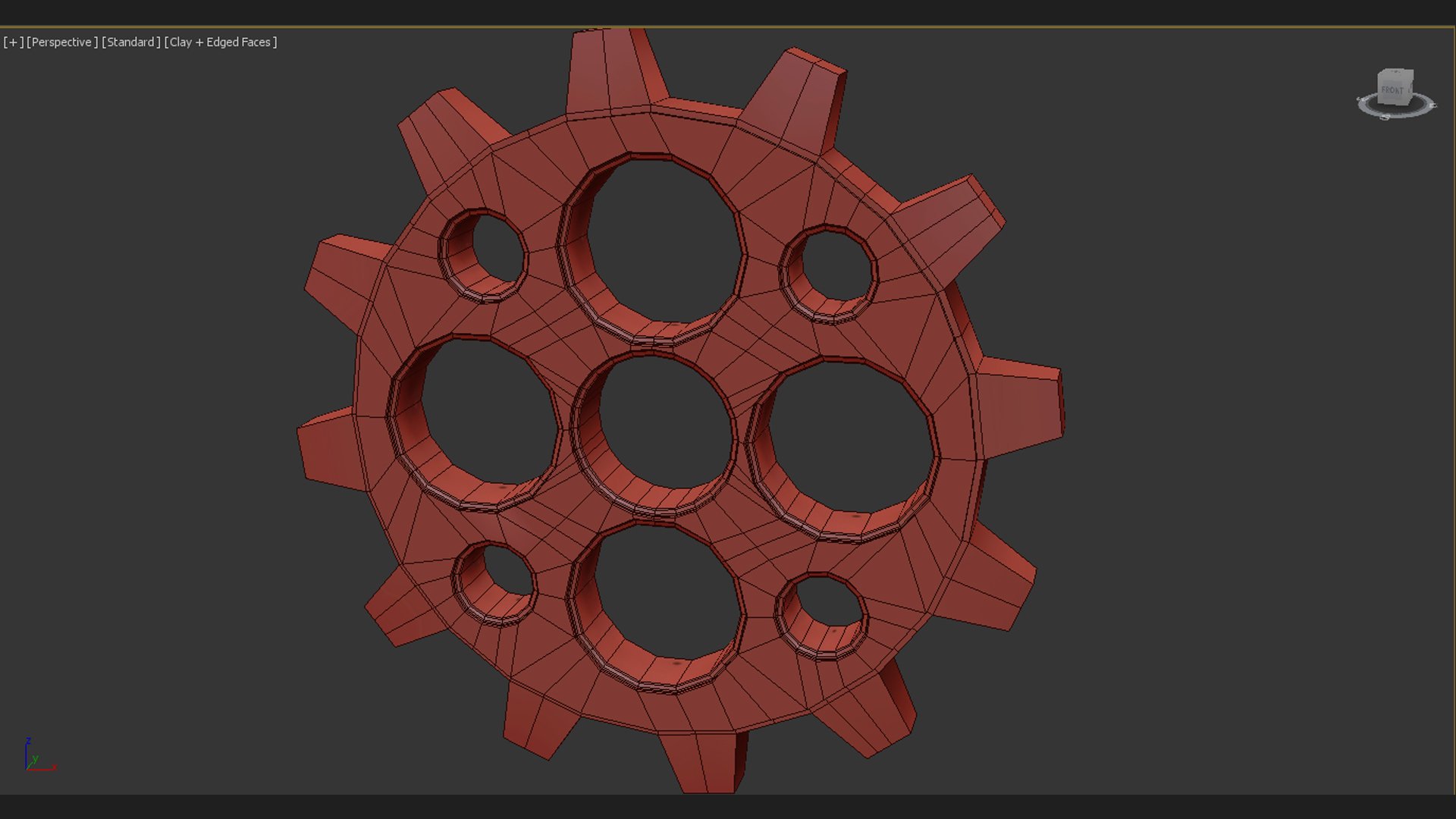 So I have decided to try and improve my understanding of baking normal detail into things as I feel it's something I need to understand to improve as an artist. I have spent the last day or two scrolling by different discussions and testing different things, but to no avail. I feel as though a little guidance will help me…
 -
Maya hardware and mental ray issues
I seem to have gotten myself into a rather difficult problem with maya and mental ray. I am currently working on a high poly game character using several normal maps. I Have been successful in generating and applying normal maps that look great with maya hardware render. The issue comes into play when I am trying to render… -
Option window do not show up
 It's my first day with ndo2, I'm using Photoshop CS6 and trial wersion of ndo. Naturally I have a fresh new normal map, without any additional layers. I'm making convertion from normal to ndo2 then making new layer and then I convert my selection to new element of normal. Lets say it's some circle bevel. nDo2 then should…
 -
Re: [WIP] Prince in the jar - 3D prop

 I wouldn’t make the interior glass opaque, that would prevent refractions of the room /wood behind the bottle. Instead, flip the normals of the interior, so it’s more like a bottle within a bottle, and color that. The lighting you have now is very front-lit, with too-dark edges. It would be more dramatic and visually…
 -
Re: Are Weapon/Hardsurface Artists In Game Studios Like Activision Using CAD?
I use cad style of software for anything more complicated than just a box if it's hard surface /non-deformable. Stopped to use sub-d for that years ago. Honestly not sure why sub-d still alive. It was once critical for 3d soft scene optimization , not that important anymore. Still a source of shading artifacts and puzzles… -
Re: Trim Sheet question: mouldings and cornices
yes, it's Fabi_G's example A . You need to relax you hi-poly source a bit with no 90 deg corners . The way the projection would show you a few pixels of sides at least. As of Unreal render be sure Unreal uses your edited vertex normals and not recalculate them back to default positions . I don't use Unreal but recall it… -
Re: Expanding DBuffer Decals
 Goal: Selective Blending Ultimately, what I want to achieve is the ability to selectively blend different channels of the decal with the underlying material. Examples: A metal bolt overwrites roughness, normal, metalness (usually) and color (in most cases) values. A crack might overwrite normal information and maybe…
 -
Re: The Bi-Monthly Environment Art Challenge | September - October (92)
 Wanted some nice prop work for my portfolio, so I had a go at this. I'm sorry I don't have progress pics, I kinda just knocked it out in a productive haze. For a lot of the little details, I experimented with a transferred-normals decal-ish approach that Christopher3D recently featured on his channel, I have to say it…
 -
Re: [UDK] the 'Road Home'
 This is basically what I was referring to. I'm at home on break without UDK or 3ds Max for the next week, but I'll try to explain it the best I can. First, you'll want to build your entire foliage mesh in 3ds Max, and have all your alpha plane placement finalized. Once you have that done, download this script called…
 -
Re: UDK - Material - Rotate the Pan
 Ace... the masking thing is.. bizarre. It makes no sence from a data or code standpoint. HLSL wise the component mask is equivalent to the swizzle operator (.) so a green mask is just variable.g a float value, a scalar, doesn't HAVE a g channel by definition.. so it has to be cast to a float3 or float4 then operated on by…
>37666 results