Search
-
Re: [Chivalry] Agata Vanguard Crusher
 I haven't worked with Unreal3 recently but if I remember correctly, the engine completely recalculates surface tangents, bitangents and normals on import for dynamic models, basically resetting them to its own default state (likely for optimization purposes - don't quote me on this tho, I havent fully checked ...) What…
 -
Re: Photoshop - Annoying Beep
 (I am using Adobe Photoshop CC on Windows 7) When I press the Alt key, the top 'File, Edit, Image, Etc...' bar underlines the first letter of each word. The beeping sound only happens for me when I press the Alt key and then press any button on the keyboard without clicking my mouse. What I did was I went to "Change System…
 -
Re: topology and artifacts
 Try the "Soften/Harden Edge Tool", which you can access from Shift + RMB marking menu when the object or edge components are selected. The default option is 30 degree threshold, which means anything over 30 degrees is made hard, and anything less is soft. I believe that default setting should give you appropriate looking…
 -
Re: How I reduced eye fatigue
@gnoop thanks, i'll check that out, would be interesting to see what default values for my screen is outputting. after using dimmed screen for awhile, going back to normal display feels like a mag light shining at me. lol, celine for the win. my mom used to listen to that on repeat during long car trips. great memories -
Is it possible to revert 3dsmax back to the legacy shift+drag behaviour in edit poly / editable poly
 I've not done much modelling by hand in a few years and miss the good old days where I could select an element, hold shift and duplicate it. Nowshift+move defaults to extruding your selected component and in the case of an element does nothing. I can detach to element as a clone but that is not fluid or pleasant and I…
 -
Unreal Engine Plugins and Settings That are Unnecessary
Hey, I want to learn unreal engine from zero. But all of these plugins and settings that are enabled as default confuses me. I would like to know what each of these plugins are responsible for. And i would like to learn the ones i need one by one. I tried to turn off all of the plugins but it kinda removed more than i… -
Re: [Substance Designer] How to expose color input
Use uniform color node , right click , expose param , check in output . Connect the node to output. In output node "integration attributes" set color space sRGB . For other channels keep it default . -
Re: Texture Question
 It is possible if the shader you are using is set up to allow it. Varies per software. Examples: Maya - diffuse texture automatically overrides diffuse color value. 3ds Max - diffuse texture automatically overrides diffuse color value, but there is also a map % parameter for every texture channel available by default, so…
 -
Re: Brusherator for Photoshop CC+, a panel with brushes! and more

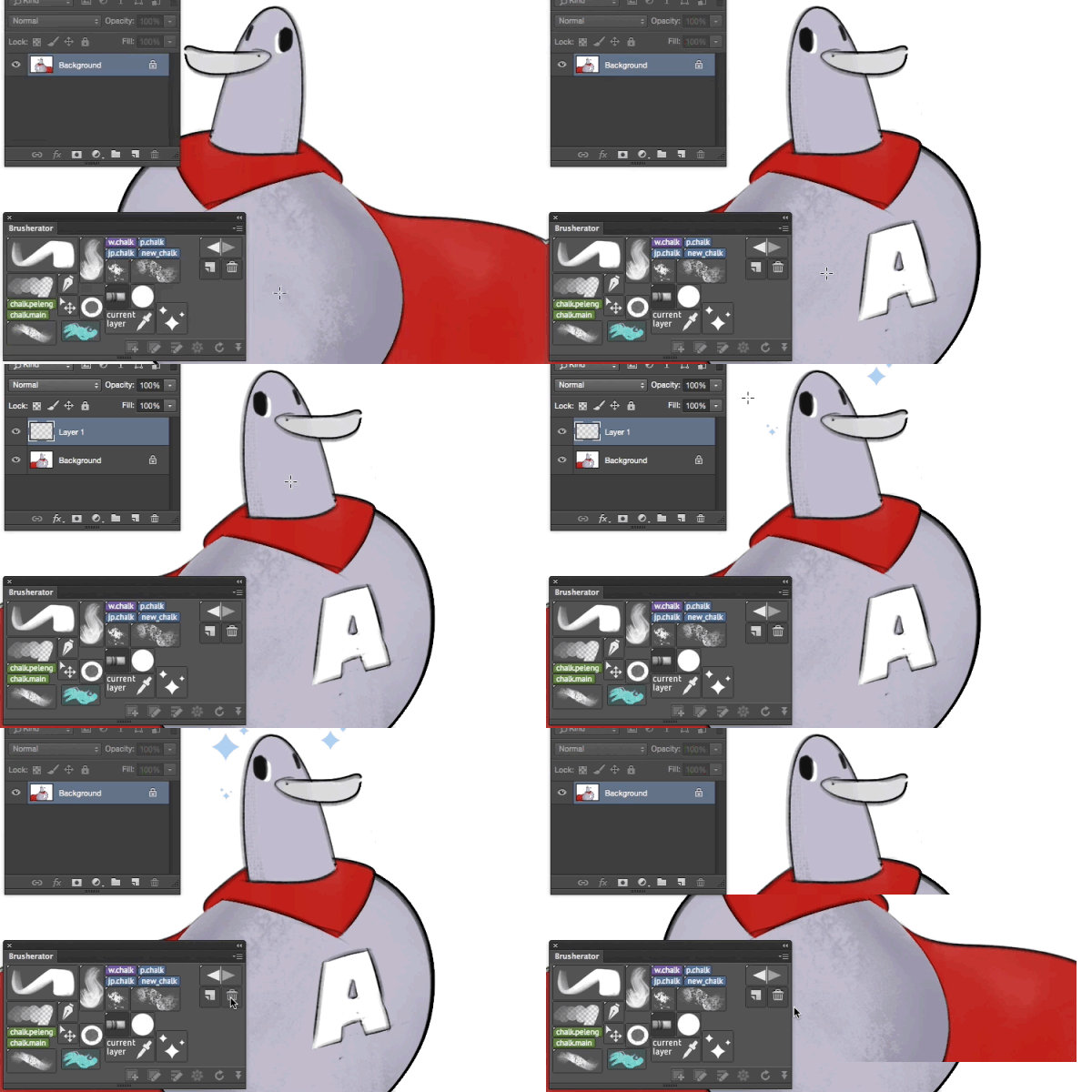 Brusherator 1.1 is online! • Actions may be placed on a panel as buttons • Flyout menu (CC2014+) — striped small thing on the right of the panel • You can select shelves from flyout menu • Option to toggle brush size inheritance for all buttons (default: size is inherited) • Option to toggle names visible on image buttons…
 -
Re: Max & Maya -Familiar Help-
 When I have to use Maya for modelling rather than Silo I try to set up hotkeys to make it as Silo-like as possible. My basic toolkit is as follows (all hotkeyed) : extrude Slide edge merge vertice tool (aka target weld) collapse edge select edge ring (select edge loop is built-in already to double left click) split ring…
>10217 results