Search
-
Re: Splotchy lighting issues

 Yeah I do but in the end it looks like my spotlight was actually inside the light 3d model. so moving it forward fixed everything problem is it makes the volumetric light not look right maybe that's just what I have to live with then, unless other people have had to solve something similar?
 -
Re: Lightmapping + dynamic lights
 I'm doing this, in Unity Pro. Lightmap is added automatically to all Unity shaders, so no need for something special. Just have to make sure the light Cullmode is setup properly, so it affects the lightmapped meshes. You might also want to set those lights to Realtime Only, so they don't get added to the bake.
 -
Lighting/Rendering general guides and best practices?
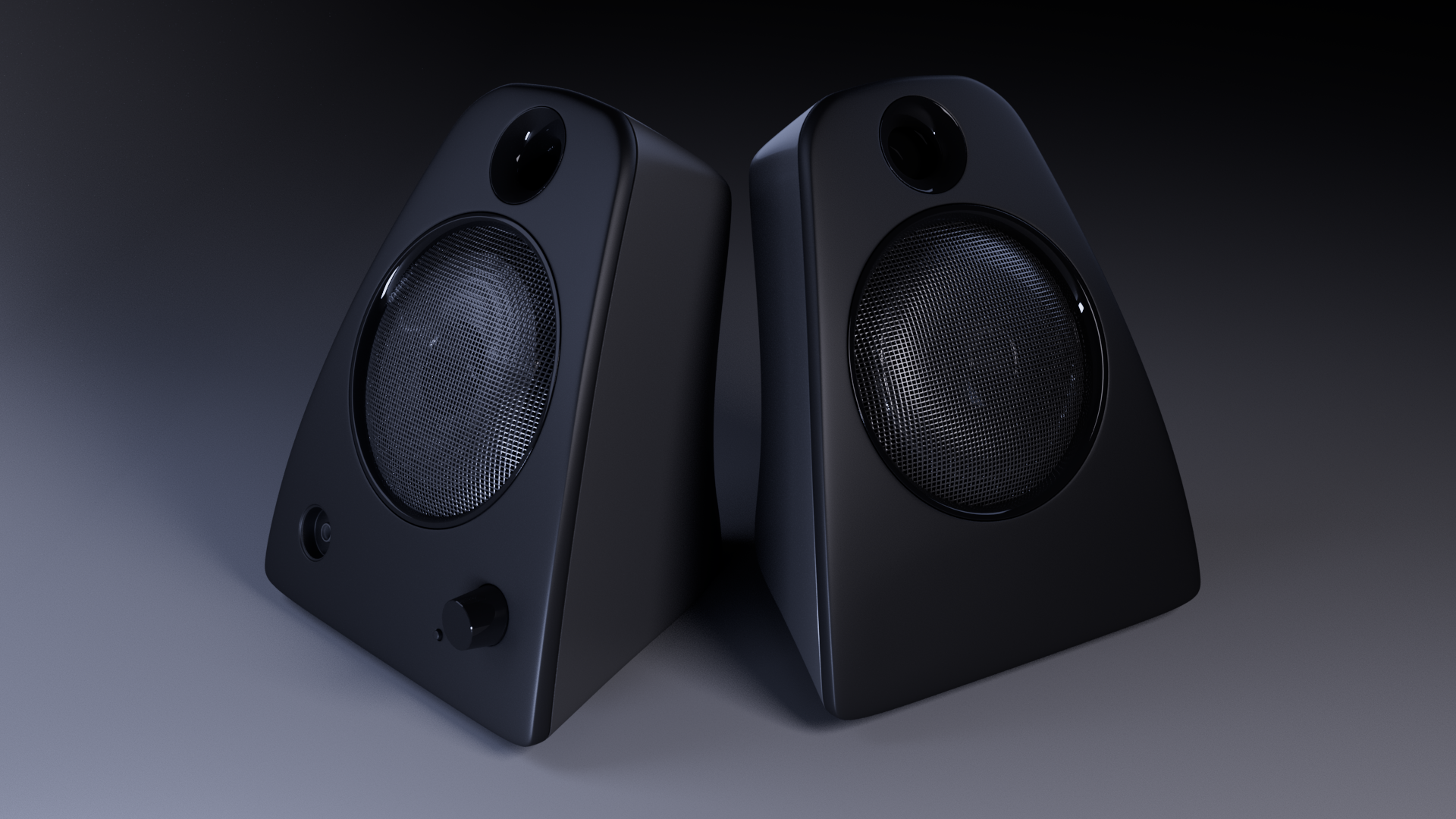 Hi folks and happy Friday, First post on polycount so I wanted to start with something simple. There might already be a thread about this, but I guess my questions would be about lighting and rendering best practices. Its something I've always been a bit confused about. Below are just some speakers I modeled really…
 -
Re: Lighting issue with modular wall pieces
 4.13 added cached shadow maps for stationary lights that behave like dynamic lights so this could be a step towards avoiding the pain that is lightmaps. I haven't tried it yet but it might be worth looking into.
 -
Re: build lighting and grass :(
 Yay, figured out how to exclude the foliage grass from static lighting... Just set the light map resolution inside the static mesh to zero :) :) :) Now I got nice lit grass - it even sinks into the ground in the distance. I'm doing a series of video tutes covering all this, but I might talk about them in a new thread.
 -
Normal Mapping / Lighting Question
 Hi, I have a question regarding a model I recently normal mapped. The bake turned out great but after I ran a test render in 3d Max I noticed certain area refuse to lighten up... I tried to add lighting sources but they have no effect. Can anyone help me with this??? I can't find any tutorials that explain what the problem…
 -
Re: Point light moveable limit
 Yea the way UDK is right now is designed to have minimal real time lights. You want to avoid them like the plague... I'm not saying you shouldn't use them...but you really only want 1 dynamic light (or less) hitting any given mesh.
 -
Re: Rim Light in Zbrush?
 When you're dragging the light's dot to aim it on the lightcap sphere, drag it off the sphere into one of the corners (or at least place it right along the edge of the sphere if you want a bit more direction to it). If you're not seeing the result clearly on the model then make sure you're using a basic material (not a…
 -
Re: Managing lights in 3ds Max
 I wonder if containers could work better? I've run into performance issues when I get a lot of containers in once scene but they would handle the instancing/updating a lot better. I agree with monster I think you're starting to dive into an area that not many people have to go, at least not around here. Most lighting in…
 -
Cityscape lights
 Hi all, wondering if there are scripts for Photoshop that make those night time city lights with much more control. Usually what I do is use noise> blur > filter > patch work and play with levels and curves till I get a nice variation. Photo source works too but I want to explore more advance methods used in industry for…
>90460 results