Search
-
This is a tricky one - decals and displacement
 I have a snowy terrain that has displacement and character footprint interaction as they move through the snow. I need tire marks to show as well and Im unsure of the best approach here. Using decals doesn't work well because the normal map has issues over tessellated snowy terrain. Using meshes wouldnt work either because…
 -
Weird shading issue between Substance Painter and Blender, no idea how to fix
Hello, I've been working on this game-res guitar model for the last month or so and I've noticed that some issues seem to pop up when exporting my texture maps from Substance to Blender. As you can see here, the shading on the model appears fine inside of Substance. The normal map from my high-poly bake seems to be doing… -
Re: [xNormal] Baked AO maps look low-res
 Update: Just did a bake with jitter turned off and it looks bad like before. I'll continue using jitter to offset the low-res look but jitter also adds noise to the map, so I guess I'll blur it out to blend the pixels but I'll keep looking for a solution because it seems like this isn't normal. I may attempt this on my…
 -
Re: do i have to bake complex curtains made in marvelous?
 the point of nanite is that you just use that higher resolution mesh and don't use normal maps in the game, and this is meant to be overall lighter amount of resources, since the triangles cost less than the normal map whether or not you'll actually do that is a question that has to take into scope the entire production of…
 -
achieving realism: using Autodesk Photofly
Ingredients: Autodesk photofly http://labs.autodesk.com/utilities/photo_scene_editor/ camera Maya ZBrush 3dcoat marmoset xnormal I recently experimented with photofly to see how it could fit in to a game asset pipeline. This was a quick test but I came away with quite a few possibilities in my head. Feel free to add your… -
Re: LOW-POLY ART

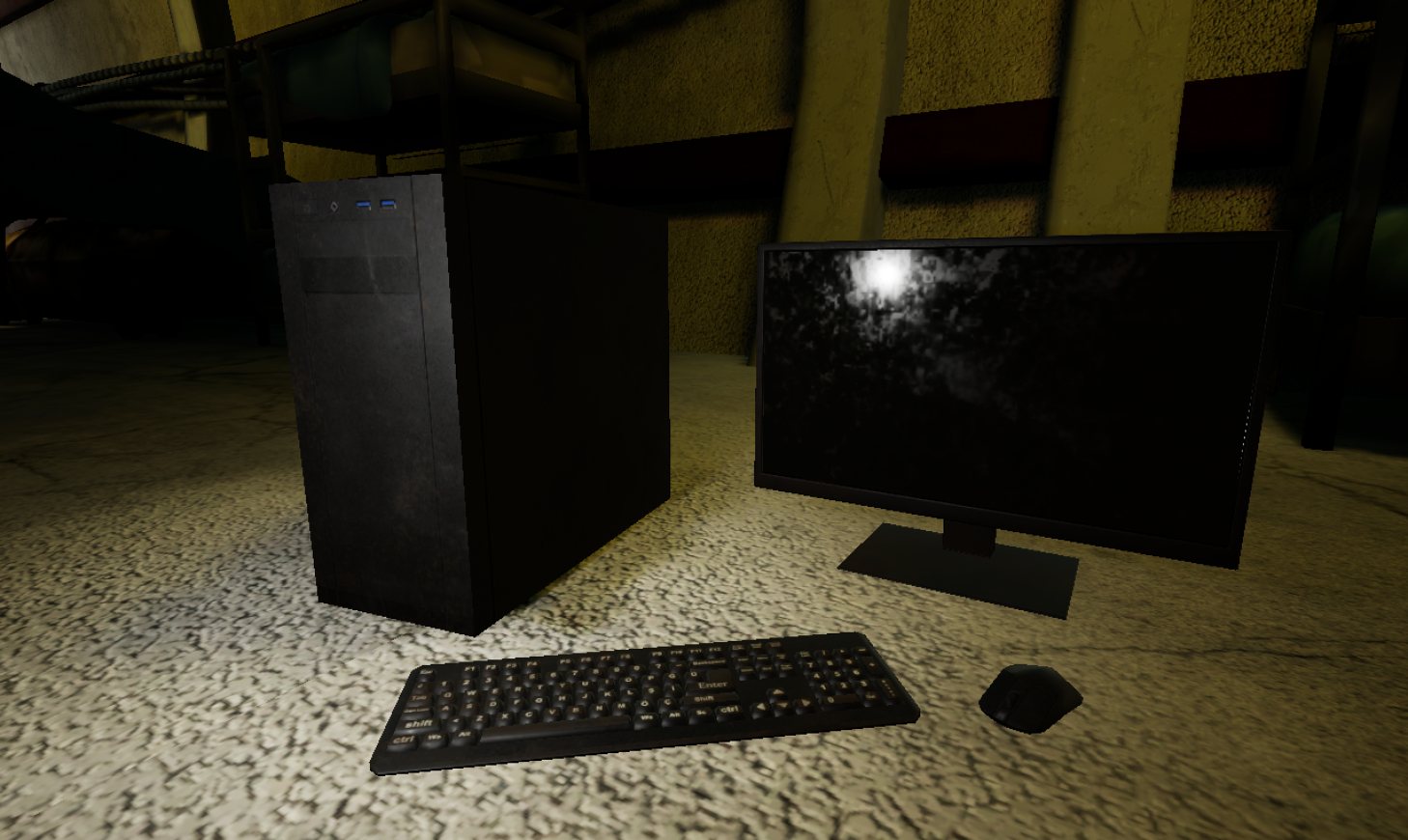 I modeled those assets for a mobile game project there is no normal map just roughness metallic and base color. keyboard 844 vertex maybe I should delete buttons mouse 155 vertex screen 144 vertex Case 8 Vertex
 -
Flipped UV problems with July version Xnormal workflow
Hi guys, I'm having some problems mirroring UVs when using the new Xnormal normalmap workflow implemented in the July version of UDK. The UV-shells that are flipped wont get the correct shading wich is a problem whenever i want to mirror UVs to save time and UVspace. I made a test to demonstrate my problem: The cube… -
Re: Moewen character
 Today i focussed on getting the first maps right in xNormal and reduced the topo to 20k tris. Also fixed some issues with the UVs and set up the char in maya to view the maps so far. I'm pretty satisfied how the normal map turned out... on my first character there were far worse problems... i start to understand xNormal…
 -
Re: scifi floor thingy
ya if you baked in blender you will need to manually flip the green channel in photoshop to make it display right in unity or udk. personally i find xnormal doe sway better normal and AO bakes than blender does so maybe you should just export out your high and low poly and do it in xnormal. and like was mentioned previous… -
Re: Xnormal - baking diffuse map?

 Hi AllyAlbon! For the first time, I baked a HP diffuse to a LP yesterday in xnormal. It was surprisingly easy once the settings were right. Here are my settings in xnormal: Dont forget that the HP needs UVs too. This way it knows where to project the diffuse colors from. If this sounds like a chore, the UVs don't have to…
>37661 results