Search
-
Re: [Substance Designer] Connect multiple outputs at once
 I have my custom split texture node. like splitting one master file 2x2k into several vertical stripes like 256x2k or 64x2k etc. that does pixel precise splitting . It requires a special sizelog integer2 connection from master image node to splitting nodes that tells the splitting node the initial size of the master one.…
 -
Anyway to smooth out a specific part of this low poly?
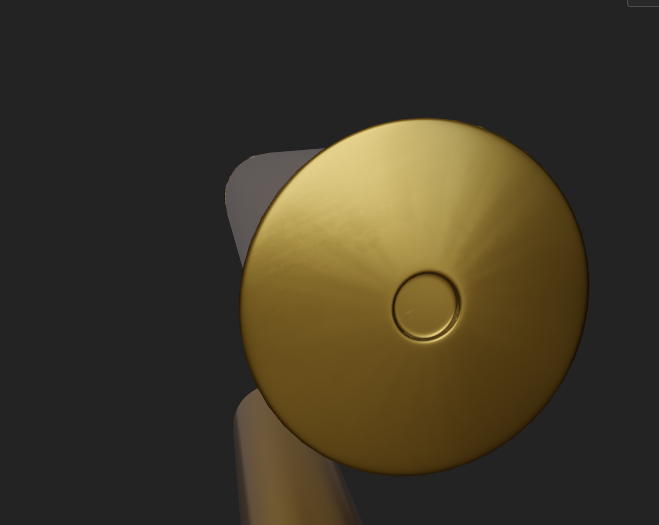 I need to smooth out this circle of faces. I think the problem is that the circle is made of triangles and the inner circle is slightly raised from the center, causing it to create this weird shading I know that I should probably redo this mesh and avoid triangles for this cylinder but that would mean having to redo the…
 -
Looking for a Unreal Foliage Wind Shader Tutorial
 I am looking for a modern tutorial/guide to wind/wpo animation for Unreal Engine 5. Specifically for trees and realistic as possible. I cant seem to find any information on how to make one that isn't old or how I am supposed to setup the vertex colors for use in the shaders. Any help would be greatly appreciated.
 -
Gamescom 2024 - See what Tim Miller from Blur Studio has been brewing for the past three years

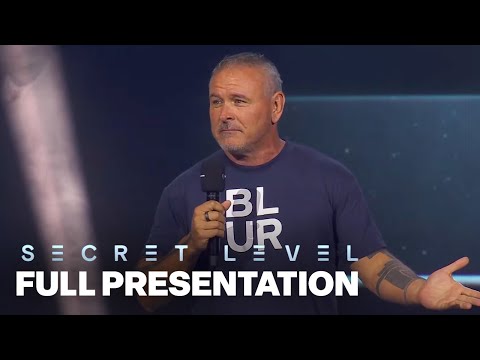 It's great to see Tim Miller’s emotion as he unveils the project Blur Studio has been working on for the past three years - Secret Level @ Gamescom 2024. It’s clear he’s thrilled to return to his true passion—creating high-fidelity game cinematics—this might be due to dealing with the complexities and politics of…
 -
Problem with normal Baking substance
 Hello, after spending hours on this i decided to come here to ask for help. I have a low poly model that i wish to bake with an Higher Poly one but I get some weird artifacts on the normal map following the topology. It seems to not be linked to the high poly as I tested swapping the high poly to just a subdivided version…
 -
[Pixel art] [Hobby] Looking for pixel artists.

 Hello, we are developing our 1h free demo for our game. We are a team of passionate hobbyists who want to give life to this project. We work hard to slowly build this project on our free time. This is not a paid position as we do not possess a budget at the moment. Im gonna leave this post active as its always nice to…
 -
Re: [Finished] [Environment] [UE5] Prospector Saloon - Fallout New Vegas
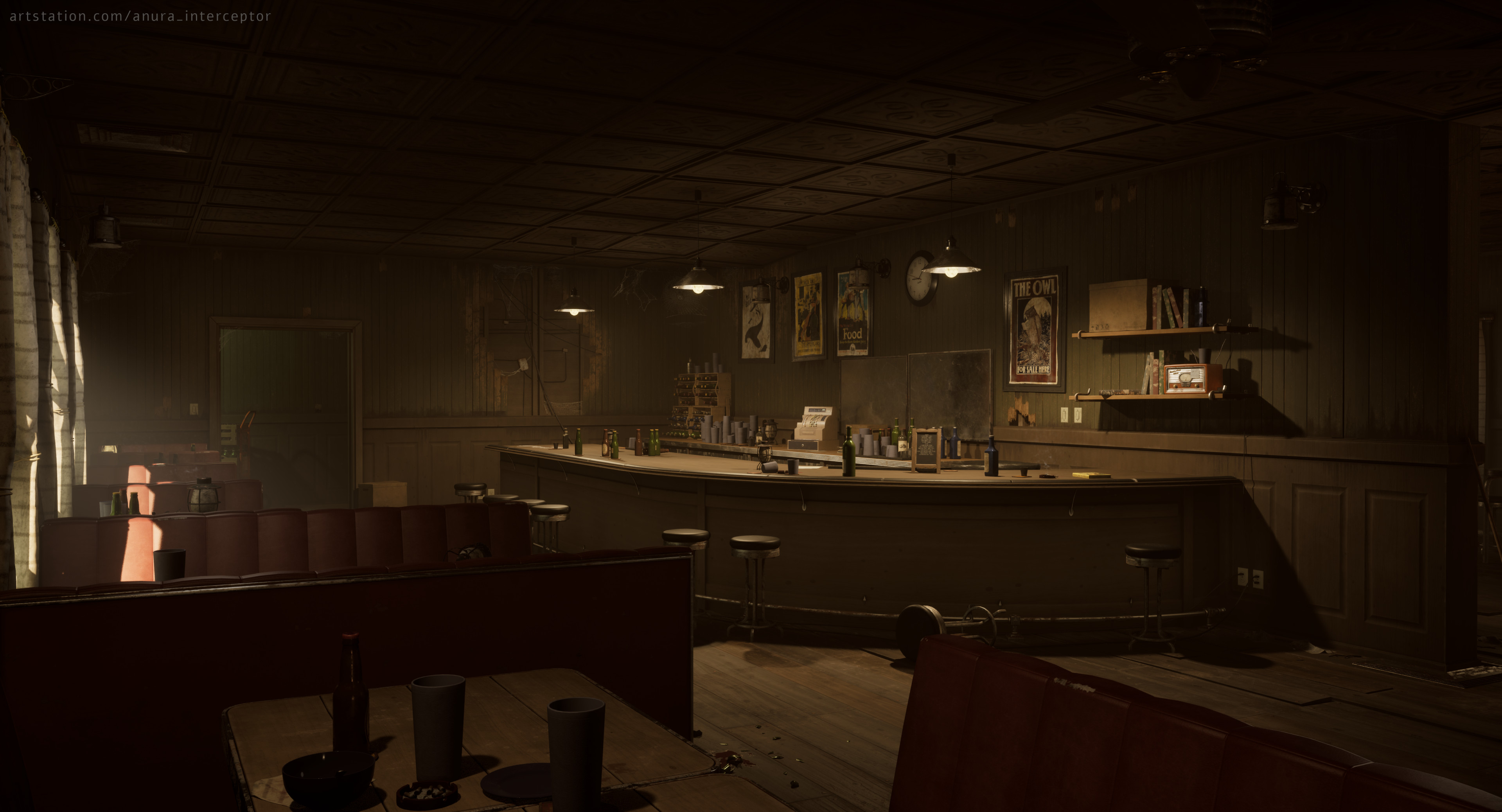 Well, it's finally done. First project on my portfolio and a whole chapter of my life concluded. I'll take a break for a bit, then start running through tutorials. For the next project I'm going to aim much higher in quality standards and smaller in scope, this scene had way too many different assets.…
 -
Re: Would Substance Designer automatic exports destroy SSDs?
 With modern SSDs, it really shouldn't be an issue. It eating up space is more of concern than the number of writes.
 -
Re: Max Nitrous Viewport Clay in Blender?

 Since you originally mentioned (some days ago :wink: ) the matcaps of blender.. if this : ..is not what you want.. (i forgot th mark the left-right-arrow under the cogwheel to change the light).. Ever thought of just using a sphere with the max clay and render you own matcap ?? And installing using Blender -> Preferences…
 -
Re: [Substance Designer] How to expose color input
Use uniform color node , right click , expose param , check in output . Connect the node to output. In output node "integration attributes" set color space sRGB . For other channels keep it default .
>84161 results