Search
-
Re: Issue: Move Tool (3DSMax)
 Are you trying to move the entire object by selecting all of the verts and moving them? If so (not sure why you would....but..) make sure you don't have a constraint turned on. It will be right under the "Edit Geometry" sub-group of your editable poly tools. Part 2 - Never attempt to move an object by selecting all of a…
 -
Baking Hair & Fur for Games MiniTutorial
 My tutorial writing skills are no where near where they should be. Re-reading it I think I can make it much clearer. I'll take another stab at it. 1) Plot your hair guides using splines. Align your splines so they will form poly strips. For the purpose of this example it will look as simple as 3. 2) Select the first spline…
 -
Layer Factory extension for Photoshop: create and modify layers

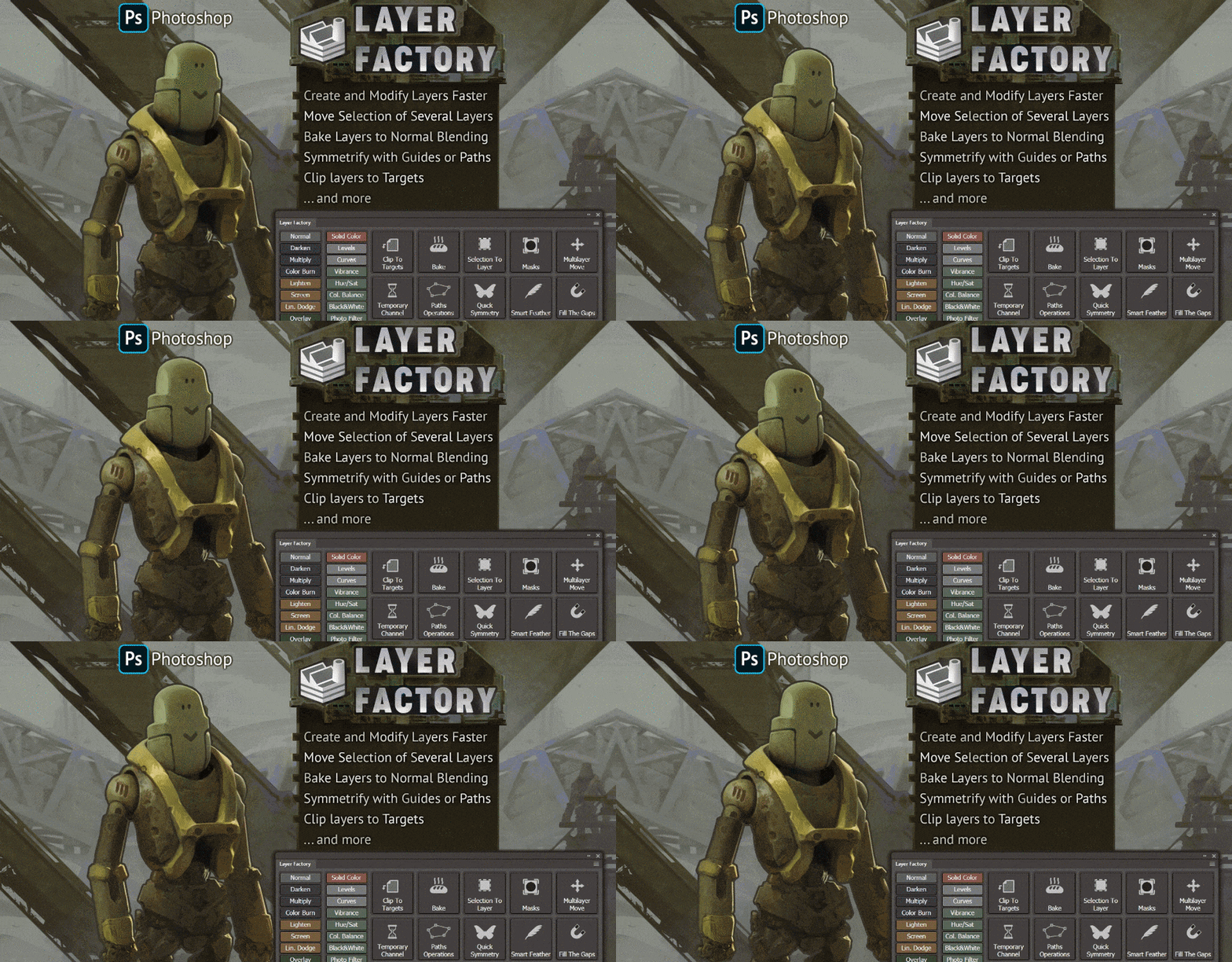 Hi everyone, I made an extension for Photoshop (CC only) for working with layers — Layer Factory. I use it every day for more than a year now and can't live without it so I thought maybe someone will be also interested in trying it. Layer Factory consists of separate modules that can be hidden/revealed/expanded…
 -
Vertex normal script for Maya
 Hi everyone! I just wanted to share a script I've done for Maya to quickly be able to set the vertex normals based on the face normals. I know there are a few ways to do this within native maya, as well as a few scripts, but I haven't been able to find one which averages the normals for verts shared by multiple selected…
 -
[3ds max] [maxscript] script to export/import explicit normals
 hello! I need a script to save and then load explicit normals for selected objects. so the process is like this: * select object * press button to export normals into a file. normals saved along with object name * deselect/object again * press a button to read saved file. script sees the name in the file and if this name…
 -
Having a viewport nightmare
 1) Viewport selection isn't working for face or element selections. When I have a texture assigned to my model and use face or element mode it only shows the outline of the selection. 2) And now for some reason 3Point Shader is bugging out when I apply a texture to my model. The shadowing is turned up and I can't even see…
 -
3D Max 2009 Modifier List Freeze
 We had to reload 3d Studio Max 2009 at work and now that it is finally back in max will freeze every time I go to open the modifier list as long as an object is selected. If nothing is selected there are no modifiers to populate the list so nothing happens. Only when an object is selected and you go to the drop down. We…
 -
Answered: LiveLink not creating material blends, just copying Master Material
 Hi, I'm working with Megascans Unreal 4 Livelink with Unreal 4 version 4.19.2 - When I click on two material instances, as shown in your instruction videos, and click "Create Material Blend", it merely copies the Master Material with the white default tiles and doesn't carry over any other materials selected. "Reset…
 -
unable to copy/paste biped positions
 I started up max (max 8) this morning thinking I'd rig up a character I'd just finished.I set up some biped bone positioning, went to copy / paste opposite, and found that I couldn't select these options. WHY? They are there but unable to be selected. I opened up an older character file that already had a biped setup,…
 -
Question about smoothing/normals
Hello community! I want to attach a mesh to another mesh without damaging the smoothing/normals. Do i just do like this if its editable mesh? 1. Select the first mesh i am going to attach it to. Add edit normals then select the normals and make explicit. 2. select the second mesh i am going to attach to the first. just…
>15392 results