Search
-
Re: Environment Art Beginner Questions
 You need to get this image uploading issue resolved immediately. We can't help you unless we can quickly and easily see your images. Below is an image I uploaded using the method it explains. It's free, quick and shows the image in the post without the need for a link to click on.
 -
Re: [WIP] - stylized character, could use some help to understand what to improve for future sculpts
 Thanks for your feedback, you are both oviously correct, i am by no means a master of human anatomy and as most would benefit greatly from studying it further. What makes it hard for me is that dont realy see what i am doing wrong. The time where i was in school is a few years back and since then i didnt realy have anyone…
 -
blender Cycles-Render region??
 Does anyone know how to keep or retain the previous render in the image editor while re-rendering a region in Blender cycles? Whenever I select a part of my image using shift B, the previous render is completely erased and the new rendered region becomes the new image. It would be awesome if you can see the changes you…
 -
Organic Environment Inspired by Southeast Asia – UE5 (No Megascans)

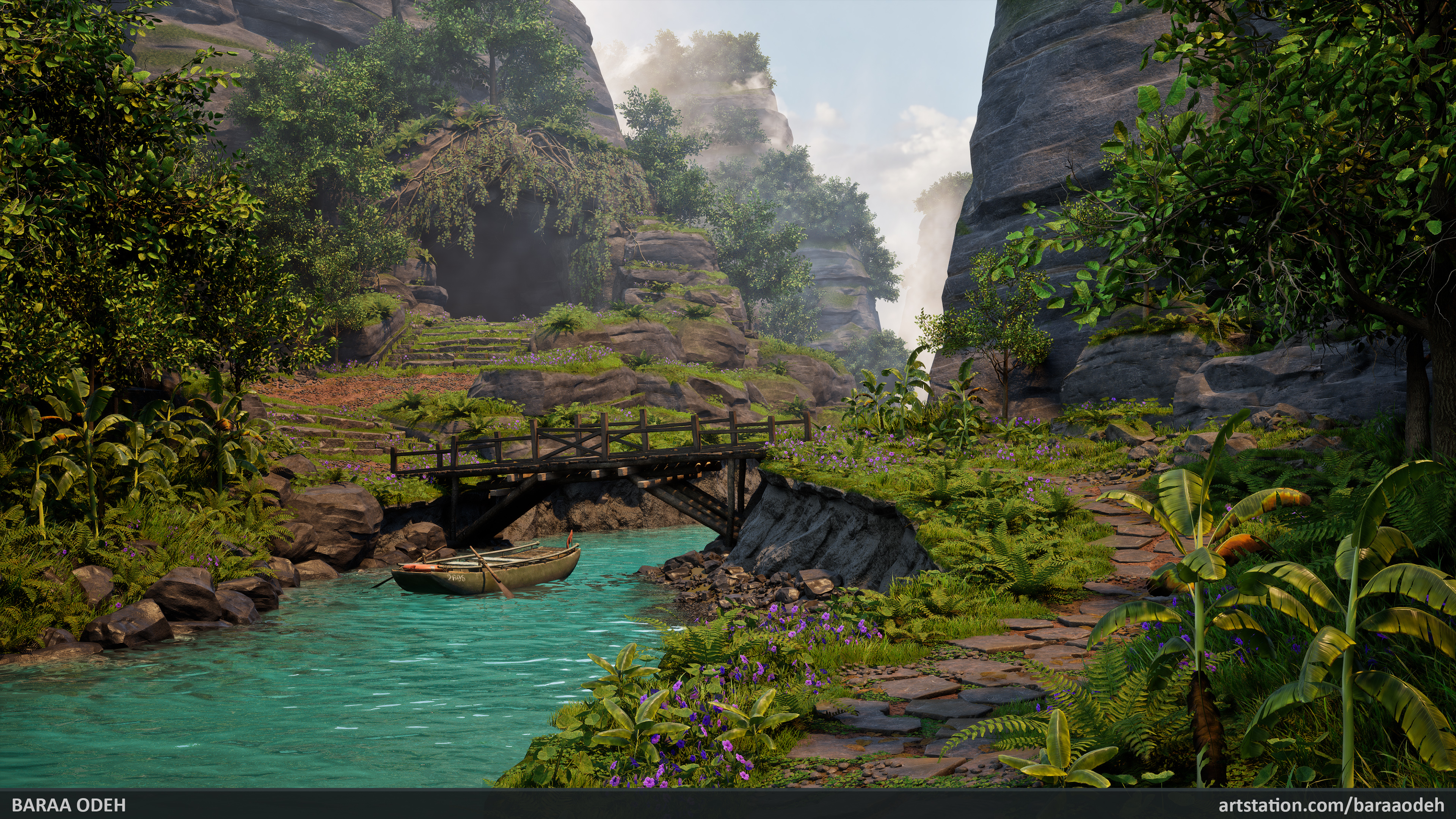 -Personal Project- I'm very excited to share my latest project – an environment inspired by regions of Southeast Asia. This project came with many challenges, and everything you see was created entirely by me from scratch, without using any pre-made assets… yes, that means no Megascans assets were used! The project took 17…
 -
Re: How to get more replies/critiques.
 Too many big images, for me, anyway.. I can't even load the images with my internet. Of course I have horrible interwebz, so I can't speak for everyone. Maybe link to your reference? Those images seem to be the largest. Or do something to cut down on the image size.
 -
Re: WIP - Mossberg500
 Ahh Mossberg 500, I enjoyed doing mine :) , need any help on certain parts I may be of some help. http://bencottage.co.uk/images/mossberg_500_7.png http://bencottage.co.uk/images/mossberg_500_5.png http://bencottage.co.uk/images/mossberg_500_8.png http://bencottage.co.uk/images/mossberg_05.png
 -
Tf2 Background question
 Hey I was just wondering if anyone knows how to do this. That background image of the Demo Vs soldier thats on the background of TF2 splash screen, is that avaliable in a nice desktop resolution anywhere? I googled it and found small images of it couldnt find desktop sized? Or is there a way to extract the image at all…
 -
Anyone know of such a plug-in....
 ...for FireFox that'll allow me to select just some of an image and copy that to my clipboard? Currently you can right click an image and do "Copy Image" which throws it in your clipboard. Perfect for finding images quickly then bringing it in to Photoshop without having to save to the desktop. I'm wondering though if…
 -
Re: Corel Painter
 I used painter alot about 10 years ago but it was very unstable compared to Photoshop. One thing I thought was awesome was it's image hose brush, while photoshop can only use a black and white image the image hose can randomly spray down a series of full color images.
 -
Re: Arena Net art test
 These 2 empty lines above are not actually images. They're links to web-pages: http://s3.postimage.org/4hvlyqnn/Arena_Net_Progress_JB.png http://s1.postimage.org/b3evc1far/Environment_Test2011_ref.jpg On these pages, rightclick the images and copy the image urls from there. Just a heads up for next time you wanna link…
>44215 results