Search
-
May I get some critiques for my model?

 Hi guys! I'm working on a portfolio right now aiming for Blizzard. Here is one of the small piece, a classic small character Kobold . I wonder if I may get some critiques from you guys to improve it. Plus, can someone give me some tips on final presentation? Thank you so much for your time!
 -
May I get some critiques for my model?
 Hi guys! Haven't been posting here for a while. I'm working on a portfolio right now aiming for Blizzard. Here is one of the small piece. I wonder if I may get some critiques from you guys to improve it. Plus, can someone give me some tips on final presentation? Thank you so much for your time!
 -
EA lays off 900 employees in 'organizational restructuring'
http://www.joystiq.com/2013/05/08/ea-lays-off-900-employees-in-organizational-restructuring/ I didn't actually find how many were developers vs. secretarial, etc. but constantly reading headlines like this over the last few weeks sure makes me nervous about trying to find work. -
Re: Barrels are hard.
 Also one more note on when too far of a ray distance can be a problem. Particularly on convex shapes like this: 1. Base mesh 2. Cage, may look problematic but it is fine 3. Cage overlapping onto itself, will cause all sorts of problems here in the inset.
 -
Re: The Beast - Questions and Answers
 jecastej You don't need to upload any geometry, just images. Burpee Yes, V-Ray is allowed but no subdivision. nikola3d You may want to contact a Polycount admin for your picture issues. Enalya Sure, your asset is yours and you do anything you want with it :)
 -
Re: Baking Pourous Models [Errors]
 @Talon, You assessment is probably the most accurate a combination of not enough bevel with a curved surface, in conjunction with not having enough texture space to represent what -is- there; exacerbated by the rays in the holes catching opposite edges. I have only just now risen for the day and will be working with this…
 -
Free Stylized 3D Character – Cartoon Boy (Test Rig + Head Modeling Video)

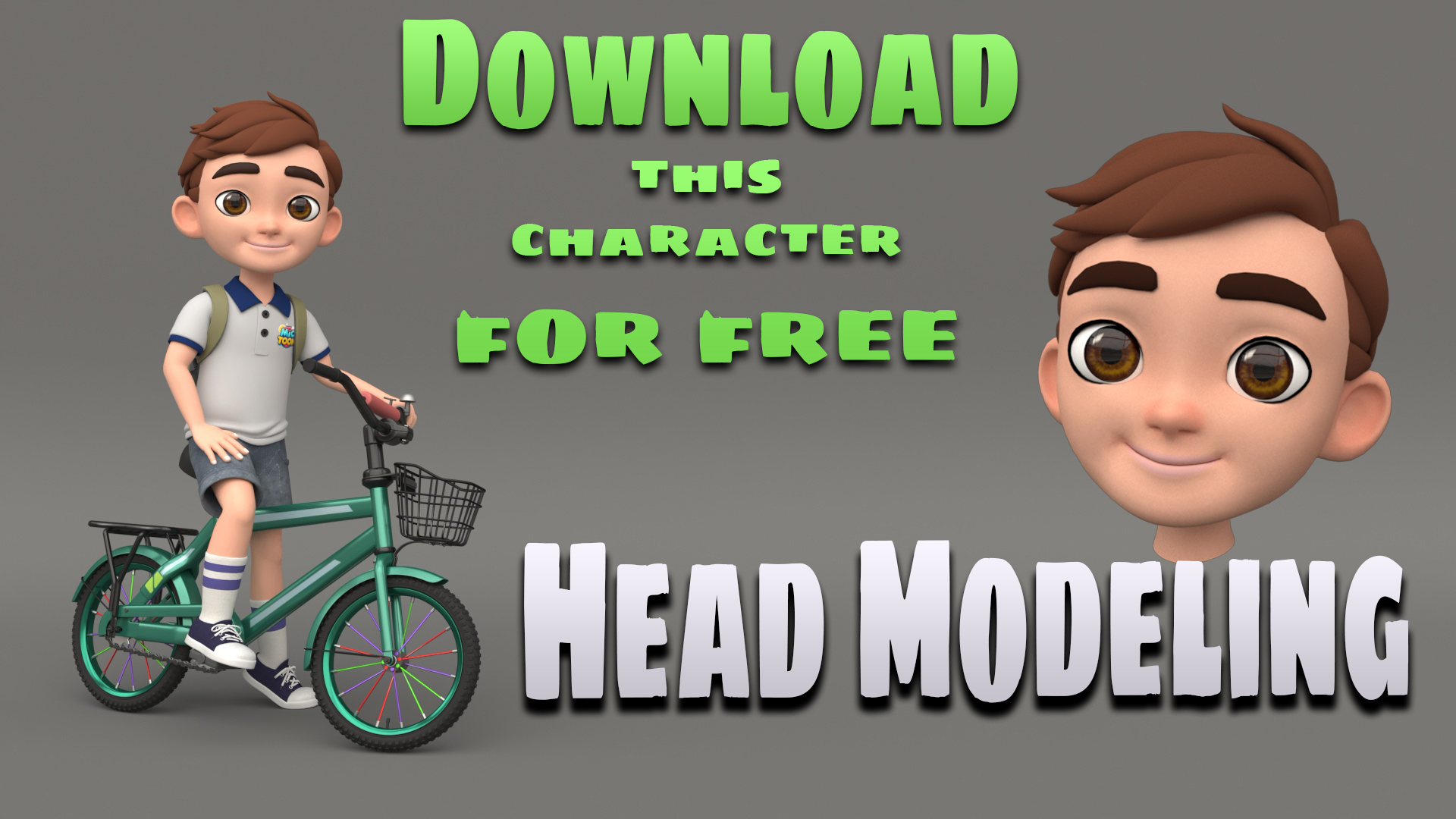 Hey everyone! I just started a new series on stylized 3D character creation, and this is the first part – modeling the head of a cartoon boy using 3ds Max. 🔧 Software: 3ds Max + V-Ray 🎯 Focus: Topology, Stylized Form, Rig Readiness 📽️ I recorded the full process and published it on YouTube:👉 [Modeling a Cartoon Boy's Head…
 -
Re: Hot to get rid of greenish tint appears in SSS?
 Post a shot of your issue? I suspect it's related to the blue having a bit of green hue (teal-ish) and pushing it further towards true blue might fix this. Or does it occur with other hues too? Pure gray? What version of V-Ray are you using, in what software?
 -
Re: Sick of staring at computers?
 i believe it's all about the balance - indoor/outdoor things and stuff. plus posture, frequent blinking/eye-training, proper drinking and suitable setup of the work-area - lighting, TFTs instead of the old CRT ray-guns and may i suggest trying a dark desktop color scheme?
 -
Re: Moon
 I'm really looking forward to this one, I'm hoping the same deal doesn't happen like with Choke. Waited for ages to see it spring up in theaters, then stumble across it one day sitting on the shelf while DVD/Blu-Ray shopping. I'd really like to experience it on the big screen.
>63329 results