Search
-
Re: 『WIP』 UnrealEngine 4 environment - Fallen Castle

 A bit of the landscape (Made in WorldMachine) and the blockout of the larger shapes in UE4. Small GIF of the landscape Some shots from the blockout (I think the flag is the best piece of the blockout :P )
 -
Re: The Bi-Monthly Environment Art Challenge | September - October (98)

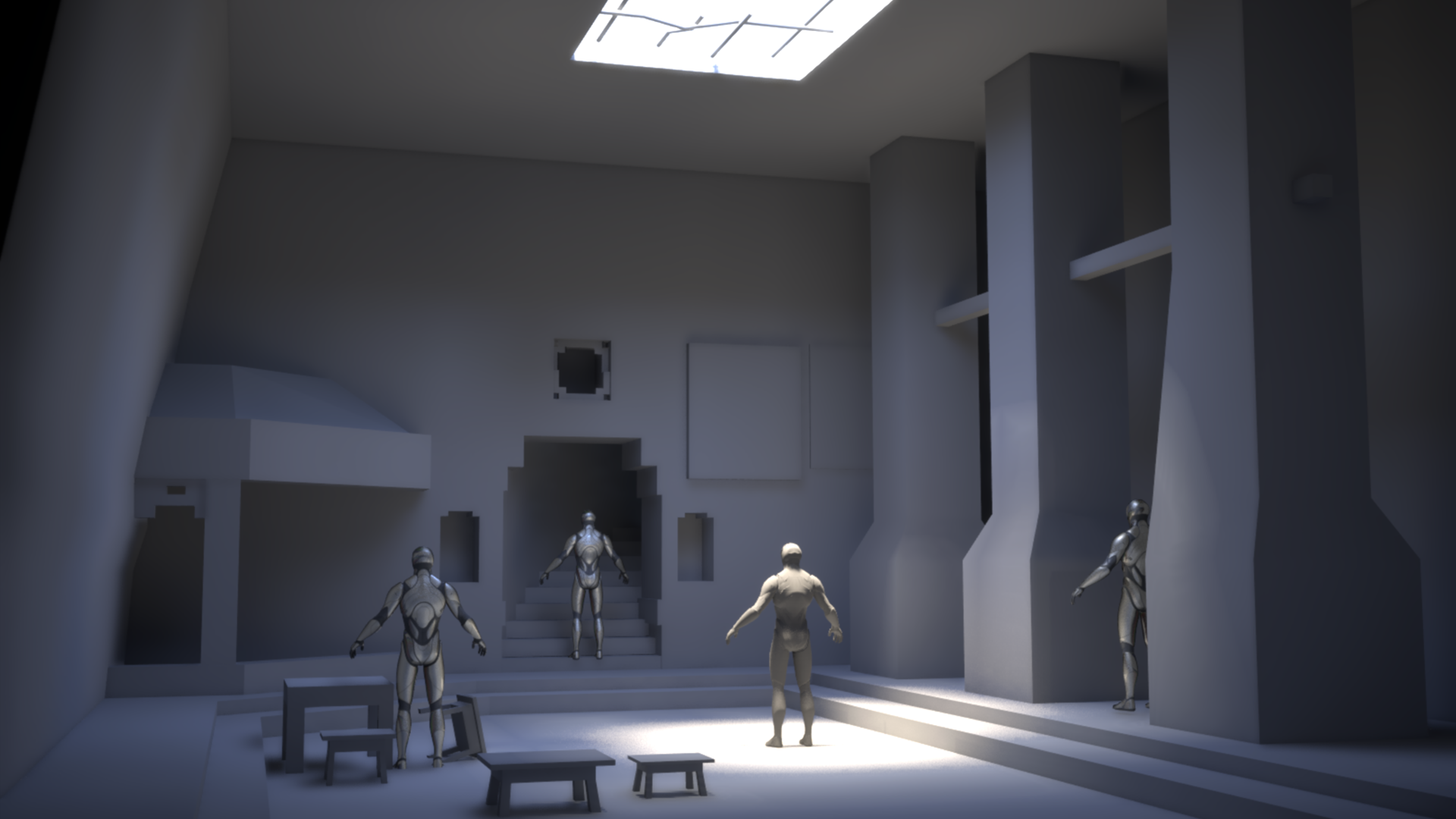 Still whittling away at the blockout, made lots of scale changes along with moving some stuff around. Getting closer to a look I like.
 -
WIP - Custom M4A1

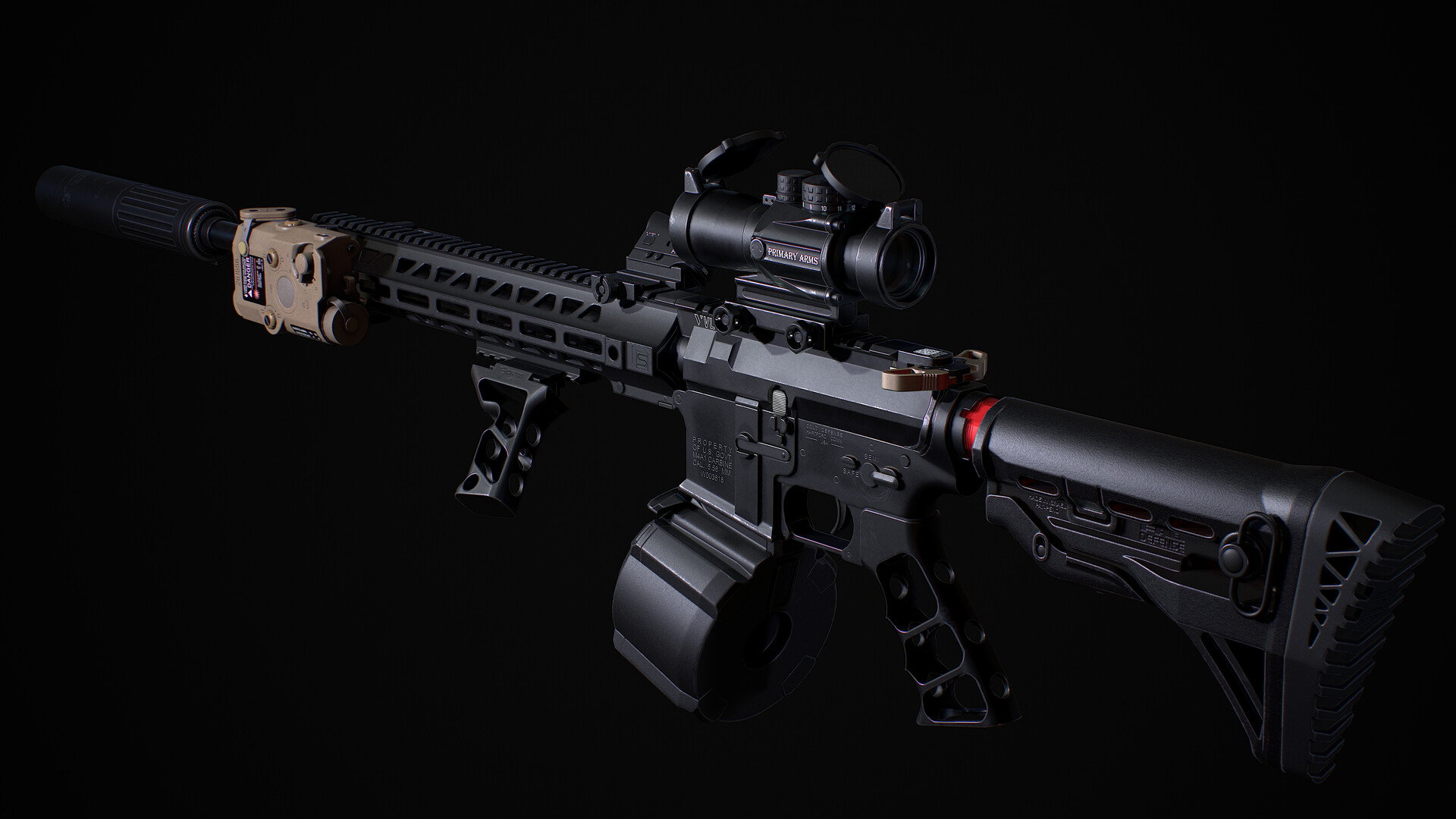 UPDATE: ok :) So i call this one done! If you wanna see more shots, here is the link: https://www.artstation.com/artwork/8l8LyE Thanks a lot for the feedback! I would not have finished this one without posting it here ^^ Hey Guys :) I've been playing a ton of Tarkov the last couple of Weeks :D That's why i decided to…
 -
Re: [Finished] Ghost Town Fogmourn - Artstation Wild West Challenge [UE4]

 Wip #2 [Blockout + Some HP] So today I continued to do blockout of buildings. Also made few bricks in Zbrush for the well It remains to do the train and wagon blockout and then start hipoly everything.
 -
Re: Share your blockin models...
 I do quite a lot of blockouts for concepting, as well as for in-game assets, and I tend to wedge primitives together for more blocky forms, and use shell pieces for more organic-looking stuff. So for instance, with the buggy blockout below, for the body I think I just started with a plane with a few divisions and extruded…
 -
Re: The Bi-Monthly Environment Art Challenge | September - October (92)

 Here is my blockout progress and first pass at lighting in Unity:) I definitely struggled with trying to match the camera perspective in the concept (using perspective plotter in blender), but this is my best guess. @Pep_mepla Your blockout looks spot on! I noticed you changed some of the proportions of objects in your…
 -
Stylized sword exercise
 I had a free week between semesters, and because I have wanted to explore more stylized stuff, I bought a tutorial on how to create a stylized sword prop by Sabrina Echouafni on Flipped Normals. As someone who is still relatively new to sculpting, I like stylized stuff because it is more forgiving, and I can just have fun…
 -
Re: (WIP) Crashed Spaceship and Dead Astronaut
 It could help to draw some thumbnails to explore composition ideas, before getting into the 3D blockout. Thumbnails are small quick sketches, kept small so you don't add too much detail, and can just work on multiple sketches, to test different composition ideas. More about that…
 -
Re: [REQUEST] Maya workflow tutorials
 Yeah sure. Except you will most likely never, ever manage to work like that efficiently - it is just way to limiting. Here is your workflow, for any asset : > Start from a well established 2d concept ; > Make a rough blockout model of the whole asset. It can be low or highpoly, clean or rough, it doesn't matter. But it…
 -
Re: [WIP] [UE4] Medieval Town

 I had made a blockout for that scene, this blockout doesn't represent the latest scene expectations I was just trying to turn the concept to a 3D scene and I will make changes and adjustments while working on the project Here is a video walking through the blockout in UE4 https://youtu.be/9qdq7jJUh9E
>5297 results