Search
-
Re: How to model a 50s van?
 @ArtHuman Polygonal automotive modeling workflows typically involve tracing the body lines with curves or subdivided edges and creating clean guide shapes for the curved panels before cutting in any surface details. Whether or not something is modeled as a continuous surface or split into sections really depends on the…
 -
Whats the difference between using baked AO map in the AO slot and just merging it into my texture?
 I baked out my normal, AO, and height maps from hi to low poly in Marmoset. Now I've' imported all my meshes into a single Substance Painter file using an FBX and I could apply each of the the individual AO maps to the AO map layer or I could just add them as an additional layer for the diffuse texture layer. Any reason to…
 -
Mer-Mates

 Hey everyone, I'd like to document the progress of Mer-Mates, a collaborative art project that gemmasuen and I have started. The aim of Mer-Mates is to gain xp creating fun stylized designs and ultimately model up a sketchfab or marmoset viewer diorama. So I'll start off by sharing the idea Gemma sketched up for the…
 -
Unity to merge with app monetisation firm ironSource

 Unity to merge with app monetisation firm ironSource It's sad to see Unity laying off 200 staff and now this news. Personally I used to love the Unity engine, I even did my Masters with it. $4.4 Billion is a good deal considering that Unity has a very large strong hold of games produced with the engine, especially in…
 -
Mer-Man, Masters of the Universe

 Hi everyone, Here's my latest image : Mer-Man from Masters of the Universe. Sculpted and textured in Zbrush, rendered in Keyshot and final compositing done in Photoshop. Hope you like it :)
 -
Re: Abandoned Dacha Environment - Modular Kit with interiors

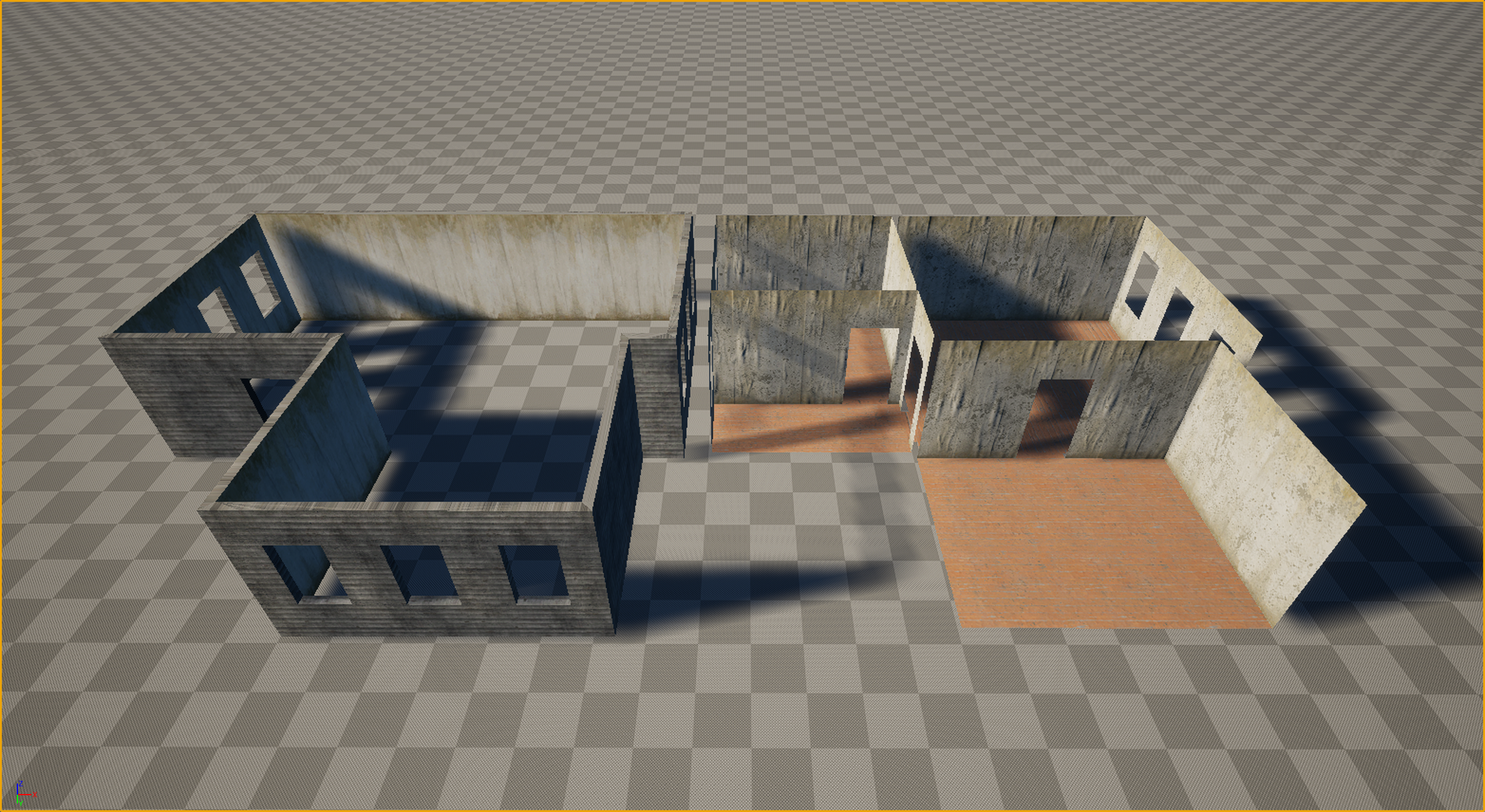 Thanks everyone for the kind words and the great questions! Let’s dive in. Working in VR is truly like walking on a razor's edge. It’s a technical hell where every decision must be calculated ten steps ahead. Performance requirements (high resolution across two displays + high frame rates) leave no room for error, and you…
 -
Texture Merge Help!
Hello I really need some help, I work with lots of props that are their own separate objects but they share the same UV space. When I finish modeling each one: I export it, bake it and paint it and export the textures as a pack.(ORM etc.) I keep doing this for all of the objects, until they are all done. Then, I mask each… -
Re: Max 8 Crashing
Is it just the one file it's messing up on you with? Try merging the object into a new scene. File>Merge, and then select your file - it will bring up a list of objects in the scene you're merging from - pick the one you need (if there are multiple objects) and click OK. You could also try converting to an edit mesh, and… -
FINAL Marc Saunier - Environment
Just signing in. There will be art deco, ZB and XMD brushes, that's all what i know for now.
>6862 results